Stills before motion
Seedream 5.5 AI Image Generator
Plan the still before the shot. Write the brief, lock character and set with references, and fix one decision per pass. When the frame holds, take it to a Kling video tool as a separate step.
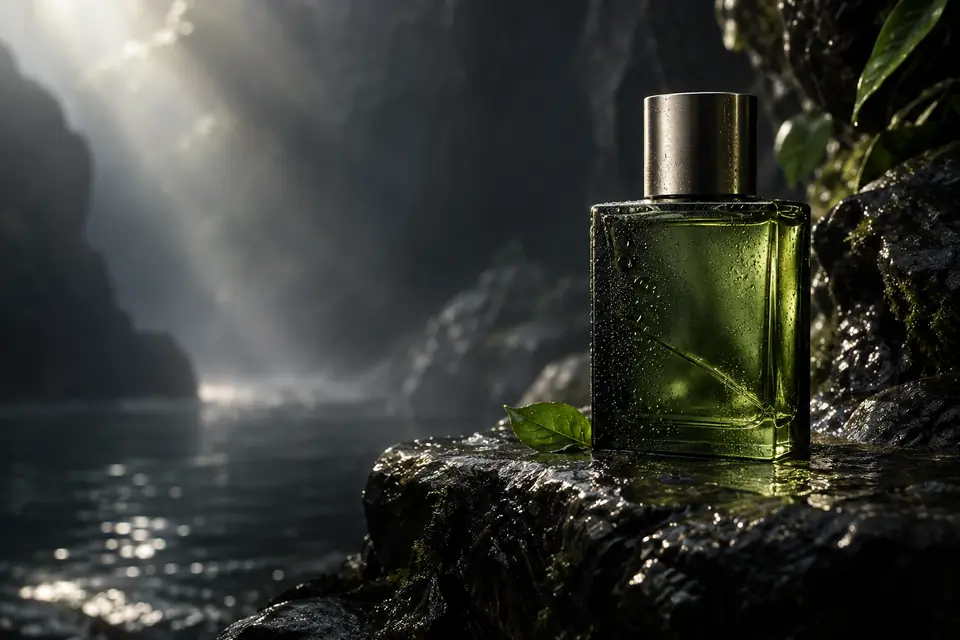
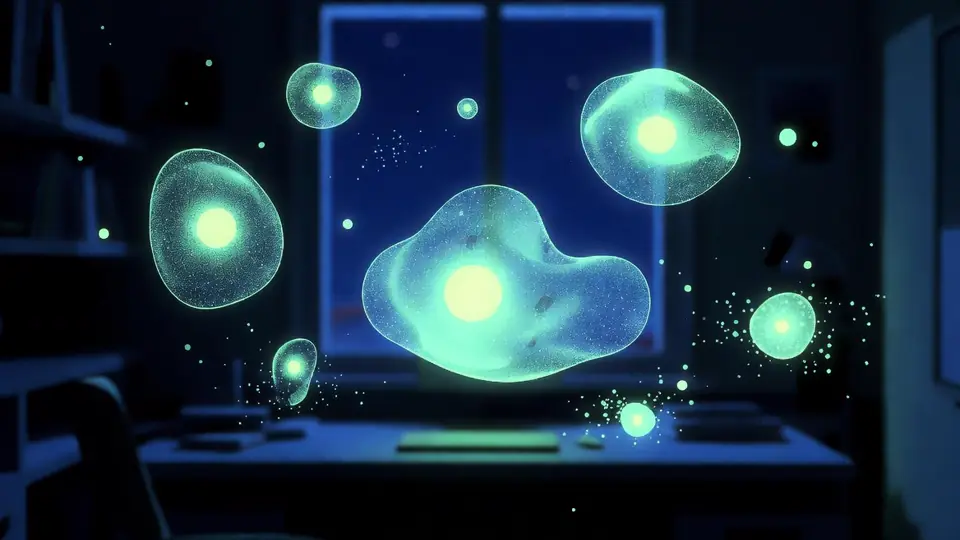
From brief to frame
Sign in to use batch and repeat generation.

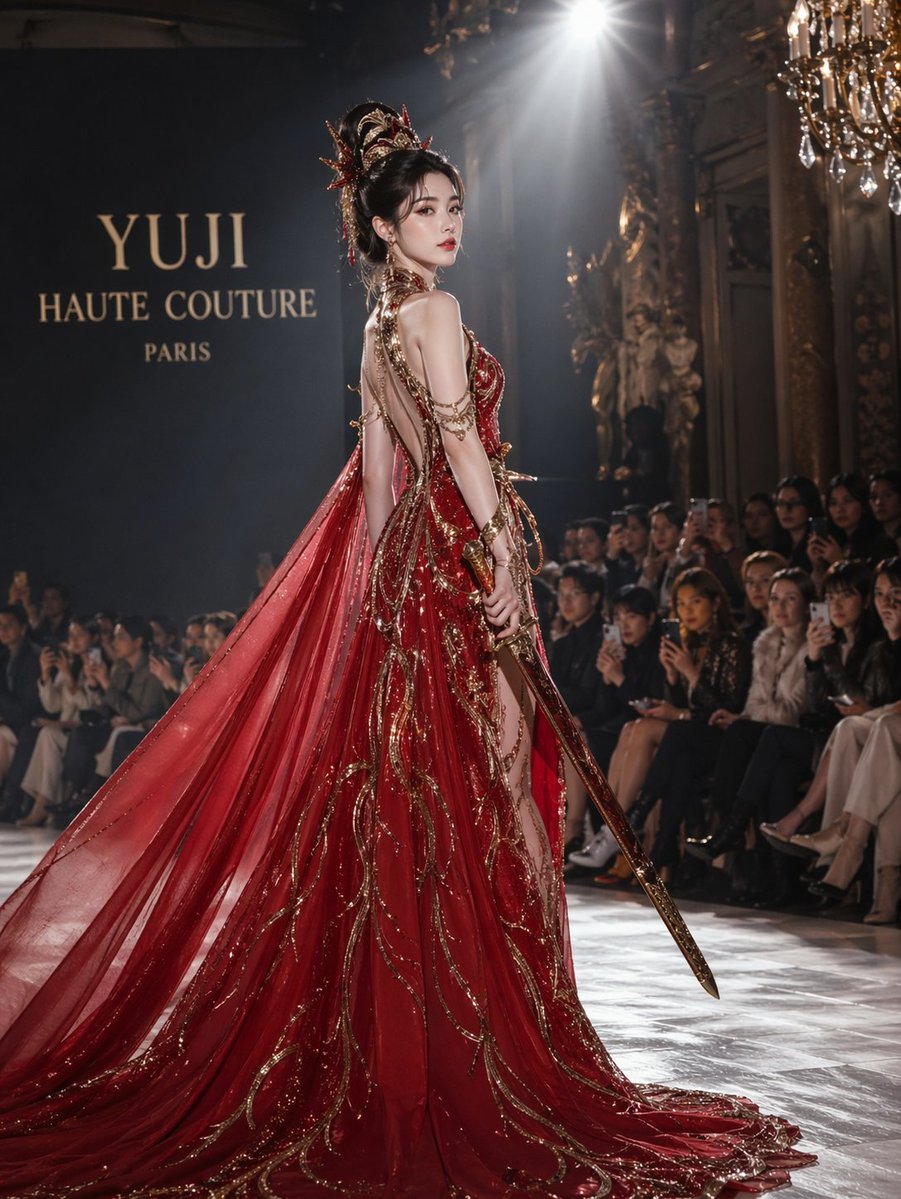
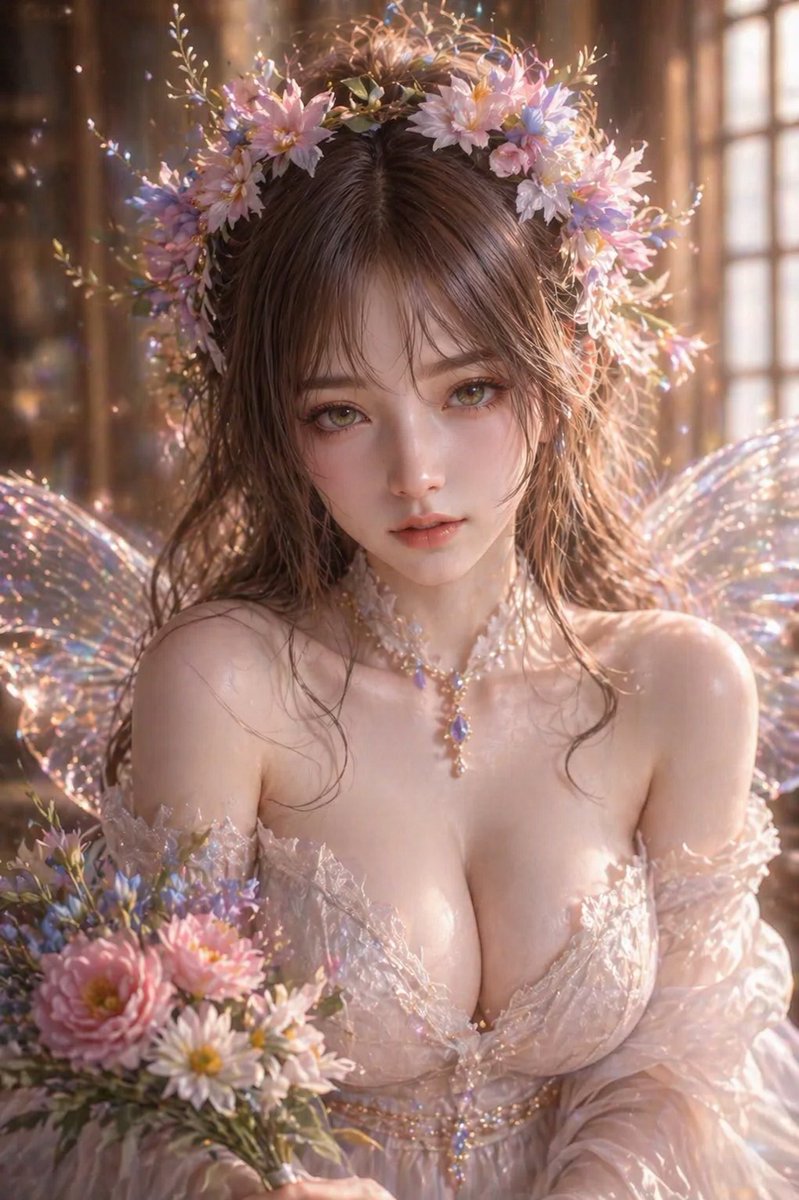
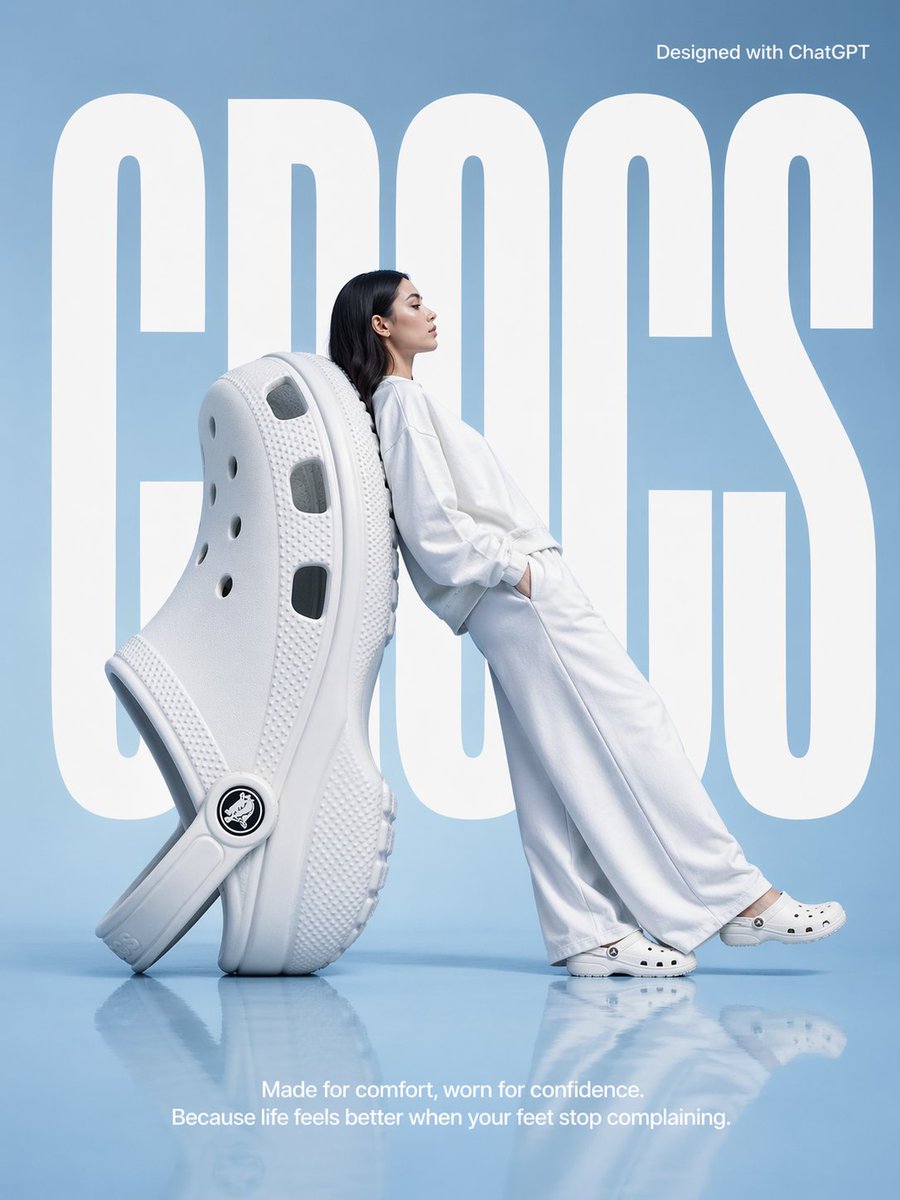
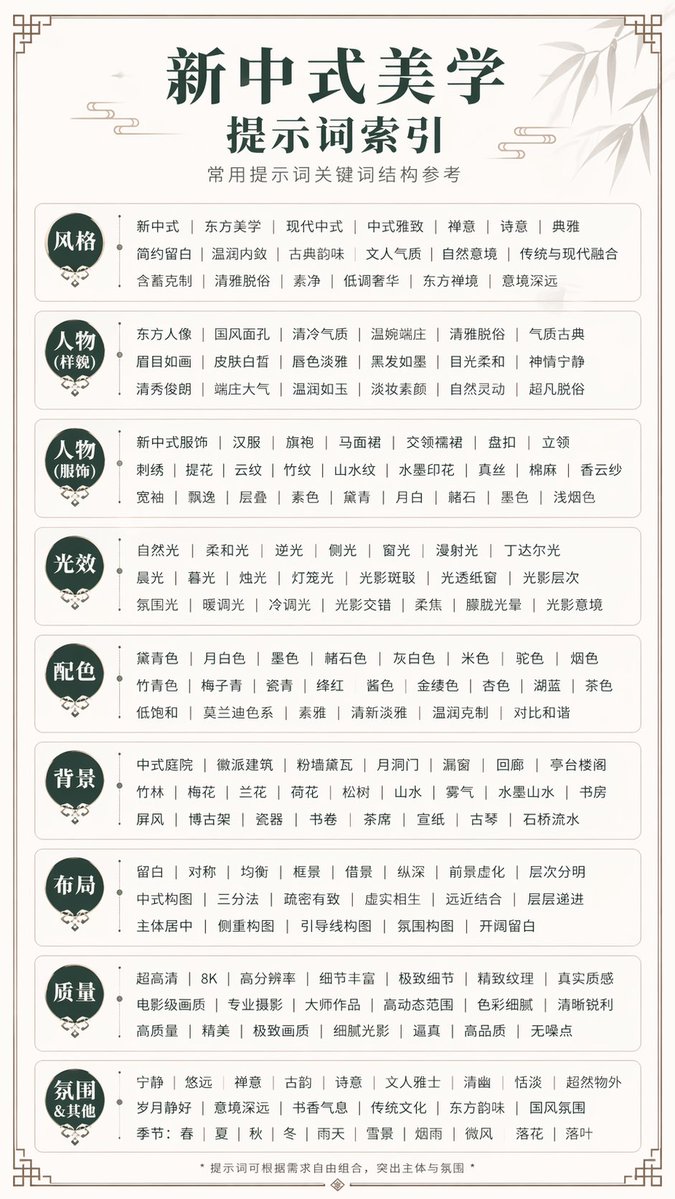

TL;DR
- Seedream 5.5 AI Image Generator creates images only: storyboard frames, keyframes, product stills, posters.
- Lock character, costume, and set with references so a board stays consistent.
- Refine one decision per pass, then compare frames in sequence.
- Kling 3.0 video tools, including Motion Control, have their own pages.
- Each approved frame leaves as an image file you can hand to the next step.
What is Seedream 5.5?
Seedream 5.5 is an image workspace on kling3.io. Use the generator to settle stills before anything moves: storyboard frames, keyframes, product stills, and campaign posters. It makes images only. Video work happens in separate Kling tools such as Kling 3.0 and Motion Control, each described on its own page.
Seedream 5.0 Pro also has its own page on kling3.io, with its own editing and use-case story. The Seedream 5.5 pages stay on the path from brief to still.
Lock what must stay with references
Boards fall apart when identity drifts between panels. In the generator, attach references for character face, costume, hero prop, or set dressing, then write what must stay.
Example: keep the rider's coat and horse color, change only the sky and camera height. Example: keep the watch geometry, change only the slate and light. Consistency is a stills job first. Motion tools later inherit whatever identity you locked here.
Refine one decision per pass
A storyboard fails when every panel is rewritten from scratch. With the generator, keep costume and set locks, then change one variable: camera height, light direction, prop presence, or crop.
Compare the new frame to its neighbors, not only to the previous version of itself. Continuity across the board matters more than a single hero still.
From brief to frame
Brief by shot so the generator matches how directors think.
1. Write the shot brief
Subject, framing, lens feel, light, and the story beat for this still.
2. Match aspect ratio to the shot
Wide for establishing keys, taller for posters, square for some social stills.
3. Generate and pin
Pin keepers on a board. Reject frames that break silhouette or eyeline.
4. Refine in sequence
Fix one decision, such as horizon, eyeline, or light direction, then compare neighbors.
Practical questions
Seedream 5.5 questions
Image-only answers for a video-first host.
Plan and generate stills from a written brief in the generator: storyboard frames, keyframes, product stills, and posters, refined one decision at a time.
Add references when a character, costume, prop, or set must look the same from frame to frame. State what stays in one sentence.
One change per pass keeps a board consistent and shows exactly which edit moved the frame. Multi-edit rewrites break continuity.
Seedream 5.0 Pro has its own page focused on its editing and use cases. Seedream 5.5 pages focus on brief-to-frame stills. Compare there before choosing.
No. Seedream 5.5 creates images only. For video, open a Kling tool such as Kling 3.0 from its own page.
Kling tools describe image input on their own pages. Download the Seedream 5.5 still, then start a separate Kling task and follow that tool's options.
Start your next brief with Seedream 5.5
Settle the still in Seedream 5.5 AI Image Generator. Move to Kling video tools only when the frame holds.