Create Cinematic Video with Wan 3.0
Use the Wan 3.0 AI video generator to turn text, keyframes, and media references into precisely timed Standard or Pro video.
Wan 3.0 Video Generator
Direct cinematic motion with Standard or Pro quality, precise duration, and multimodal references.
Videos and tasks

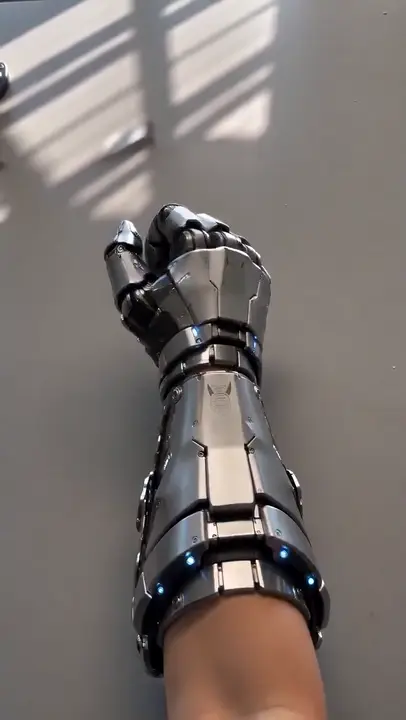
Wan 3.0 at a glance
Choose an exact whole-second duration
Text, keyframes, or media references
Resolution range across Standard and Pro
Match quality and credits to the project
Three Wan 3.0 AI video input modes
Choose one focused input path, then shape duration, framing, and sound as you create.
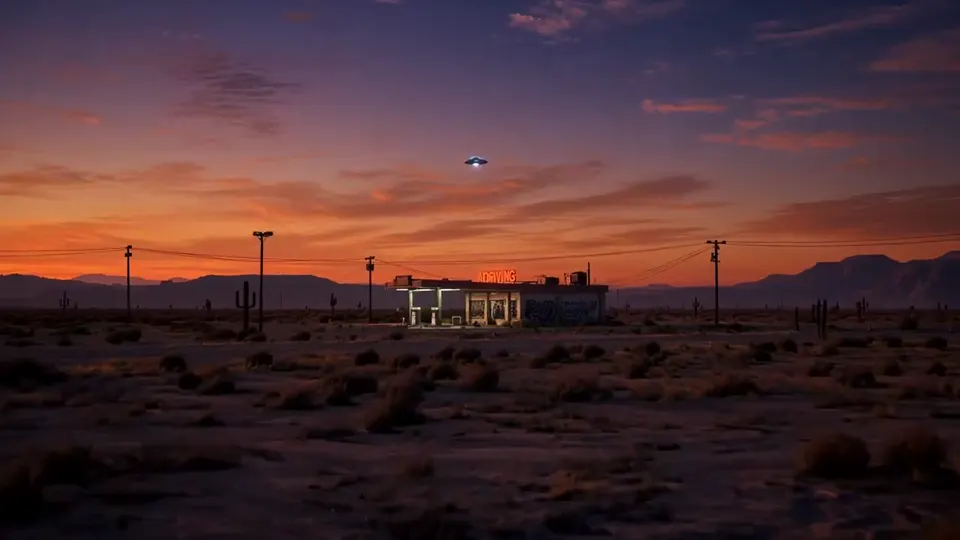
Describe the shot
Write the scene, subject motion, camera movement, timing, and sound you want.
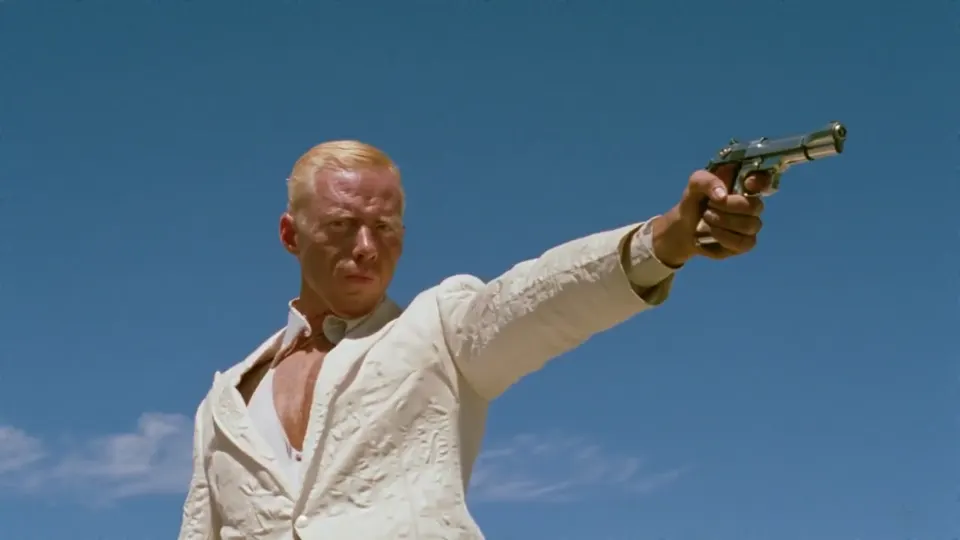
Set keyframes
Guide the opening or ending composition with a first frame, a last frame, or both.
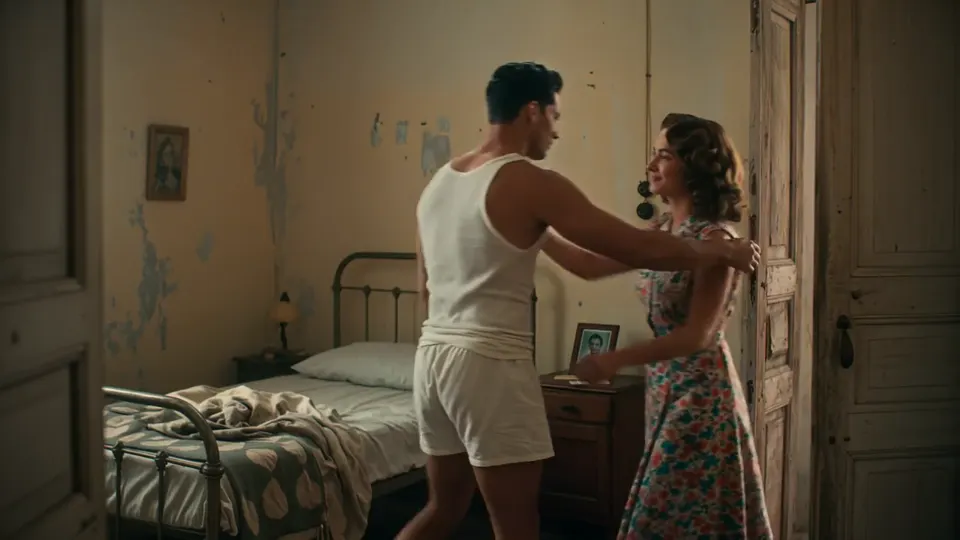
Direct with references
Combine supported images, video, and audio references for a richer creative brief.
Compare Wan 3.0 Standard and Pro AI video
Both tiers support precise 2 to 30 second timing. These are minimum credit rates; review the live generator estimate before creating.
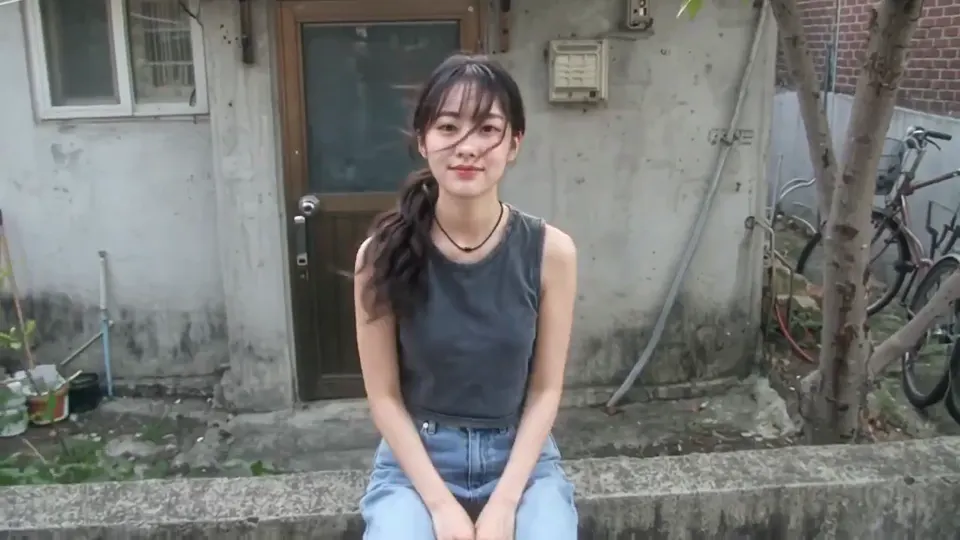
Standard
- Available resolutions
- 480p, 720p, 1080p
- Minimum credit rates
- 7, 13, 25 credits/sec
- Best for
- Fast iteration, social concepts, and everyday production
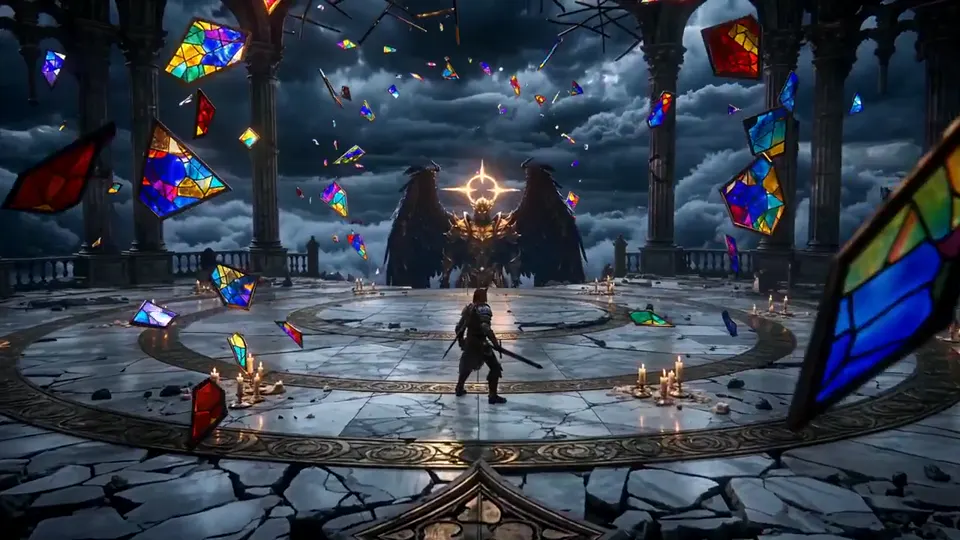
Pro
- Available resolutions
- 1080p, 2K, 4K
- Minimum credit rates
- 37, 41, 47 credits/sec
- Best for
- High-resolution masters and detail-critical delivery
Build a Wan 3.0 AI video brief with references
Keep each reference purposeful so the model can read the visual and audio direction clearly. An image that describes a subject and a keyframe that fixes a moment serve different purposes; Kling 4.0 reference and keyframe planning explains how to brief each role. The examples in Kling O4 reference-image briefing help separate subject details to preserve from the action and camera movement you want to describe.
- 1
Select source media
Choose the images, clips, or audio that define the look, motion, or rhythm.
- 2
Assign a clear role
Use keyframes for composition and mixed references for broader visual or sound direction.
- 3
Refine the prompt
Explain what should remain consistent and what should change across the final shot.
How to create a Wan 3.0 AI video
A short workflow keeps the creative decision clear before credits are reserved.
- 01
Choose an input mode
Start from text, keyframes, or supported media references.
- 02
Set quality and duration
Pick Standard or Pro, then choose resolution and an exact 2 to 30 second duration.
- 03
Review the credit estimate
Check the live credit estimate before submitting your video.
- 04
Generate and download
Track the task in your results, review the completed video, and download it when ready.
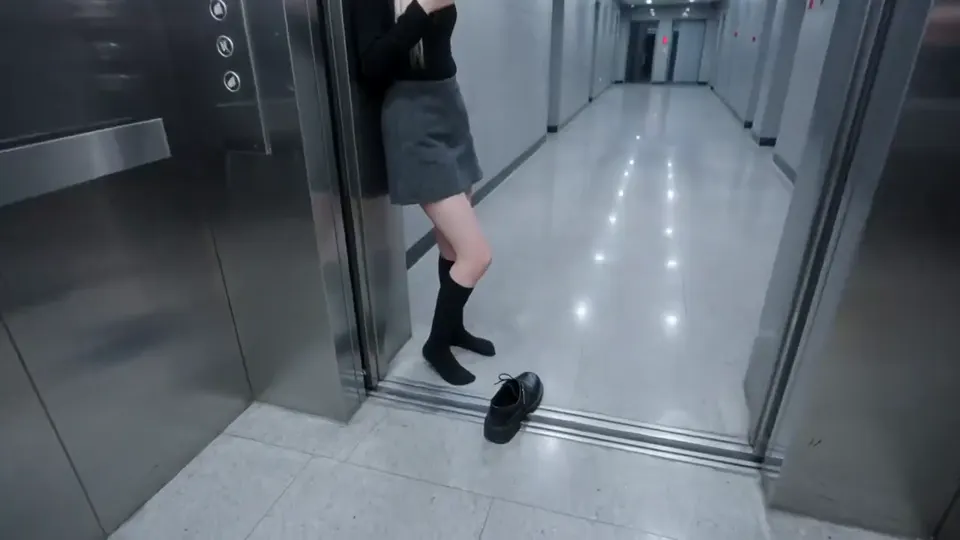
Wan 3.0 AI video generator questions
Direct answers about inputs, timing, quality, credits, and reference limits.
Wan 3.0 is an AI video model for creating clips from text, keyframes, and mixed media references in Standard or Pro quality.
You can create from a text prompt, guide a shot with first or last keyframes, or use supported image, video, and audio references.
Choose any whole-second duration from 2 to 30 seconds. The generator validates the duration before submission.
Standard offers 480p, 720p, and 1080p. Pro offers 1080p, 2K, and 4K with a different published per-second credit schedule.
Credits are estimated from the selected tier, resolution, and duration. You can review the live estimate before generation begins.
Reference mode accepts up to 10 images, 5 video clips, and 5 audio files. Video references can total up to 15 seconds, and audio references can total up to 15 seconds.
Explore another motion workflow with Creen AI Video Generator.
Compare AI video models with Wan 3.0
Explore other workflows for long takes, multimodal direction, and fast cinematic generation.
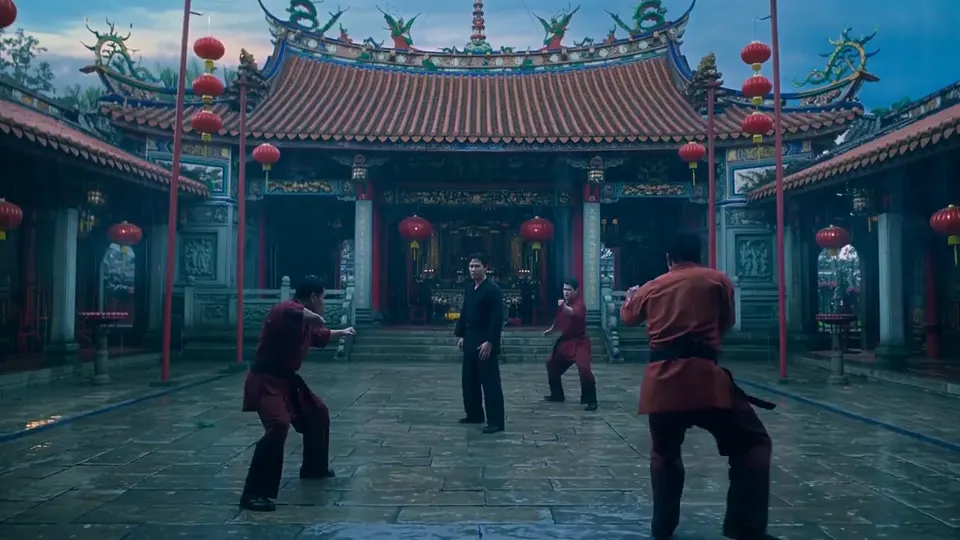
Create your next AI video with Wan 3.0
Start with a prompt or reference, choose the right quality tier, and review the live credit estimate.