Seedream 5.0 Pro for Precise Image Creation
Explore precise editing, layered delivery, multilingual text, and reference-guided workflows for production-ready visual content.






Sign in to use batch and repeat generation.


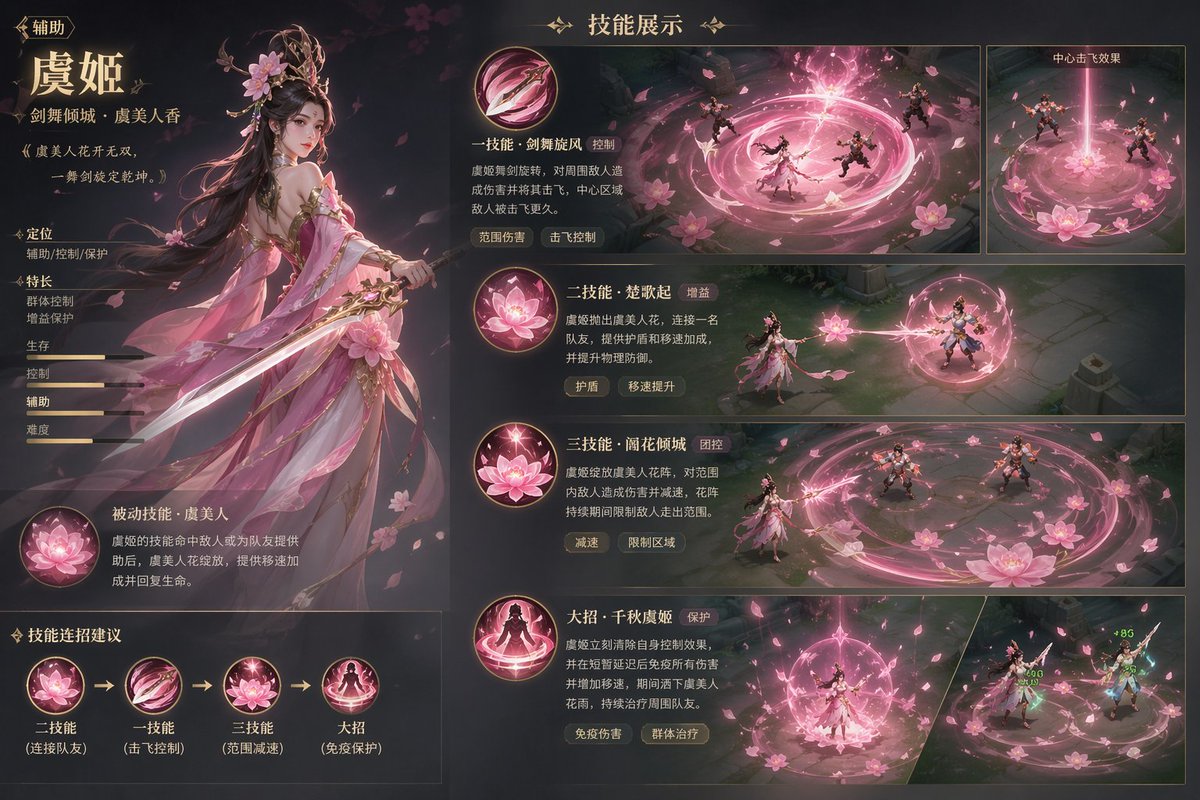



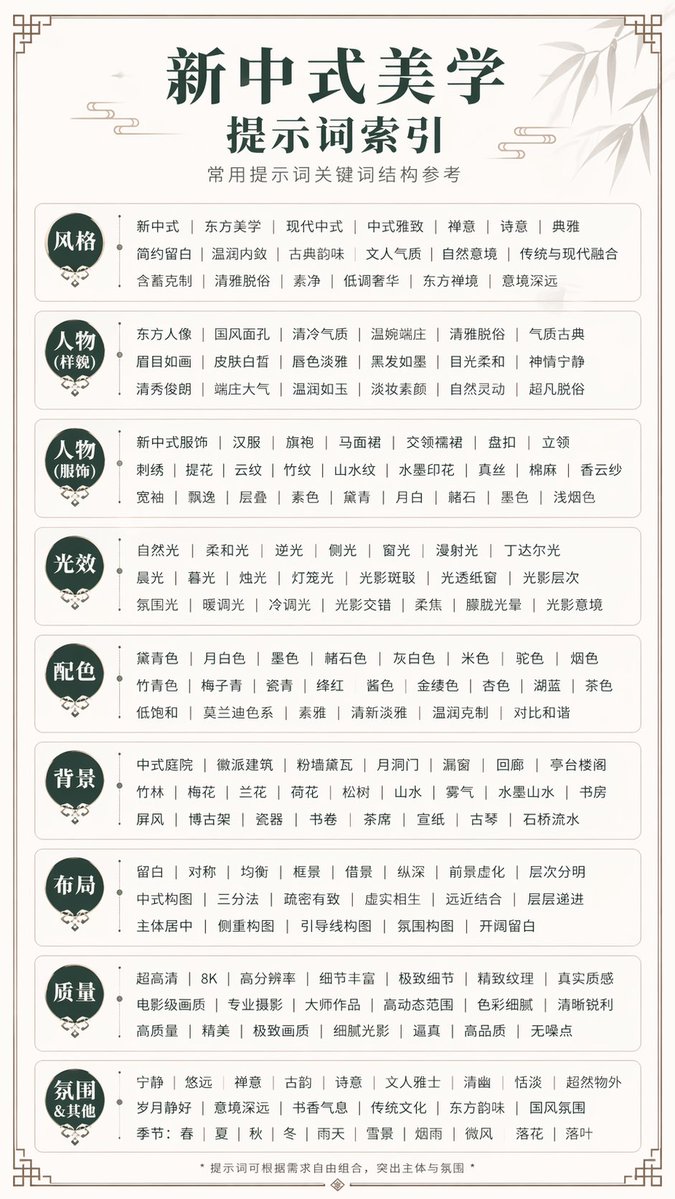
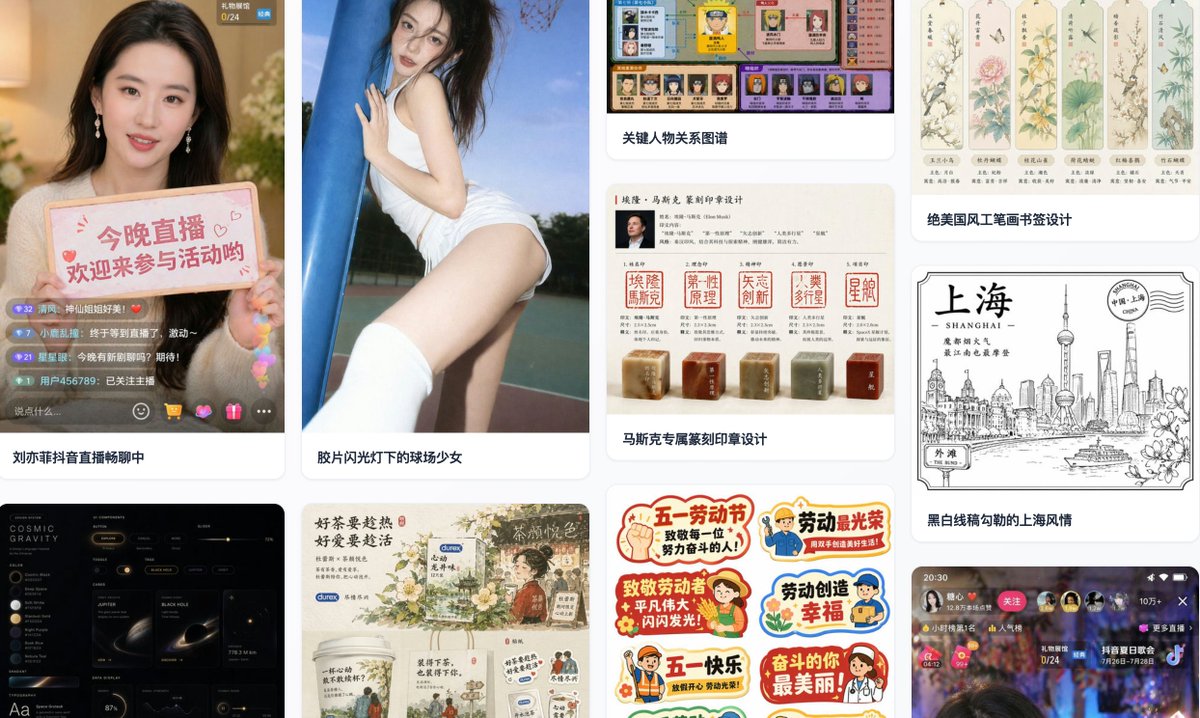
Seedream 5.0 Pro at a glance
- 01
Edit selected regions while preserving the rest of the composition.
- 02
Separate finished designs into 2 to 20 PNG layers for production workflows.
- 03
Build information-dense layouts with native text across 14 languages.
- 04
Combine reference guidance with photorealistic rendering for brand and product work.
What is Seedream 5.0 Pro?
Seedream 5.0 Pro is an AI image model designed for controllable generation and precise editing. It supports reference-guided creation, local changes, complex visual layouts, and production-oriented image workflows.
The Pro version is most useful when a project needs more than a quick first image. It helps teams preserve composition, organize editable elements, and prepare visual assets for campaigns, products, education, and multilingual communication. For campaign storyboards, Kling 4.0 video scenes for campaign visuals begin with pairing each approved composition with an action brief.
Core Seedream 5.0 Pro capabilities
Each capability addresses a practical part of planning, editing, and delivering visual content.
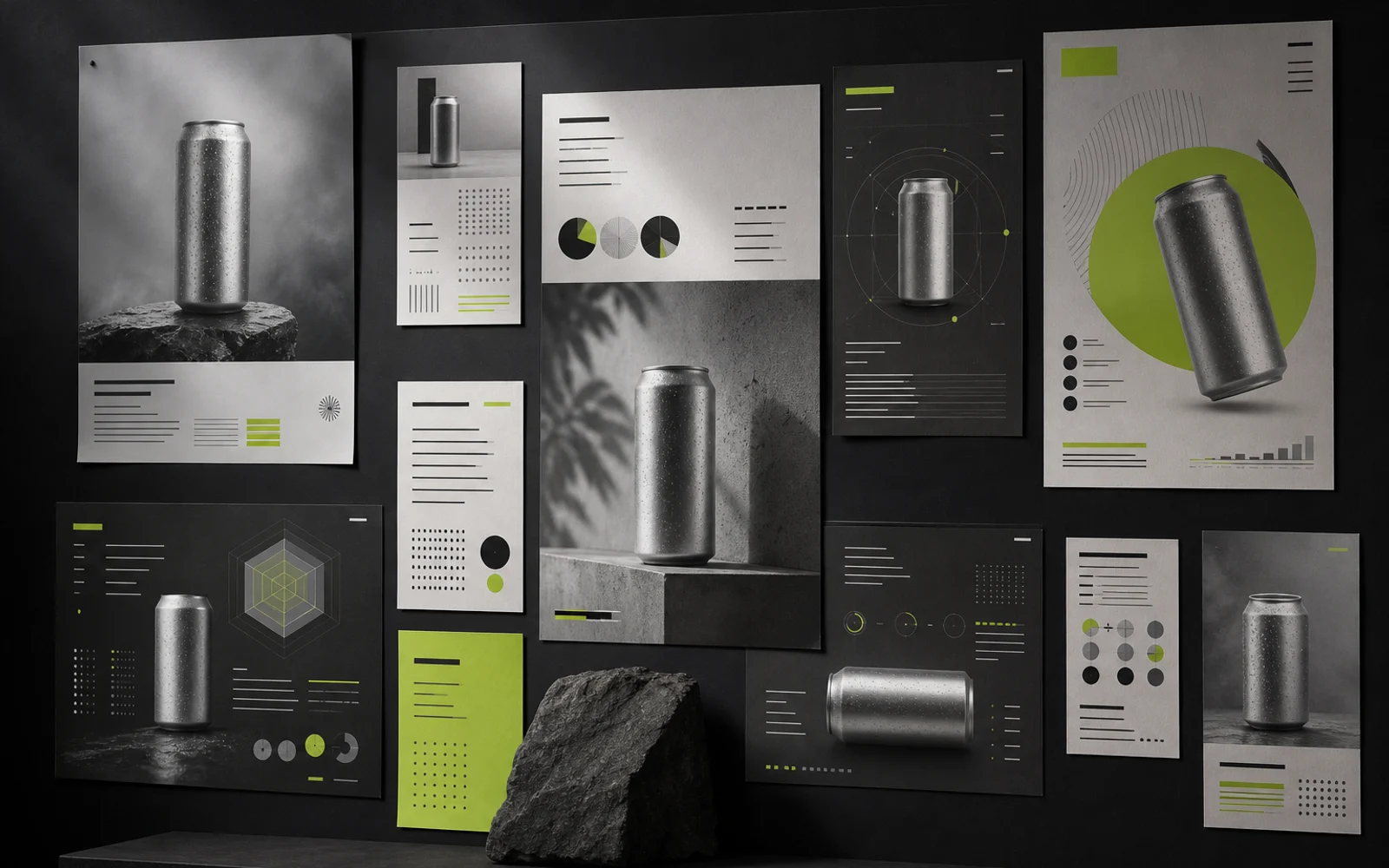
Precise local editing
Target a selected region and change the requested detail while keeping unrelated parts of the image stable.
Layer-separated delivery
Separate a completed design into 2 to 20 PNG elements for flexible handoff and downstream editing.
High-density infographics
Organize products, diagrams, labels, and supporting information in layouts built for fast scanning.
Native text in 14 languages
Create multilingual campaign and information graphics without rebuilding every composition from the beginning.
Reference-guided realism
Use visual references to guide composition, material, and style while aiming for polished, photorealistic results.
Where Seedream 5.0 Pro fits
The model is suited to visual work that needs consistency, dense information, or controlled revision.
Brand campaigns
Adapt a visual direction across posters, social formats, and regional campaign variants.
Ecommerce and product imagery
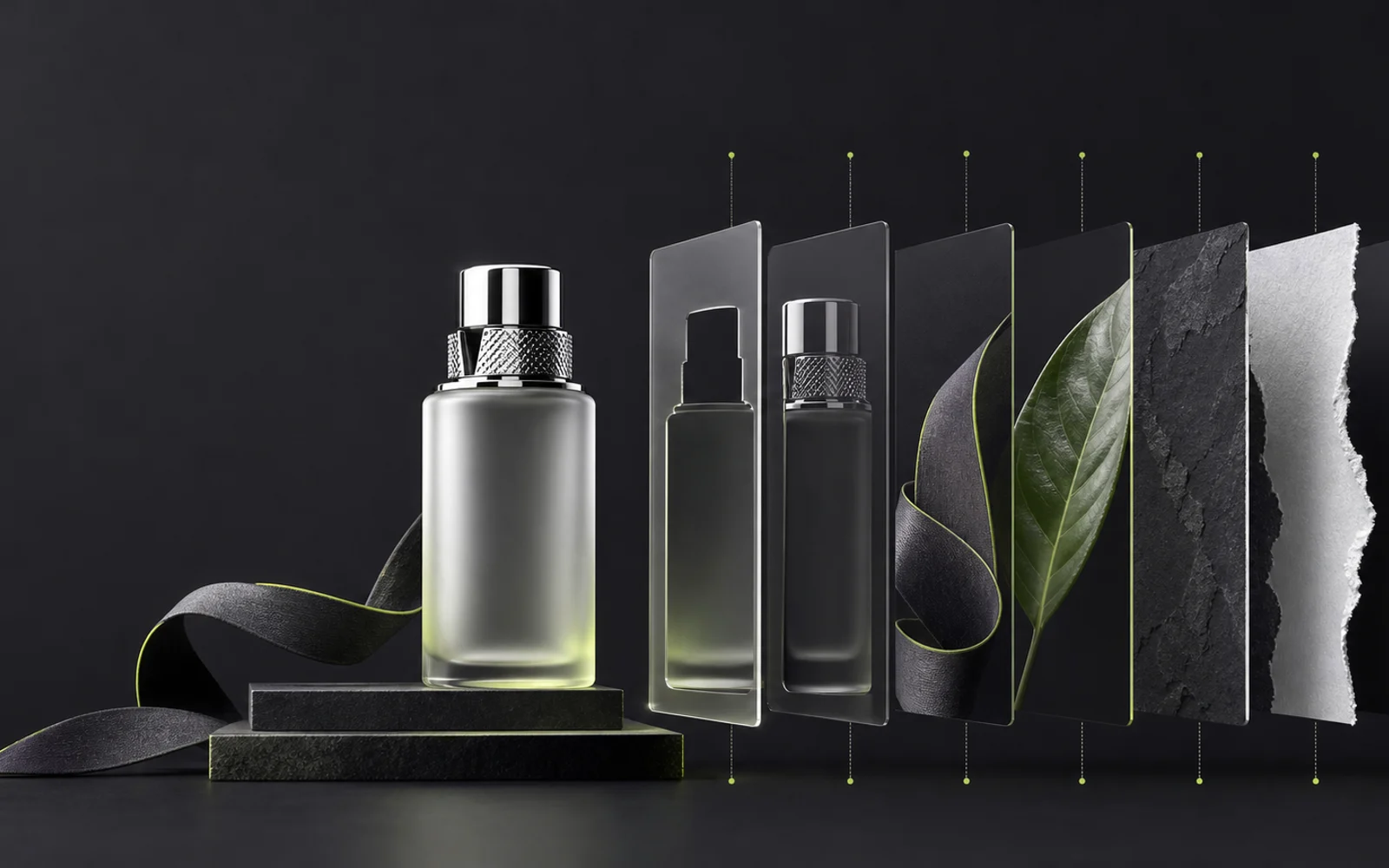
Refine materials, backgrounds, and presentation details while preserving the product composition.
Infographics and education
Combine diagrams, visual hierarchy, and text into information-rich assets for explanation and learning.
Multilingual creative production
Prepare localized visual systems for markets that need different languages and layout rhythms.
Seedream 5.0 Pro compared with Lite
The choice depends on whether the workflow prioritizes detailed control or fast, lightweight generation.
| Workflow need | Seedream 5.0 Pro | Seedream 5.0 Lite |
|---|---|---|
| Editing control | Interactive precision editing and localized changes | Simpler prompt-led revisions |
| Layer handoff | Separation into 2 to 20 PNG elements | Single-image delivery for lighter workflows |
| Information density | Complex infographics and structured visual communication | Straightforward visuals and rapid concepts |
| Best workflow fit | Production work that needs control and revision | Fast ideation and simpler image tasks |
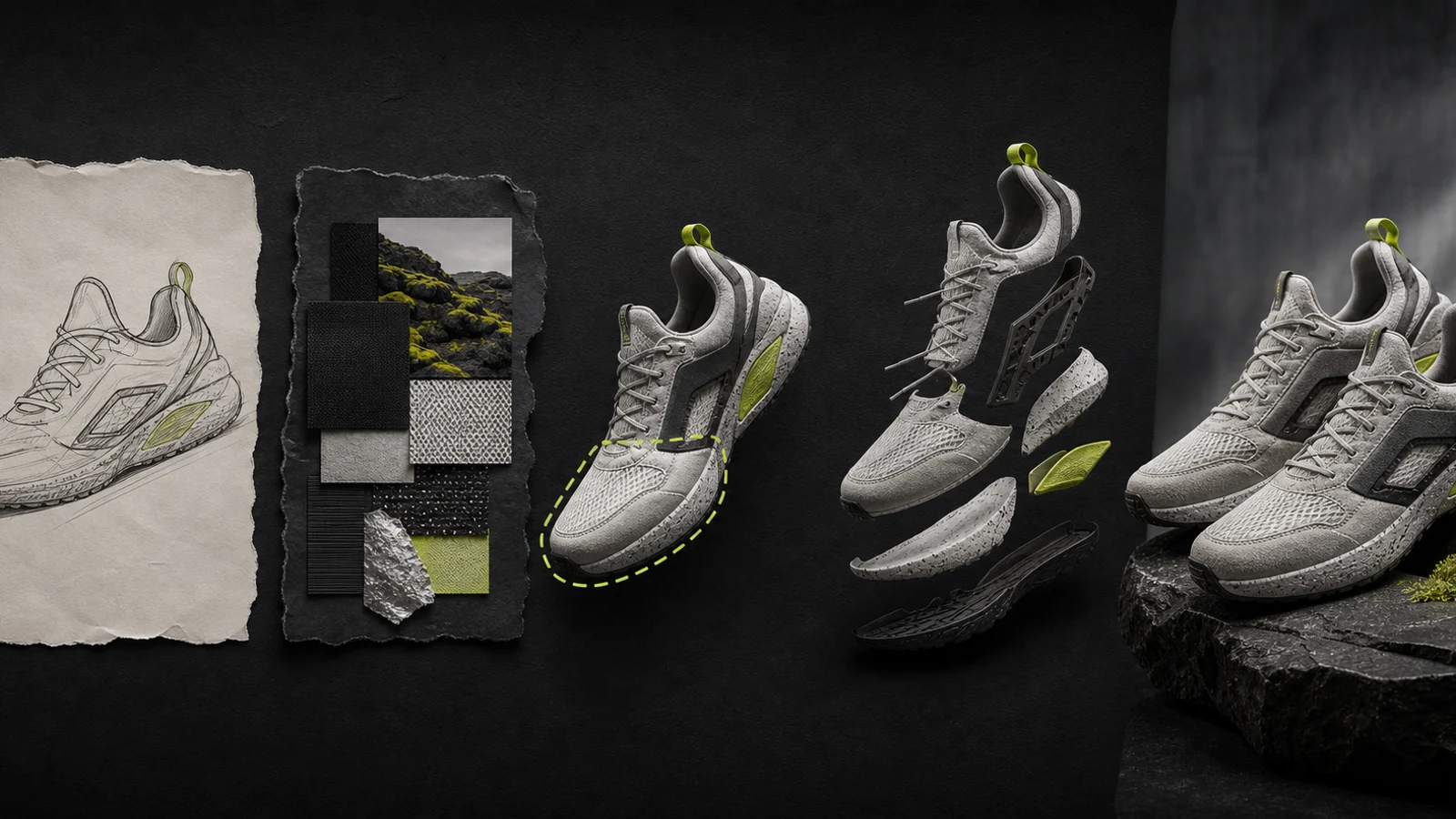
A practical Seedream 5.0 Pro workflow
Move from a clear deliverable to a controlled final asset in four focused actions.
Define the deliverable
Specify the format, audience, visual hierarchy, and details that must remain consistent.
Prepare prompts and references
Provide clear instructions and references for composition, material, lighting, or style.
Mark the intended change
Identify the region, object, or layer to revise and describe what the rest of the image should preserve.
Review and export
Check text, edges, consistency, and layout before exporting the final image or separated PNG layers.
Explore the model in a localized experience
If you want to continue from research into a hands-on workflow, use the language-specific resource below.
Explore Seedream 5.0 Pro on seedream-5.ioSeedream 5.0 Pro questions
Direct answers about capabilities, editing, languages, and workflow fit.
Seedream 5.0 Pro is an AI image model for controllable generation and precise editing. It is designed for visual workflows that need references, local changes, structured layouts, and production-ready handoff.
The Pro version adds precision editing, layer separation, and stronger support for information-dense visual work. Lite is better suited to faster and simpler image-generation tasks.
Yes. Product materials describe native text support across 14 languages, which can help teams create localized posters, diagrams, and campaign assets.
It means changing a selected region or object without needlessly rebuilding the entire composition. Clear instructions and references still matter when preserving the surrounding image.
Yes. The Pro workflow can separate a design into 2 to 20 PNG elements, making it easier to continue editing or hand assets to a production team.
It is a strong fit for brand campaigns, ecommerce imagery, information graphics, educational visuals, multilingual marketing, and any workflow that benefits from controlled revisions.
Take your image brief further with Creen AI Image Generator.