Gemini Omni Flash: fast conversational AI video generation
Turn prompts, images, and references into high-impact short videos with Gemini Omni Flash, then refine continuously through chat-based edits.





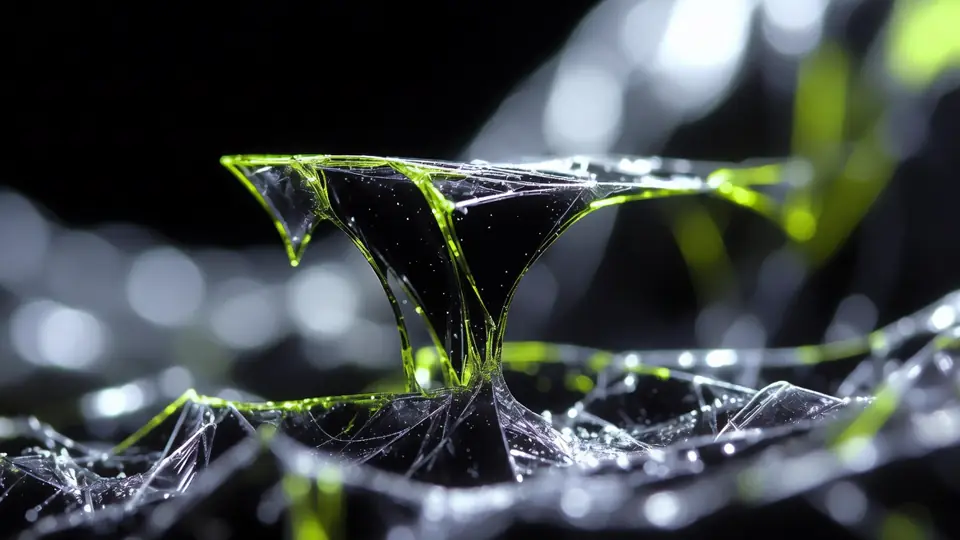
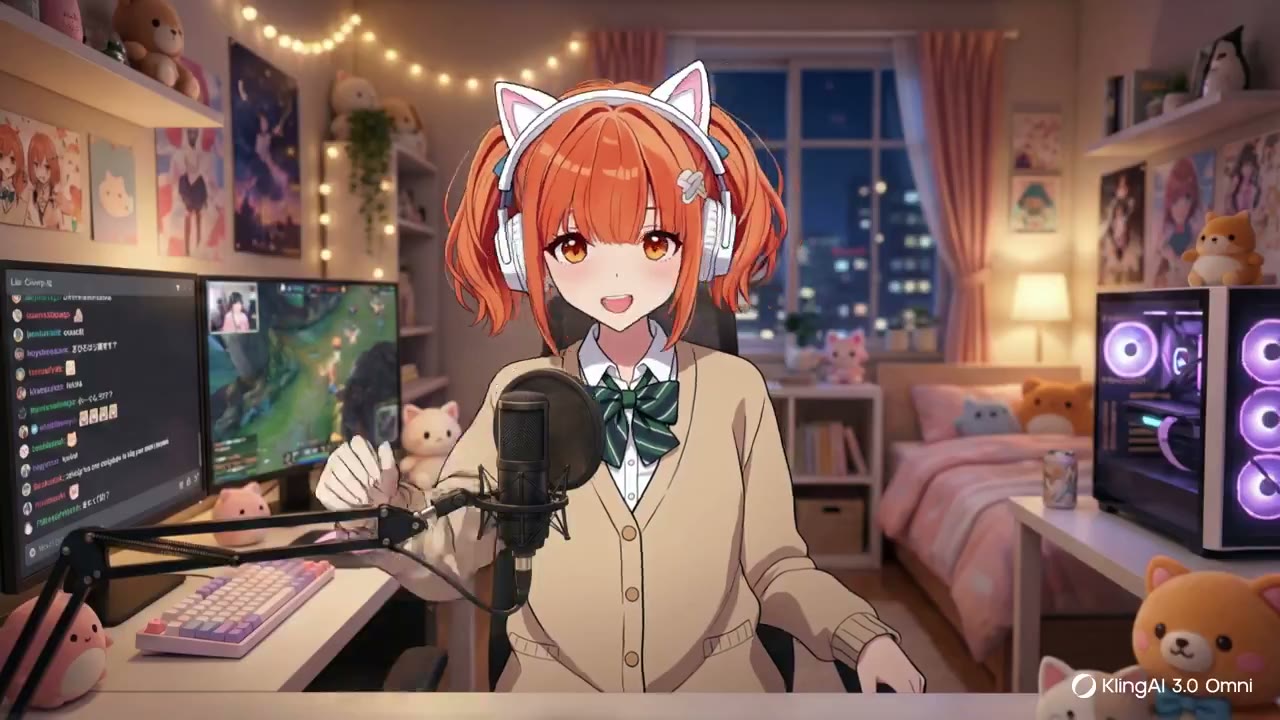






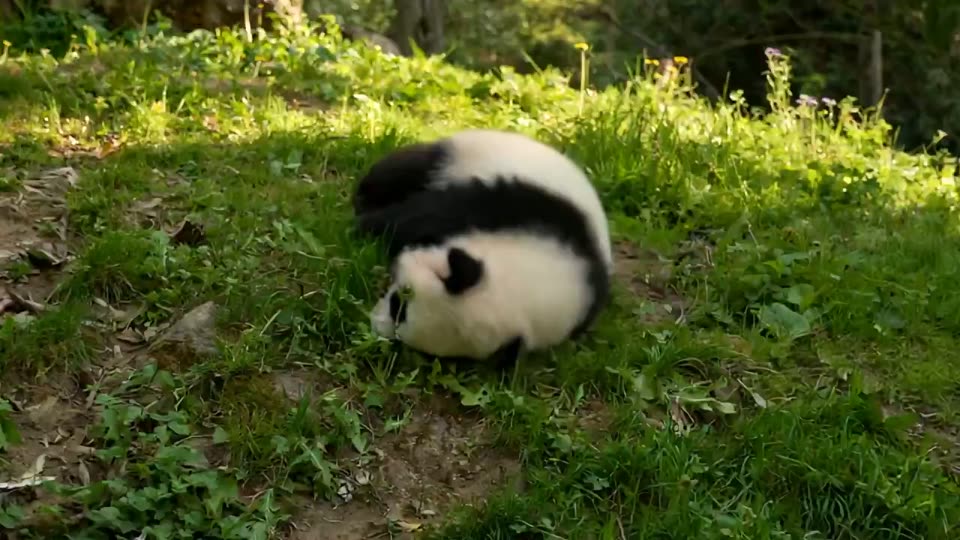


Gemini Omni Flash brings high-speed creation to Gemini and Flow
Gemini Omni Flash is positioned as the fast variant of Gemini Omni: an omnimodal system that understands text, images, video references and audio intent in one creative loop.
Unlike a standalone render box, Gemini Omni Flash behaves more like a chat-native editing room. Start with an idea, bring a reference, ask for a style shift or scene extension, then iterate without rebuilding the prompt from scratch.
Describe a scene or choose a template, then let the model draft a short clip with motion, lighting and sound direction.
Use photos, AI images or existing clips to preserve subject, style and composition while generating a new result.
Ask for changes such as a sunset background, longer action, anime styling or stronger product focus, and rerender quickly.
Core Gemini Omni Flash capabilities
The value is not only video quality. It is the speed of moving from idea to usable iteration.
Conversational editing
Modify scenes with plain language prompts instead of juggling masks, timelines and separate enhancement tools.

Reference-driven remix
Turn photos, generated images or clips into new videos while retaining character cues, composition and style direction.

Native audio direction
Guide ambience, music and dialogue together with the visual prompt so the clip feels authored as one scene.

Flow production controls
Use Flow-style controls for vertical formats, layered edits, shader effects, dynamic text and iterative storyboarding.
Flash-speed iteration
The Flash variant prioritizes low latency, lower cost and high throughput for testing multiple concepts quickly.

Watermark and safety layer
SynthID-style digital watermarking and visible marks help reduce misuse and make enterprise review easier.
Why teams adopt Gemini Omni Flash for real production
Gemini Omni Flash combines speed, control, and safety for both solo creators and collaborative teams.
Clear claims, clear limits
We avoid unverifiable partnership claims and frame early rollout details as a fast-moving product readout rather than permanent specifications.
Source-aware summary
The analysis is grounded in Google Flow rollout messaging, Gemini video UI behavior and creator feedback around conversational remixing and native audio.
Workflow-level expertise
Instead of listing features in isolation, the page explains how prompt, reference, edit, audio and review loops fit into real creative production.
Transparent limitations
Artifact risk, long-sequence consistency and professional finishing needs are called out so readers do not mistake rapid concepts for final delivery.
Where Gemini Omni Flash fits best
Use Gemini Omni Flash when the creative bottleneck is iteration, not final-frame finishing.

Social clips and memes
Convert one idea or image into short vertical clips for fast audience testing.
- Daily posts
- Meme remixing
- Travel memories

Marketing concept tests
Prototype product shots, campaign variations and ecommerce visuals before committing budget.
- Product demos
- Ad angle tests
- Background swaps
Film previsualization
Directors and designers can explore storyboard beats, motion design and style references faster.
- Storyboard motion
- Style exploration
- Scene blocking

Training and education
Turn explainers, internal training and classroom ideas into motion-first visual material.
- Teaching animation
- Internal onboarding
- Concept visualization
Gemini Omni Flash scales from solo creators to enterprise teams
Use Gemini Omni Flash to validate ideas faster, then move winning outputs into deeper production.
Solo creator sprint
Use Gemini Omni Flash to turn a daily idea into multiple short-form angles before choosing the one that earns more polish.
Marketing team review
Run Gemini Omni Flash as a concept-testing layer before design, copy and paid media teams commit production budget.
Enterprise readiness check
Evaluate watermarking, usage rights, approval workflow and retention needs before routing Gemini Omni Flash output into business channels.
Three creative advantages of Gemini Omni Flash
From input to output, keep both speed and control in balance.

Define the scene
Write the subject, camera move, mood and audio direction before adding constraints.

Add references and remix
Bring the strongest image or clip reference, then ask for targeted changes in conversation.

Select and finish
Pick the best iteration, extend or reframe it, then polish copy, music and export format.
Gemini Omni Flash moves video creation into a high-iteration era
The strongest promise of Gemini Omni Flash is the shift from manual post-production to conversational creative control. Teams can test more ideas, refine faster and reserve heavy finishing tools for the concepts that already prove worth developing.
Gemini Omni Flash FAQ
Key questions about Gemini Gemini Omni Flash, Google Flow and AI video creation.
No. Veo is usually discussed as a high-fidelity video generation model, while Gemini Omni Flash is framed as a faster Gemini-native omnimodal workflow for conversational creation and remixing.
Flash emphasizes lower latency, lower cost and high-throughput iteration, making it useful for testing multiple video concepts quickly.
The workflow is built around references and conversational edits, so existing clips can guide remixing, restyling, extension and scene changes where supported.
Yes. The key promise is native audio direction, including ambience, music and dialogue prompts that align with the visual scene.
It fits creators, marketers, educators and preproduction teams who need fast idea-to-video iteration without full editing software.
Gemini Omni Flash is best for fast concepts and short-form iterations. High-end finishing may still require dedicated editing, compositing and review workflows.
Start creating in an Gemini Omni Flash style
Use Kling 3.0 tools to generate and iterate AI videos faster from idea to publish.