A practical guide to Nano Banana 2 and Nano Banana Pro
Choose Nano Banana 2 for rapid creation or Nano Banana Pro for demanding production
Nano Banana 2 is Gemini 3.1 Flash Image, a fast image generation and editing model built for responsive iteration and high-volume work. Nano Banana Pro is Gemini 3 Pro Image, a professional option for complex instructions and polished assets.

The short answer
Start with the delivery decision, not the model name
Use Nano Banana 2 when feedback speed, broad exploration, and many useful variations matter most. Consider Nano Banana Pro when the selected direction becomes a complex professional asset with many coordinated constraints, which may include typography or localized layouts. This model choice does not replace text QA, and both models can make text errors.
Nano Banana 2 is the fast creative workbench
Choose it for concept routes, social variations, product-angle exploration, campaign testing, reference-led edits, and everyday visual production. Gemini 3.1 Flash Image is optimized for speed, low latency, and high-volume use cases. Its 0.5K, 1K, 2K, and 4K output options let you match resolution to the current review stage.
Nano Banana Pro is the deliberate finishing room
Choose it when a professional asset must coordinate several scene elements, hierarchy, and finishing requirements. A broader brief may include short text or localized layouts among many constraints. Gemini 3 Pro Image supports 1K, 2K, and 4K output, Search grounding, and Thinking. This does not guarantee better text rendering, so text still needs QA.
For a focused overview of the professional model, explore Nano Banana Pro when your brief requires complex instructions, precise layout, or a high-resolution finishing pass.
For the faster model and its iteration-centered workflow, review Nano Banana 2 when you need to create, compare, and refine many directions without losing the logic of the original brief.
How the system works
Image production becomes a conversation between intent, evidence, and revision
These models do more than turn a short phrase into a picture. They interpret text, reference images, visual relationships, requested edits, and available grounding signals as one creative problem. Strong results begin when you separate the parts of that problem: what must be true, what may change, what should look convincing, and what must survive review.
01
Multimodal understanding turns references into roles
A reference is most useful when its job is explicit. One image may define a character, another a product shape, another a lighting language, and another a composition. Naming those roles helps the model distinguish identity from atmosphere.
02
Instruction following translates a brief into visual priorities
A good prompt establishes hierarchy. It tells the model which subject leads, where supporting objects sit, what the camera sees, which materials matter, and what must not change. Precise instructions do not mean adding endless adjectives.
03
Grounding can support knowledge-rich visual decisions
Nano Banana 2 adds Image Search grounding alongside Web Search, while Nano Banana Pro supports Search grounding. Grounding can help when a visual depends on current or factual context, but it does not remove the need for review. Treat grounded output as a better-informed draft.
04
Generation and editing belong in the same loop
The first useful image is rarely the final image. A production workflow alternates between generating a direction and editing a specific weakness. Keep approved details stable, isolate one correction, and compare the result with the previous version.
05
Output resolution should follow the review stage
Resolution is a production choice, not a quality slogan. Use lighter output for framing, color, and route selection, then move to the size required for detailed review and delivery. Nano Banana 2 supports 0.5K, 1K, 2K, and 4K. Nano Banana Pro supports 1K, 2K, and 4K.
Gemini 3.1 Flash Image
Nano Banana 2 keeps the creative loop moving
The defining advantage is operational momentum. Teams can turn one strategy into multiple visual routes, compare them while the brief is still fresh, and reserve deeper finishing work for the directions that earn it.
Fast iteration supports better creative questions
Speed matters because it changes what a team can ask. Instead of debating whether a wide composition or close product crop might work, create both and compare them. Instead of asking one image to satisfy every channel, test a family of channel-specific frames. The gain is not a guaranteed outcome.
Subject consistency makes series thinking practical
A campaign rarely needs only one frame. It needs a subject to remain recognizable across placements, angles, seasons, and narrative moments. Use clean references, repeat the defining identity cues in the prompt, and state which characteristics cannot drift.
Reference capacity can organize complex briefs
Within the 14-image limit, Nano Banana 2 supports up to 10 object references and 4 character references. That capacity is useful only when each image has a clear purpose. Curate rather than fill the limit.
Image Search grounding expands visual context
Image Search grounding alongside Web Search can help the model work with visually specific context. It can be valuable for research-led concepts, educational scenes, or references to real categories. Grounding is not final verification.
Flexible output sizes align effort with purpose
The 0.5K option can support quick route evaluation, while 1K and 2K suit many working reviews and 4K supports closer inspection or larger delivery needs. Select output based on where the image will be judged.
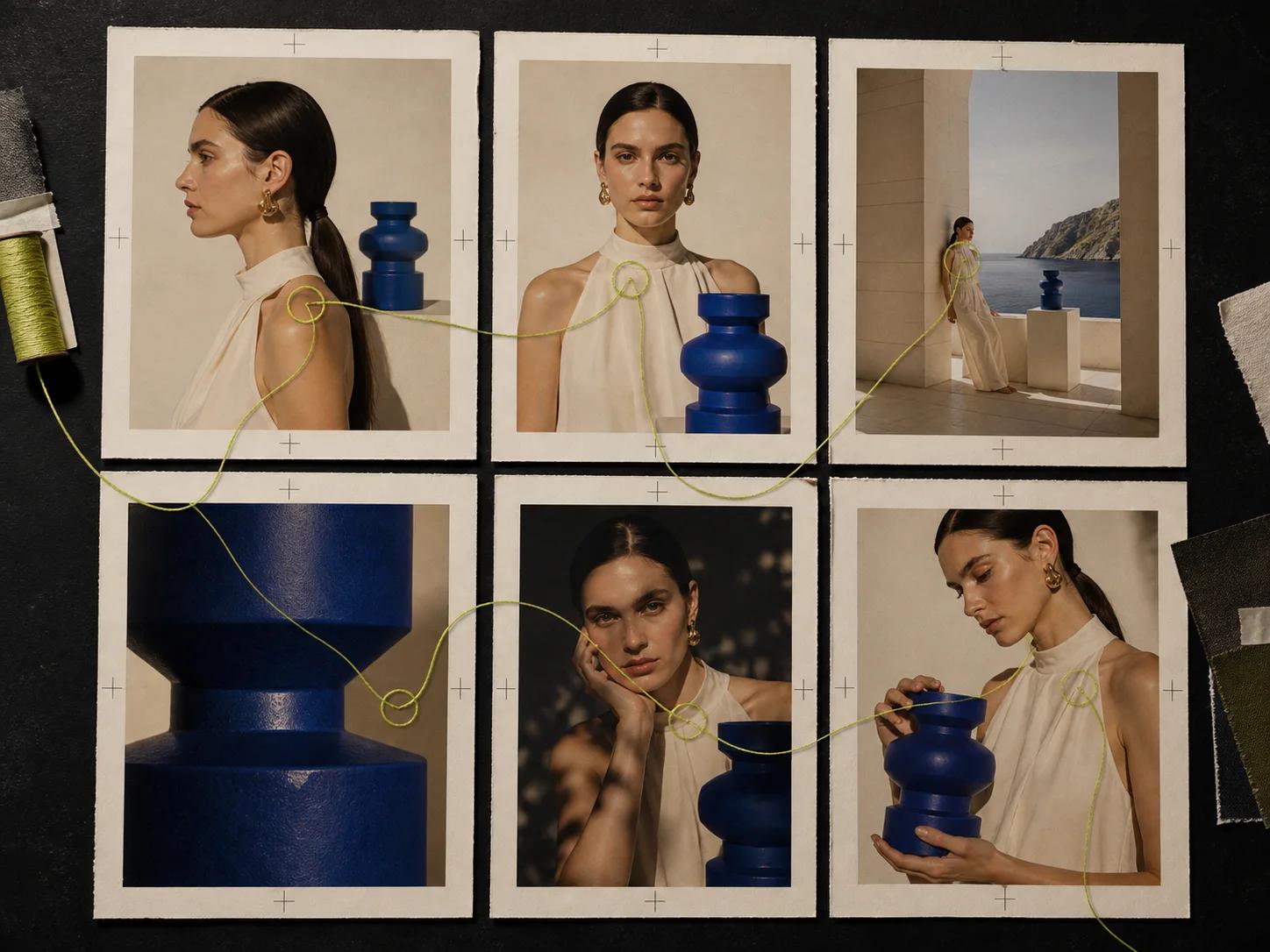
Gemini 3 Pro Image
Nano Banana Pro handles briefs that need deliberate interpretation
Professional production often combines constraints that must coexist: a hero subject, supporting products, spatial relationships, hierarchy, localized copy, and a defined visual language. Nano Banana Pro is designed for professional asset production and complex instructions. That role concerns coordinated interpretation, not inherent text-rendering superiority, and both models still require text QA.
Complex composition benefits from explicit hierarchy
Use Pro when the frame must coordinate foreground, background, subjects, props, copy space, and camera logic. Describe the reading order and the relationship between elements, not just the inventory. If the layout is dense, specify what may be simplified.
Typography becomes a reviewable design element
A complex professional asset may include short text, typography, or multilingual layouts among many coordinated constraints. Pro can interpret that broader brief, but it does not guarantee better text rendering. Keep copy concise, provide exact capitalization and line breaks, reserve enough space, and inspect every character from either model.
Thinking supports dense instruction sets
Both Nano Banana 2 and Nano Banana Pro support Thinking. Use Pro when the task combines Thinking with a dense professional brief, several interacting requirements, and a demanding finish. Give either model an ordered objective, concrete constraints, and a clear definition of success.
Reference limits favor carefully selected evidence
Within the 14-image limit, Nano Banana Pro supports up to 6 object references and 5 character references. Use the character capacity when identity continuity carries the narrative, and choose object references that define essential shape, material, or packaging.
High-resolution delivery still needs staged quality control
Pro supports 1K, 2K, and 4K output. Move upward after composition, identity, text placement, and content have passed review. At 4K, small defects become easier to see, including repeated texture, edge artifacts, malformed details, and weak type.
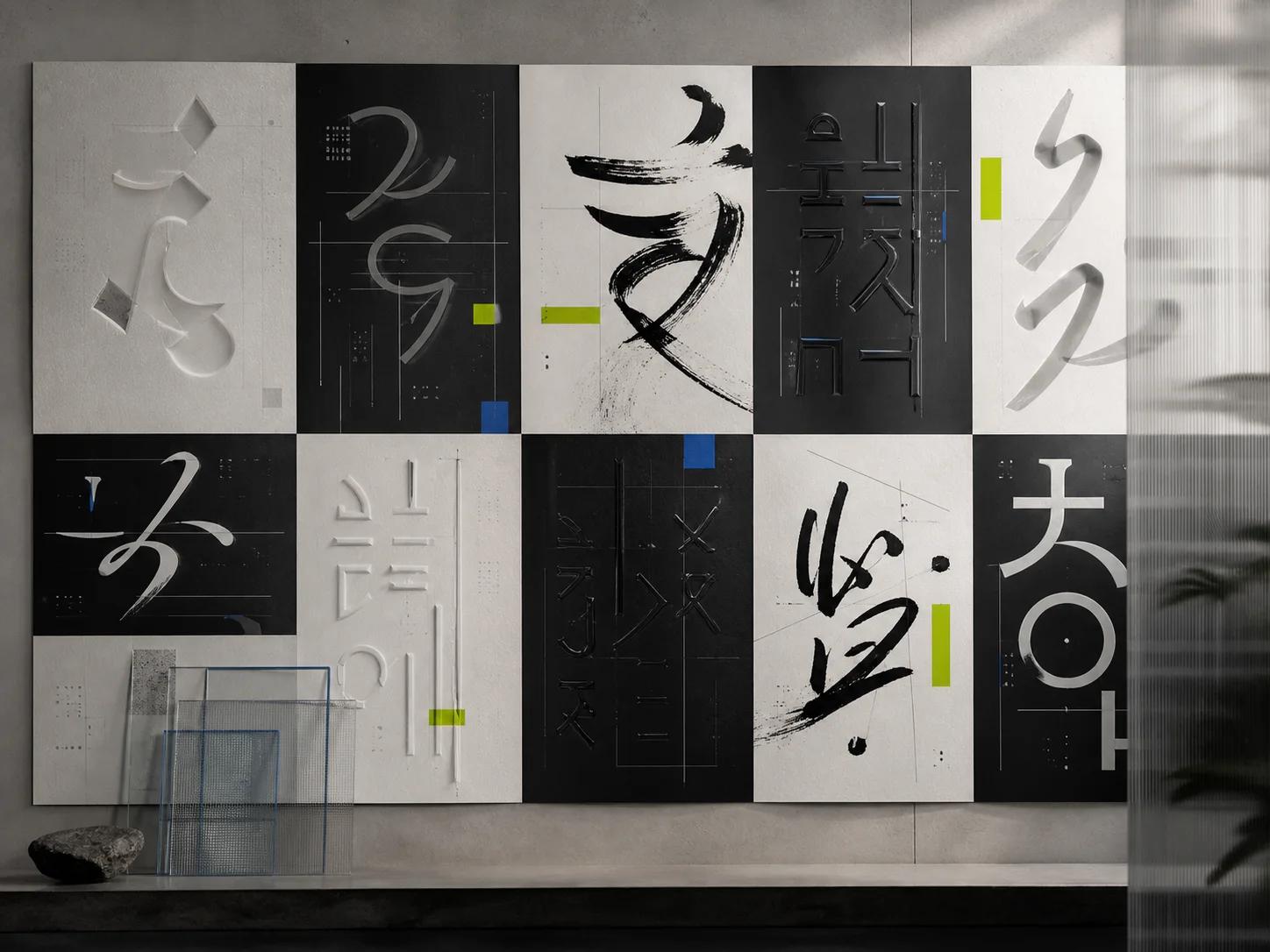
Model matrix
Compare the choice by production pressure
There is no universal winner because the models solve different bottlenecks. Nano Banana 2 reduces friction when teams need many informed attempts. Nano Banana Pro creates room for difficult interpretation and polished control.
| Decision factor | Nano Banana 2 | Nano Banana Pro |
|---|---|---|
| Primary production role | Rapid ideation, broad variation, responsive editing, and high-volume visual work where learning from several outputs is central. | Professional asset production, complex instructions, and detail-sensitive compositions where one selected direction needs a more deliberate finish. |
| Model foundation | Gemini 3.1 Flash Image, optimized for speed, low latency, and high-volume use cases. | Gemini 3 Pro Image, positioned for professional production and briefs with complex instructions. |
| Output sizes | 0.5K, 1K, 2K, and 4K, supporting a progression from quick route checks to detailed output. | 1K, 2K, and 4K, supporting working reviews and high-resolution professional delivery. |
| Grounding | Image Search grounding alongside Web Search for visually and factually informed drafts that still require verification. | Search grounding for knowledge-aware production, with human review required for every publishable factual detail. |
| Reference workflow | Within the 14-image limit, up to 10 object references and 4 character references, useful for product-rich systems. | Within the 14-image limit, up to 6 object references and 5 character references, useful for identity-led professional scenes. |
| Typography and layout | Useful for fast layout exploration and short text, followed by close spelling and hierarchy review. | A complex Pro brief may coordinate typography, multilingual layout, and composition among many constraints. It does not guarantee better text rendering, and final text still needs character-by-character review. |
| Iteration rhythm | Generate a diverse route set, score it against the brief, and repair one weakness at a time while preserving approved details. | Begin from a resolved direction, provide ordered constraints, and use focused revisions to protect composition and finish. |
| Practical limitation | Can still produce text errors, factual mistakes, blending artifacts, small-face defects, or character drift across a series. | Can still produce the same classes of errors even when an image appears highly polished, so structured quality control remains essential. |
Use-case atlas
Build assets around a real deliverable, not an abstract demonstration
The strongest workflow begins with a communication job and a review condition. Define who will see the image, where it will appear, what must remain accurate, and what the viewer should understand first. Then use the model to create a system of useful outputs.
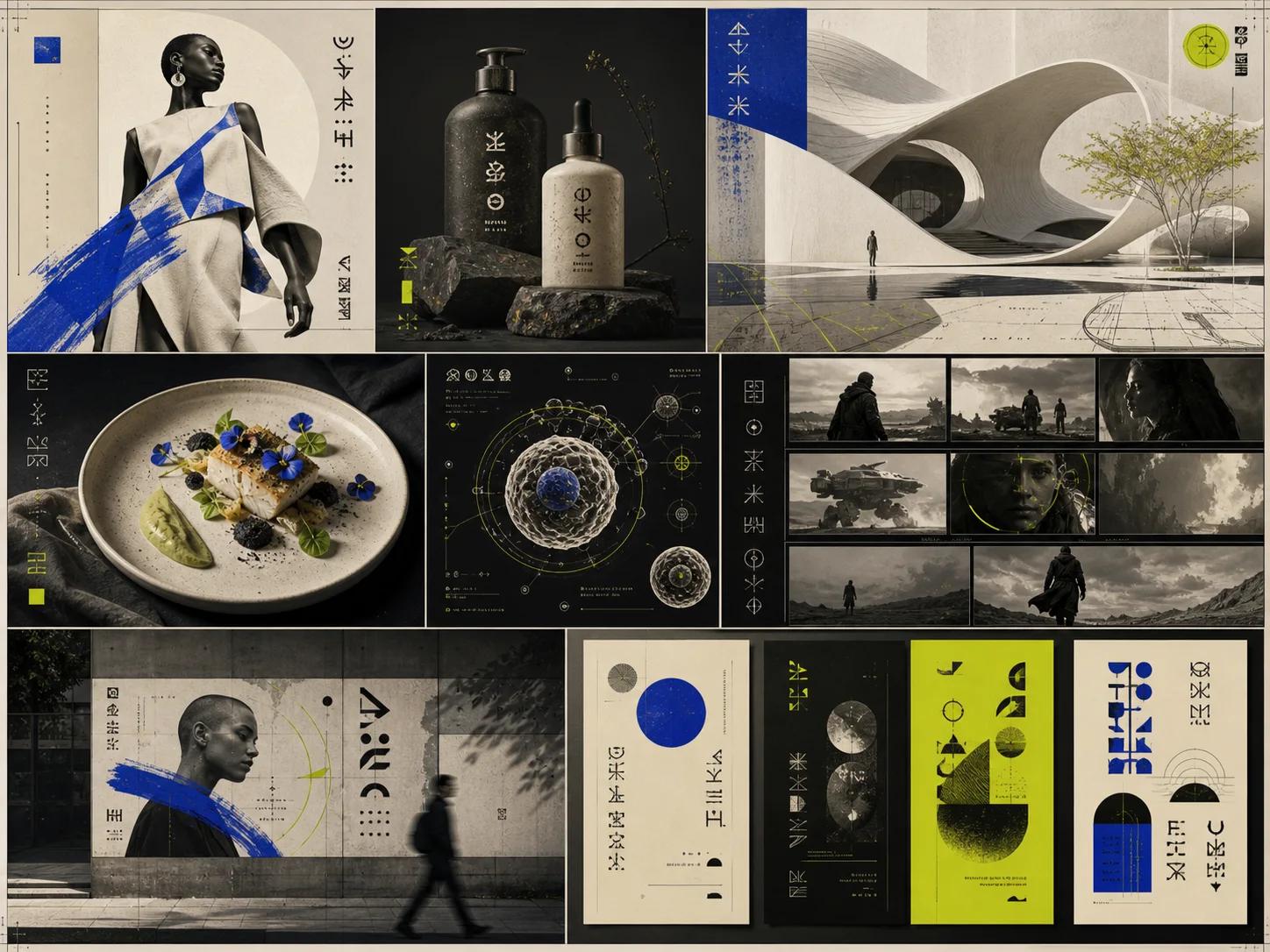
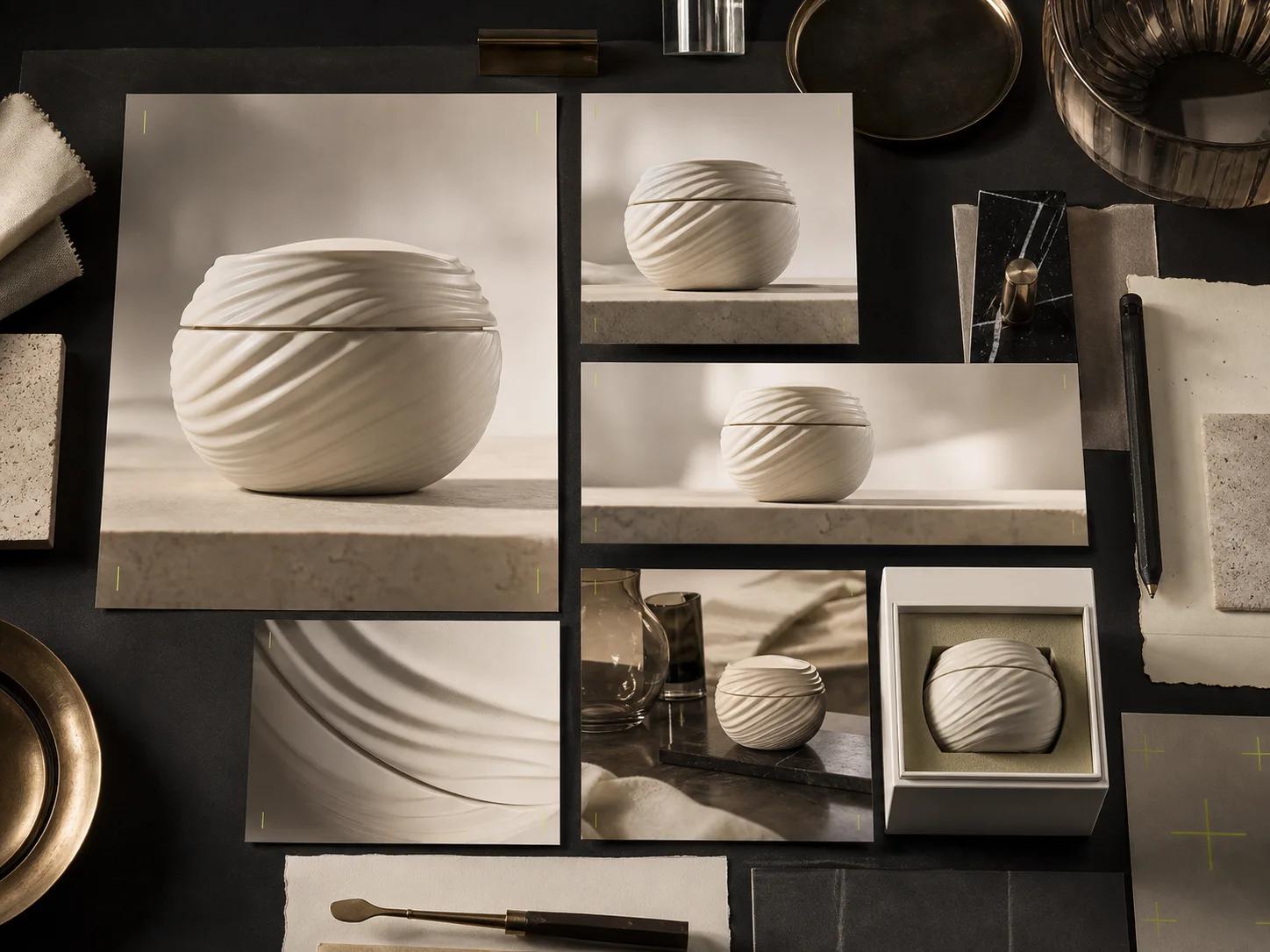
Ecommerce product systems
Start with clean product references and define which packaging, silhouette, material, color, and label details are fixed. Explore environments, camera angles, seasonal treatments, and supporting props without allowing the product identity to drift.
A coordinated set of hero images, detail crops, category banners, and channel-specific product scenes.
The system separates product truth from campaign atmosphere, making revisions easier to diagnose and approved visual rules easier to reuse.
Integrated campaign creative
Translate one campaign idea into a repeatable visual grammar: focal subject, color behavior, lighting, negative space, type zone, and emotional tone. Generate distinct routes before choosing a style. Once selected, document the approved cues and apply them across placements.
A campaign family spanning launch hero, display placements, editorial crops, announcement graphics, and presentation imagery.
Teams evaluate ideas as connected systems instead of approving isolated attractive images that cannot extend across the campaign.
Social content variations
Design for the pace and framing of each channel rather than making one generic square. Keep the campaign identity stable while changing crop, focal distance, gesture, prop density, and copy space. Nano Banana 2 fits the fast comparison loop.
A scheduled bank of portrait, square, landscape, and story-ready visual concepts with coherent art direction.
Variation becomes purposeful because each output answers a placement need while still belonging to the same recognizable campaign.
Product photography concepts
Use generation to explore art direction before committing to a physical setup. Test surfaces, light sources, reflections, lens distance, background shape, and prop relationships. Treat synthetic concepts as planning material unless the final production standard allows generated assets.
Shot-list references, lighting studies, set-design options, and selected production compositions.
Creative and production teams can discuss visible alternatives with precise notes instead of relying only on verbal mood descriptions.
Interface and service concepts
Create visual narratives around a service, feature, or user moment without asking the model to replace interface design. Define the device context, user goal, environment, and emotional signal. Keep screens simple and place final interface text separately when accuracy matters.
Launch-page illustrations, feature narratives, onboarding concepts, pitch imagery, and storyboard frames.
Abstract services become easier to understand while the real product interface remains controlled by the design system and approved copy.
Educational and knowledge visuals
Begin with the learning objective, then decide whether the image should explain a process, compare categories, establish context, or make an invisible system memorable. Grounding can support research-led drafts, but every factual element must be checked.
Concept diagrams, lesson openers, process scenes, visual analogies, and supporting explanatory art.
The workflow combines narrative clarity with verification, so visual appeal supports understanding rather than becoming a substitute for accuracy.
Character and subject systems
Create a reference sheet that identifies facial structure, hair, wardrobe, signature objects, proportions, and non-negotiable traits. Use character references deliberately and describe what changes between scenes. Compare outputs side by side for identity drift, not just local attractiveness.
A controlled sequence of character portraits, scenes, expressions, actions, and campaign moments.
A shared identity checklist gives reviewers concrete language for continuity and reduces vague requests to make a subject look more consistent.
Localized campaign adaptation
Localize the full visual reading experience, not only the words. Account for text expansion, reading direction, cultural context, product availability, color meaning, and placement conventions. When localized composition is one part of a broader complex professional brief, Pro can help coordinate the constraints. It does not guarantee better text rendering, so verify every character and regional detail with fluent reviewers.
Regional campaign masters with adapted layout, imagery, copy space, and channel crops for each market.
Localization becomes a designed production track with visible decisions, rather than a late text replacement that breaks hierarchy or context.
Prompt engineering
Write a production brief the model can prioritize
A prompt works best when it behaves like a compact art-direction document. State the objective first, then describe the subject, composition, visual materials, lighting, typography, constraints, and reference roles. Put the most important decisions before decorative style. If a result fails, revise the layer responsible for the failure instead of adding unrelated adjectives.
Objective + subject + composition + material and style + lighting and color + typography + constraints + reference roles
1. Objective
Name the deliverable and the viewer action. A launch hero, product detail image, educational opener, and social teaser require different hierarchy. Include placement and aspect ratio when they affect composition.
2. Subject
Describe the primary subject with concrete identity cues, posture, expression, product geometry, or defining features. Separate fixed traits from changeable styling. If references are present, state which reference controls identity and which provides supporting detail.
3. Composition
Specify camera distance, angle, focal position, negative space, foreground and background relationships, and reading order. If text will be added later, reserve a clean region and identify it.
4. Material and style
Define the image language through observable qualities such as brushed metal, soft paper, translucent glass, editorial photography, precise vector-like forms, or tactile studio craft. A few compatible cues are stronger than a long list of conflicting trends.
5. Lighting and color
Describe source direction, softness, contrast, atmosphere, and the role of key colors. State where highlight and shadow should help the hierarchy. If color accuracy matters, use references and review under the intended display conditions.
6. Typography
Provide exact short copy, capitalization, line grouping, placement, and intended character. Ask for enough contrast and breathing room. Generated text can still contain errors, so make character-level review mandatory.
7. Constraints
List the details that must not change, the elements that must not appear, and the acceptable simplifications. Constraints are most effective when they resolve a known risk, such as preserving a package silhouette or avoiding extra fingers, duplicate products, logos, tiny background faces, or decorative text.
8. Reference roles
Assign each reference a function: character identity, object truth, pose, composition, light, palette, or texture. Do not ask one reference to control everything unless that is genuinely the goal. When sources conflict, declare a priority.
Example production prompt
Create a 4K landscape launch hero for a premium reusable bottle. The bottle is the clear focal subject in the left third, matching the supplied object reference for silhouette, cap, label position, and brushed metal finish. Place a soft paper landscape behind it with restrained acid-lime accents and a calm charcoal foreground. Use a low camera angle, broad negative space on the right for approved headline copy, controlled studio reflections, and one directional softbox from the upper left. No extra products, no invented label text, no logo changes, no small human figures. Use the second reference only for lighting and the third only for palette.
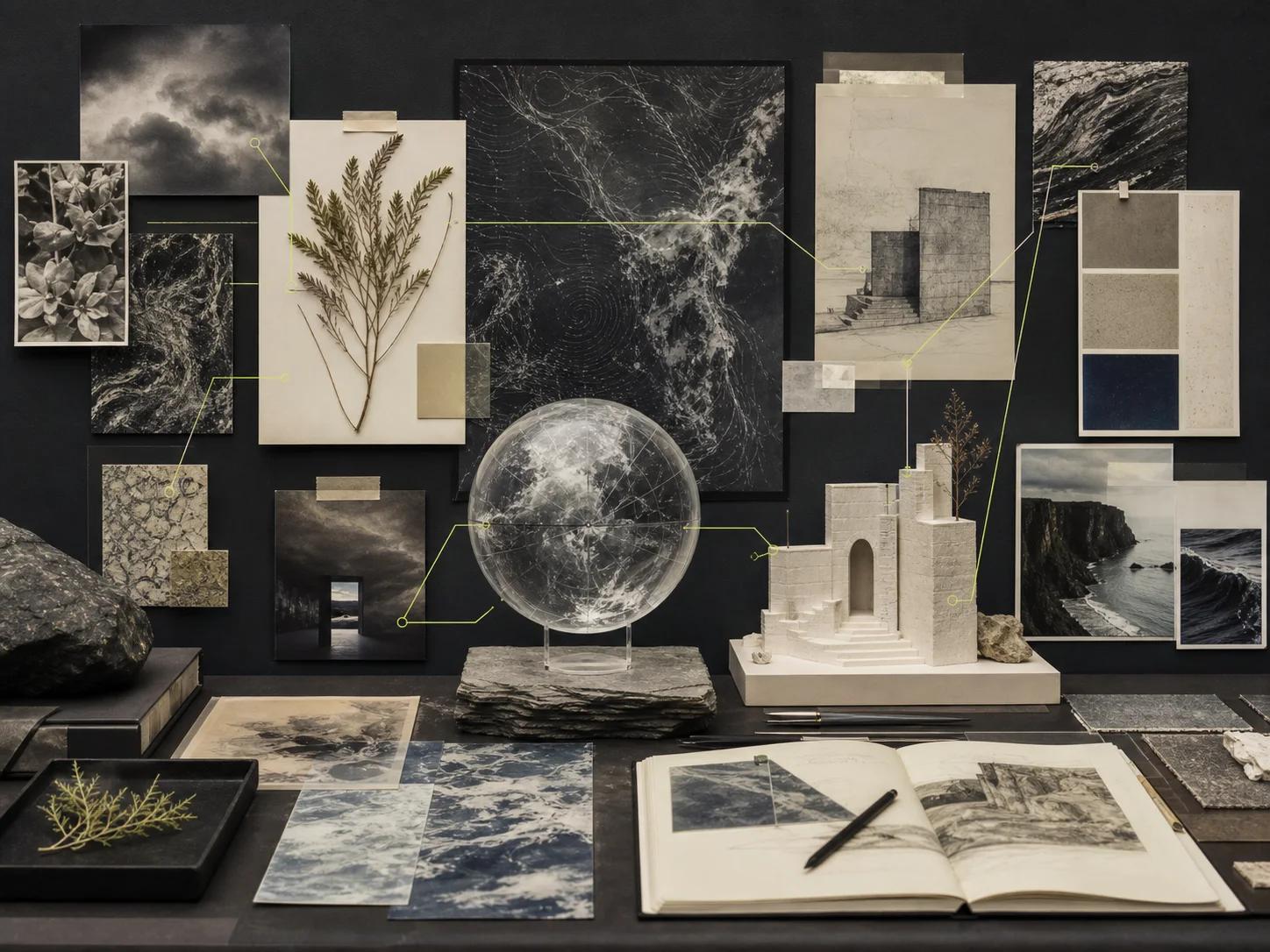
Six-step production loop
Move from brief to delivery with visible approval gates
Reliable image production is not one prompt followed by one download. It is a sequence of decisions with clear evidence. Keep the brief, references, selected outputs, repair notes, and approvals connected. That record lets a team reproduce a successful direction, understand why an edit was requested, and avoid reopening choices that were already settled.
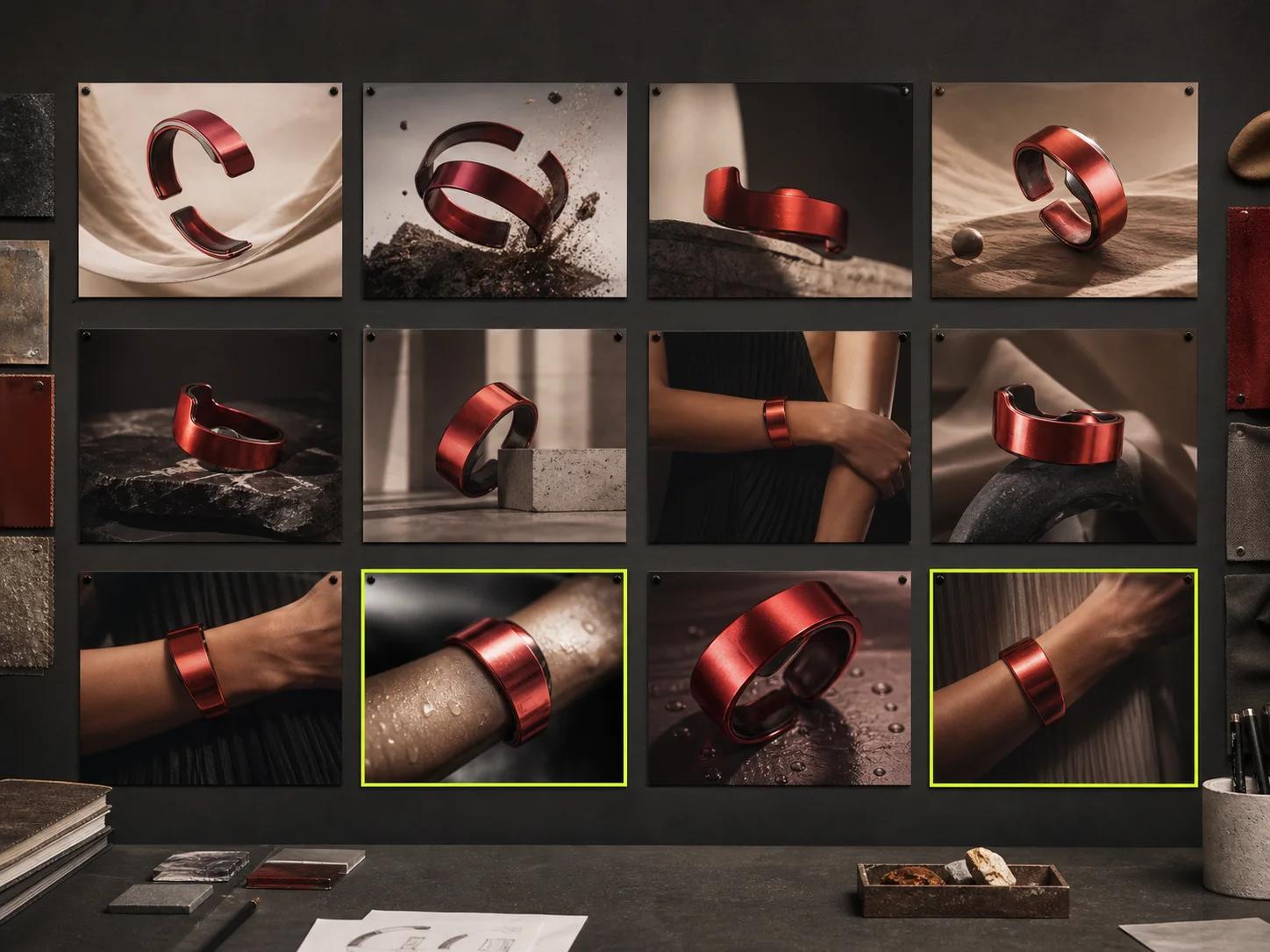
1. Frame the communication brief
Define audience, placement, message, required subject, fixed facts, aspect ratio, and the first thing a viewer should notice. List practical limits such as copy space, regional adaptation, or product accuracy. Decide what evidence will count as approval.
2. Curate and assign references
Select only sources that contribute a distinct decision. Note which images control characters, objects, composition, materials, lighting, or palette. Respect the model's reference limits and avoid contradictions. Nano Banana 2 allows up to 10 object and 4 character references within 14 images.
3. Generate a purposeful route set
Use Nano Banana 2 to explore clearly different answers, not tiny accidental variations. Change one strategic variable across routes, such as camera distance, environment, hierarchy, or emotional tone. Give each output an identifier and record the prompt.
4. Evaluate before editing
Score each route against the brief: message, subject identity, composition, factual accuracy, text, brand fit, and channel readiness. Select the strongest foundation rather than the image with the most surface detail. Record what is approved and what is wrong.
5. Repair one weakness at a time
Write edits that preserve approved elements and isolate the defect. Crop closer for a small face, simplify a crowded type area, clarify which product reference controls shape, or separate blended objects. Compare before and after at the same size.
6. Quality-control and deliver
Inspect the full frame, important close crops, all visible text, character continuity, object geometry, factual details, edges, shadows, and required dimensions. Review localized variants with fluent readers and test the asset in its real placement. If delivery includes an animated storyboard, keep the approved still with its shot notes for Kling 4.0 image-to-video storyboards.
Value mechanisms
Measure the workflow by decisions improved, not claims invented
The business case for an image model should come from observable changes in creative operations. Count how many distinct routes reach review, how often a brief survives handoff, how much rework comes from preventable ambiguity, and whether localized assets remain part of one coherent system. Do not assume a universal return.
Faster concept cycles
Nano Banana 2 can shorten the distance between a written idea and a visual conversation because its design favors speed and low latency. The useful metric is not a promised generation time.
Higher test density
A responsive workflow makes it practical to test meaningful variables across composition, crop, environment, and message. More output alone is not value. Define a hypothesis for each route and retire duplicates.
Lower avoidable rework
Structured prompts, assigned references, and approval notes expose why an image failed. That can reduce cycles caused by vague feedback or lost context. Track repair categories such as identity drift, incorrect text, or weak hierarchy.
Scalable localization
A shared asset map lets regional teams adapt text space, direction, context, and imagery while preserving the campaign idea. Evaluate localization by completeness, reading quality, and visual coherence.
More consistent asset systems
Reference roles, fixed identity cues, and side-by-side review help a team create a recognizable family rather than a folder of unrelated images. Measure consistency with a checklist for subject, product, palette, lighting, and layout behavior.
Selection guide
Ask six questions before choosing the model
Choose according to the hardest requirement in the next approval gate. If the immediate task is learning which direction works, speed and variation may dominate. If the immediate task is resolving a dense layout or final professional asset, interpretation and control may dominate.
Do you need many distinct directions before stakeholders can choose?
- Nano Banana 2
- Choose Nano Banana 2. Its speed, low latency, and high-volume orientation suit a broad route set and frequent feedback.
- Nano Banana Pro
- Choose Pro later when a selected route has earned a more deliberate composition or finishing pass.
Does the image contain several interacting subjects, objects, and layout zones?
- Nano Banana 2
- Use it to simplify and test alternative hierarchies, especially while the scene structure is still negotiable.
- Nano Banana Pro
- Choose Pro when the final frame must resolve complex instructions and preserve an ordered reading experience.
Is exact or multilingual typography central to approval?
- Nano Banana 2
- Use it for rapid type-zone exploration and short copy concepts, then inspect every character or replace final text in design software.
- Nano Banana Pro
- Either model requires the same character-level quality control. Choose Pro only when typography or multilingual layout is one part of a broader complex professional brief, not because it guarantees better text rendering.
Which reference mix carries the most important evidence?
- Nano Banana 2
- Its allowance of up to 10 object and 4 character references within 14 images fits object-rich product systems.
- Nano Banana Pro
- Its allowance of up to 6 object and 5 character references within 14 images fits work where character continuity has greater weight.
What output size does the current review genuinely need?
- Nano Banana 2
- Choose from 0.5K, 1K, 2K, and 4K to match route review, working review, or detailed output without overproducing early drafts.
- Nano Banana Pro
- Choose 1K, 2K, or 4K after the concept is sufficiently resolved for professional review and detailed inspection.
Can the team verify factual and visual details before publication?
- Nano Banana 2
- Use grounding to support context, then verify every factual label, object, date, and relationship. Do not publish a plausible draft as evidence.
- Nano Banana Pro
- Apply the same verification standard. Thinking, grounding, and polish can improve interpretation but do not replace accountable review.
Limitations and repair playbook
Treat defects as diagnosable production problems
Both models can produce text errors, factual mistakes, blending artifacts, consistency drift, and defects in small or crowded details. A polished surface does not prove that the content is correct. Repair starts by naming the visible failure, tracing it to prompt, reference, composition, or scale, and changing one cause at a time.
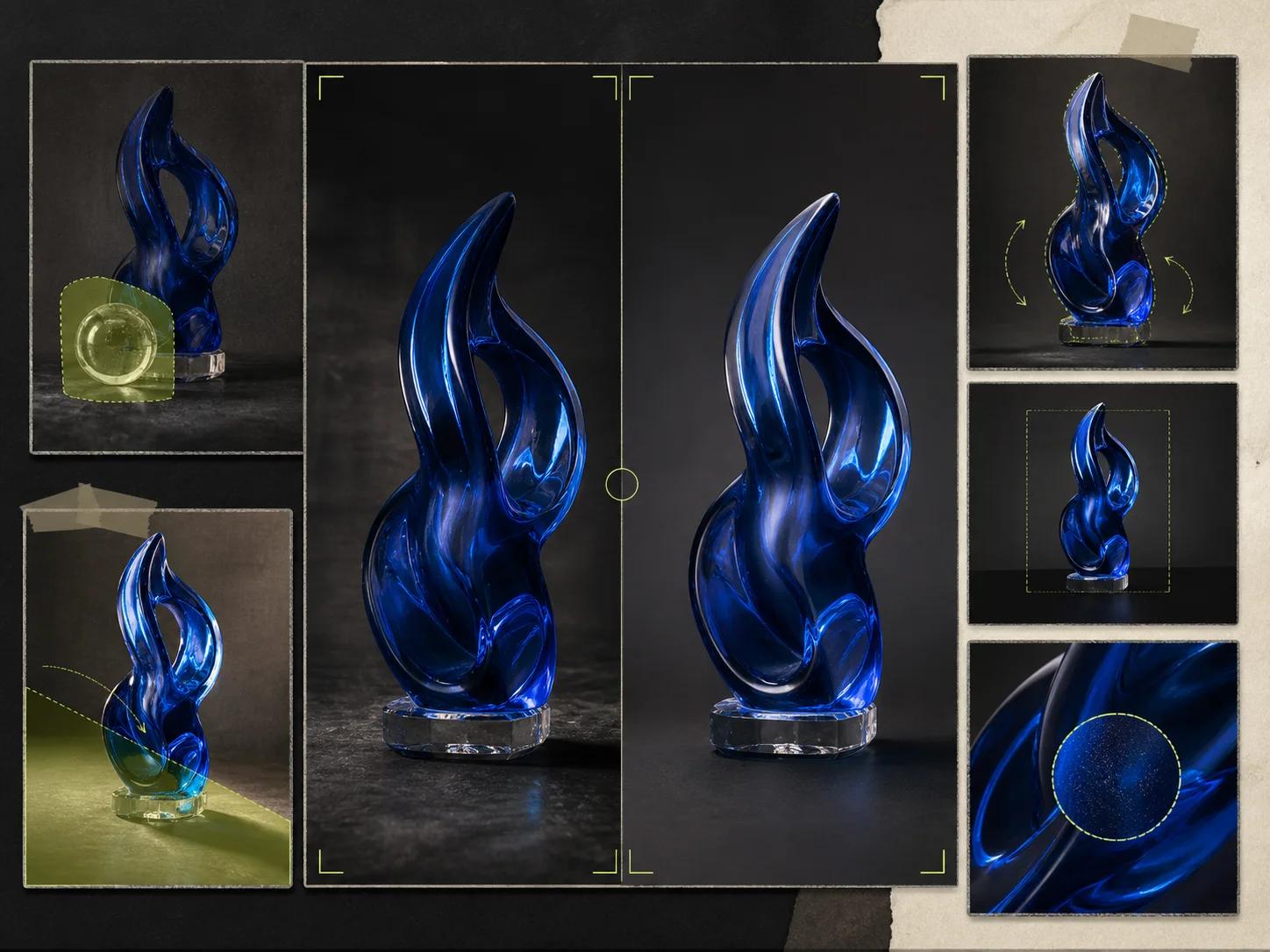
| Visible issue | Focused action | Review target |
|---|---|---|
| Small faces or hands lose structure, especially in crowded scenes or distant background figures. | Reduce crowd density, move important people closer, enlarge the face in the frame, simplify overlapping gestures, and provide a clearer character reference. Preserve the approved setting and lighting so the edit addresses scale rather than reopening the whole composition. | Inspect eyes, mouth, fingers, silhouette, and identity at actual display size. If tiny figures are not important, simplify or remove them instead of forcing detail the placement cannot show. |
| Generated text is misspelled, incomplete, uneven, or visually detached from the layout. | Shorten the copy, provide exact capitalization and line grouping, increase the text area, reduce decorative competition, and request a clear hierarchy. For long, regulated, or frequently updated wording, generate the visual structure and place final approved text in a design tool. | Check every character, punctuation mark, line break, language form, and contrast condition. Do not approve text because the overall word shape appears plausible from a distance. |
| A knowledge-rich image contains a plausible but incorrect fact, label, object, date, or relationship. | Separate factual content from visual style. Restate the verified facts in a compact list, use grounding where appropriate, remove unsupported details, and ask the model to preserve the approved composition while correcting only the named information. Keep a human source-of-truth review outside the image. | Compare every publishable claim with an authoritative source. Treat diagrams, maps, labels, and historical or current context as information products, not decorative texture. |
| Objects blend together, edges melt, reflections disagree, or materials change where forms overlap. | Create more physical separation, clarify foreground and background, reduce the number of touching objects, specify material boundaries, and simplify reflections. If the scene remains confused, rebuild from a cleaner composition rather than adding more corrective language to an unstable image. | Inspect contours, contact shadows, handles, transparent surfaces, repeated products, and transitions between skin, clothing, props, and background. The geometry should remain understandable without visual excuses. |
| A character or product drifts across a series even though each individual frame looks convincing. | Return to the strongest identity reference, list fixed traits, remove conflicting sources, and state exactly what may change. Generate smaller groups, compare them side by side, and approve a continuity checkpoint before expanding the series. | Review the set for facial structure, proportions, wardrobe anchors, package geometry, label placement, color, and signature details. Consistency is judged across the family, never from one frame alone. |
Frequently asked questions
Direct answers for planning a Nano Banana workflow
Use these answers to establish the model choice, reference plan, output size, prompt structure, and review standard before production begins. Capabilities can improve the starting point, but the team remains responsible for factual checks, readable text, continuity, and fit for the intended channel.
Nano Banana 2 is Gemini 3.1 Flash Image, an image generation and editing model optimized for speed, low latency, and high-volume use cases. It supports Thinking, 0.5K, 1K, 2K, and 4K output, plus Google Image Search grounding alongside Google Web Search.
Nano Banana Pro is Gemini 3 Pro Image, a model aimed at professional asset production and complex instructions. Like Nano Banana 2, it supports Thinking; it also supports 1K, 2K, and 4K output and Search grounding. A complex professional brief may include typography or multilingual layout among many coordinated constraints, but this does not guarantee better text rendering. Both models can make text errors and require QA.
Start with Nano Banana 2 when the next decision is which route, crop, setting, or message works best. Start with Pro when the first deliverable already has a complex, tightly constrained composition that cannot be simplified. Many teams can use Nano Banana 2 for exploration and Pro for selected finishing work.
Within the 14-image limit, Nano Banana 2 supports up to 10 object references and 4 character references. Within the same 14-image limit, Nano Banana Pro supports up to 6 object references and 5 character references. Treat these as maximum capacities, not targets.
Nano Banana 2 supports 0.5K, 1K, 2K, and 4K output. Nano Banana Pro supports 1K, 2K, and 4K. Choose the size required by the current review and final placement. Use lighter output to decide composition and direction, then increase resolution after the content is stable.
Grounding can give the model better context, but it does not make every visible detail automatically correct. Nano Banana 2 includes Image Search grounding alongside Web Search, and Nano Banana Pro supports Search grounding. Verify names, dates, labels, diagrams, locations, products, and relationships against authoritative sources before publication.
Use generated typography when it survives character-level review and fits the risk of the placement. Keep wording short, provide exact copy and line structure, and allow enough space. Both models can still make text errors.
Review message hierarchy, subject identity, character continuity, product geometry, text, factual details, anatomy, object boundaries, reflections, shadows, color, crop safety, output dimensions, and local-language accuracy. Inspect the full frame and close crops at real display size. Compare related assets together.
Plan the next image system
Choose the model that fits the next approval gate
Begin with a precise brief, assign every reference a role, and decide how the result will be checked. Use Nano Banana 2 to explore and iterate with momentum. Consider Nano Banana Pro when the selected direction needs complex interpretation or professional finishing, while keeping the same text QA for both models.