Kling 3.0 Draft Mode
Rapid AI Video Prototyping at Lightning Speed
Generate preview videos 5~20x faster with significantly fewer credits. Test motion, camera angles, and prompts before committing to high-fidelity production renders.




Generate with Kling 3.0 Draft Mode
Enter a detailed prompt to rapidly prototype your AI video. Credits required.
Recent tasks


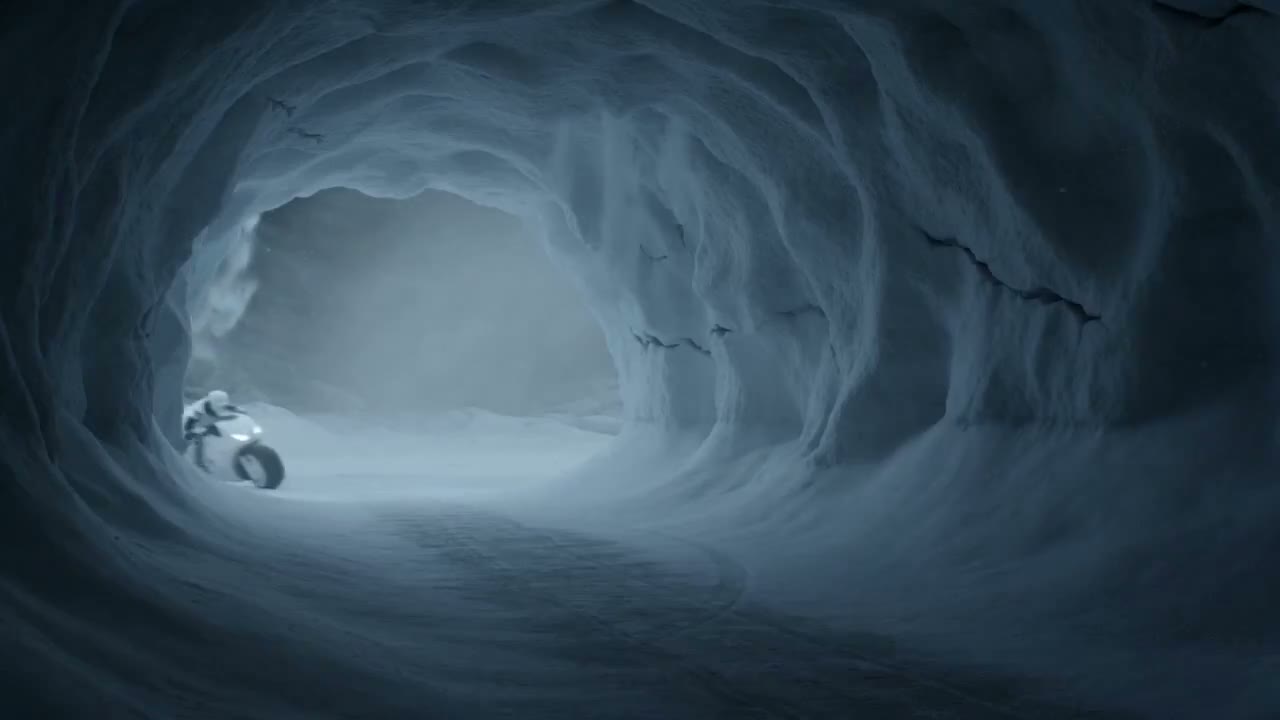


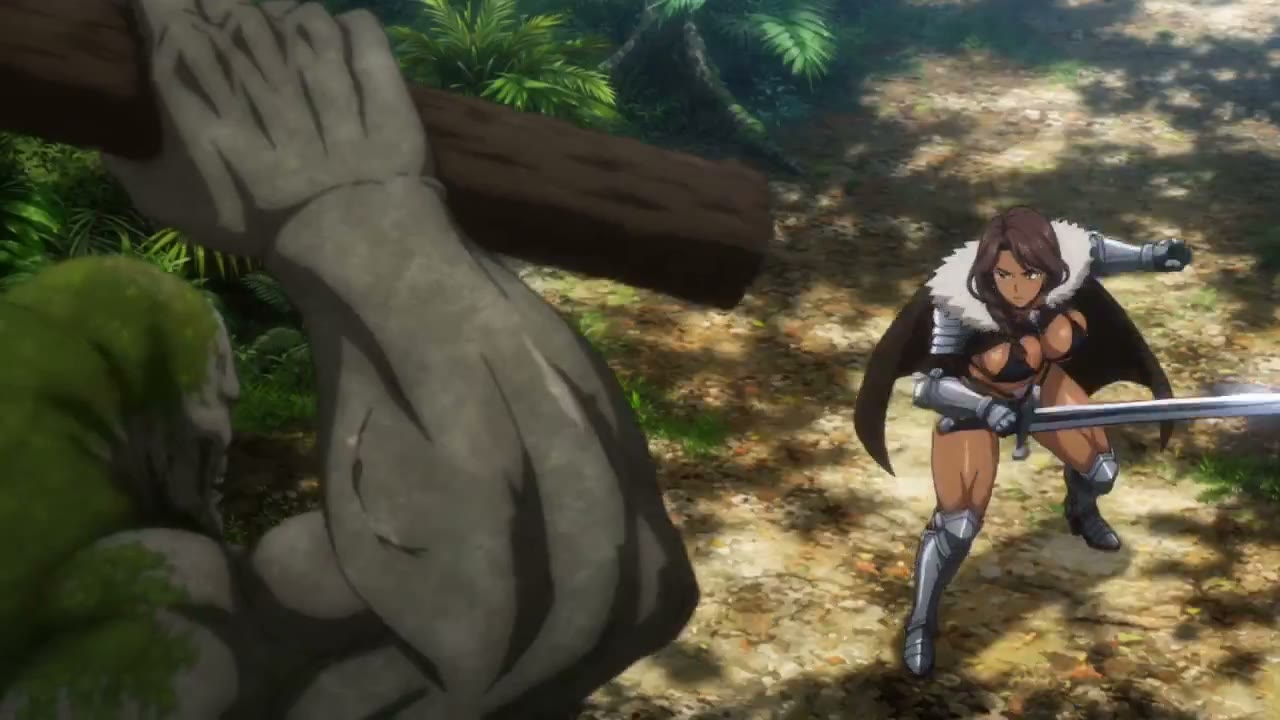
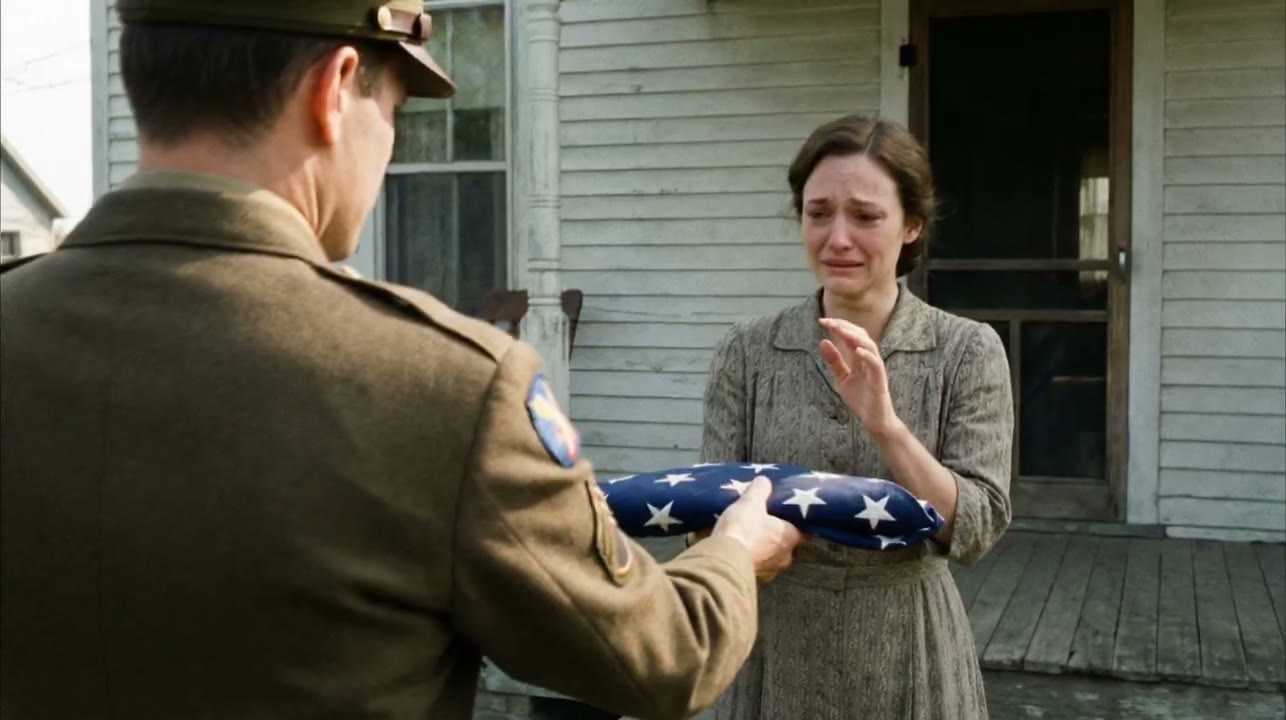
Rapid Prototyping for AI Video Creation
Draft Mode is a revolutionary feature in Kling 3.0 designed for rapid iteration and experimentation. It generates preview-quality videos at 5~20x the speed of standard mode while consuming significantly fewer credits.
Perfect for creators who need to quickly validate motion concepts, test camera angles, optimize prompts, and experiment with different compositions before investing in full-quality production renders.
Draft Mode Workflow
Two-stage creative process
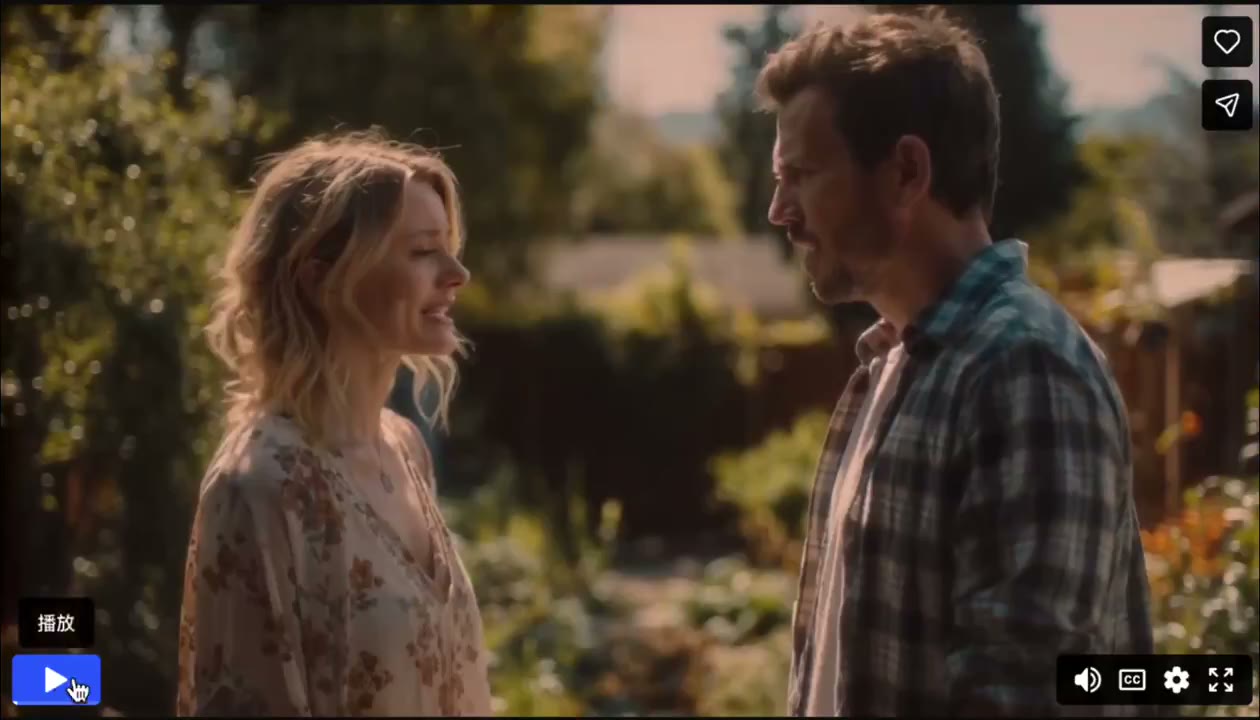
Generate rapid previews to test your creative vision
Experiment with different prompts and camera angles
Refine compositions without wasting credits
Switch to high-quality mode for final production
Why Use Draft Mode?
Maximize efficiency while minimizing costs
Lightning Fast Generation
Get preview videos 5~20x faster than standard mode, enabling rapid creative iteration and experimentation.
Significant Credit Savings
Reduce credit consumption by up to 35% during the prototyping phase, saving resources for final production.
Unlimited Creative Freedom
Test dozens of variations without budget constraints. Experiment boldly with motion, angles, and prompts.
Seamless Quality Upgrade
Once satisfied with your draft, instantly switch to high-fidelity mode for broadcast-ready output.
Draft Mode vs Standard Mode
Choose the right mode for your workflow. For Flash, check Kling 4.0 Flash output limits separately from the quality of a Draft preview.
Draft Mode
For rapid prototyping
- 5~20x faster generation speed
- ~35% lower credit cost
- Concept testing & iteration
- Validate ideas before full render

Standard Mode
For final production
- Standard generation speed
- Full credit cost
- Final delivery & publishing
- Broadcast-ready quality output
Draft Mode Workflow
From concept to final production in 4 simple steps
Enter Your Prompt
Describe your scene, upload reference images, or provide any creative inputs.
Generate Draft Preview
Get a rapid preview in seconds. Test motion, composition, and camera angles.
Iterate & Refine
Tweak your prompt, adjust parameters, and regenerate until satisfied.
Render Final Version
Switch to high-quality mode and export your polished, production-ready video.
Who Benefits from Draft Mode?
Perfect for creators, marketers, and production teams
Creative Professionals
Iterate rapidly on visual concepts without budget constraints. Test bold ideas risk-free.
- Concept art exploration
- Storyboard visualization
- Motion design prototyping
Marketing & Advertising
Quickly test multiple ad variations and campaign concepts before full production.
- A/B testing video concepts
- Social media content testing
- Campaign storyboarding
Production Teams
Streamline review processes with rapid previews before committing resources.
- Client pitch presentations
- Internal review workflows
- Pre-production planning
Frequently Asked Questions
Draft Mode is a rapid prototyping feature in Kling 3.0 that generates AI videos 5~20x faster than standard mode while consuming significantly fewer credits. It's designed for quickly testing motion, camera angles, and prompts before committing to full-quality production renders.
Draft Mode generates videos approximately 5~20x faster than Standard Mode. While Standard Mode might take 2-3 minutes for a 5-second video, Draft Mode can produce a preview in just seconds, enabling rapid iteration and experimentation.
Draft Mode can save up to 35% of credits compared to Standard Mode. This makes it extremely cost-effective for the prototyping phase, allowing you to test many variations before investing credits in the final high-quality render.
Draft Mode produces preview-quality videos optimized for speed, suitable for validating concepts and motion. Standard Mode delivers full-fidelity, broadcast-ready output with higher resolution, better detail, and production-quality results.
Yes! Once you're satisfied with your Draft Mode preview, you can easily switch to Standard Mode and regenerate the video at full quality using the same prompt and settings. This two-stage workflow ensures you only spend full credits on validated concepts.
Draft Mode is ideal for creative professionals, marketing teams, filmmakers, and anyone who needs to iterate quickly on AI video concepts. It's especially valuable for agencies managing tight budgets, teams requiring client approval before final production, and creators exploring multiple creative directions.
Ready to Create 5~20x Faster?
Start prototyping your AI videos with Draft Mode today. No credit card required.