Motion Muse AI video generator for motion storytelling
Brief the beat, camera move, and timing, then create with Wan 3 on kling3.io. The Motion Muse AI video generator is a storytelling landing, not the Wan 3.0 product hub and not Meta Muse AI.
- Write subject motion, camera intent, and sound in one muse brief
- Generate with Wan 3 using text, keyframes, or references plus audio
- Iterate one storytelling choice per pass, then export the clip
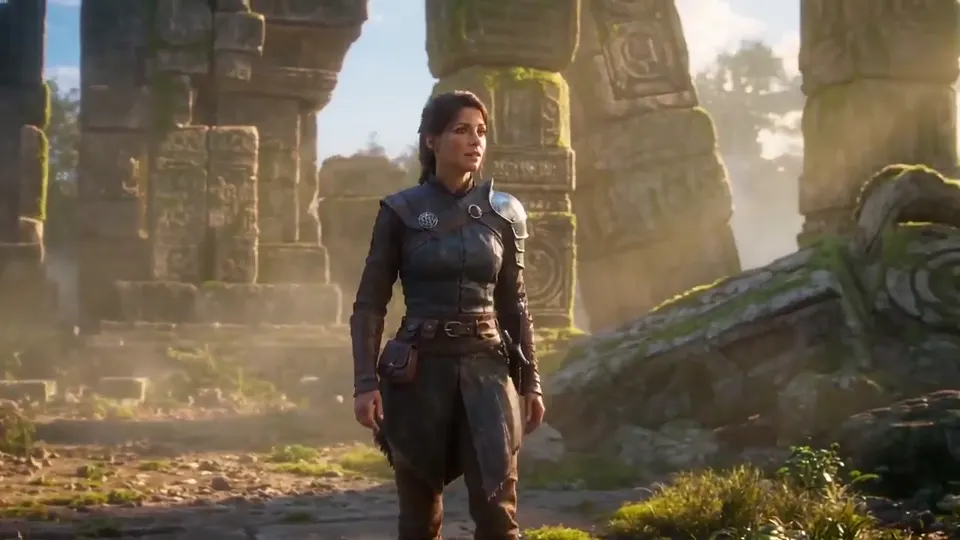
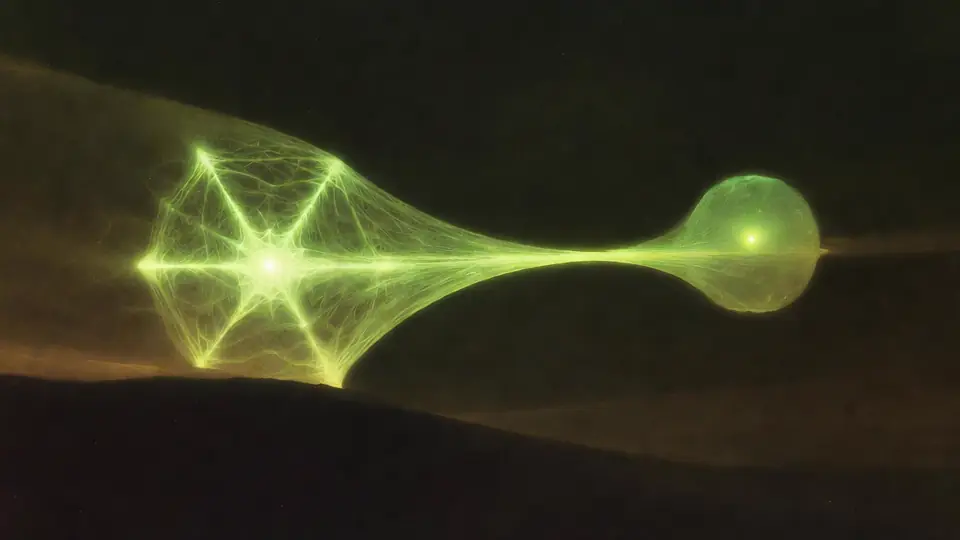
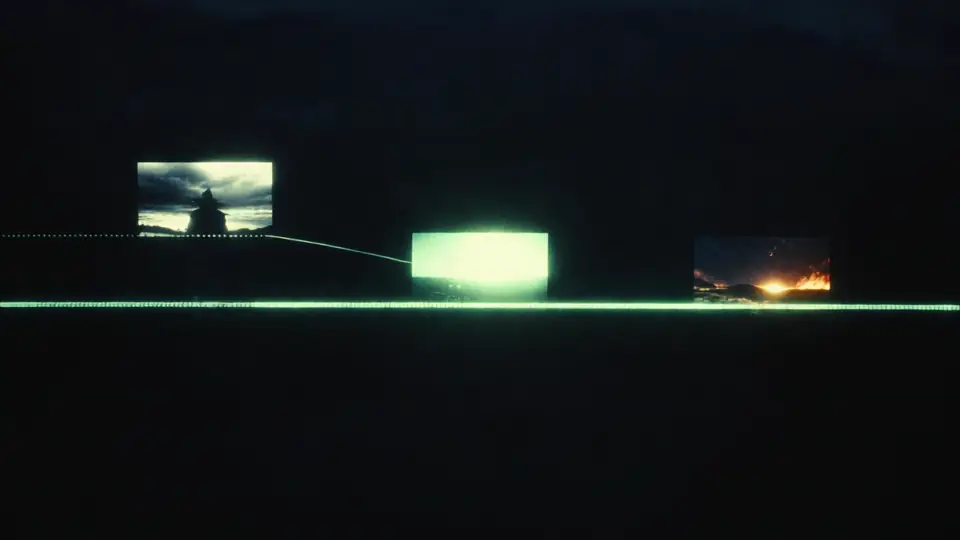
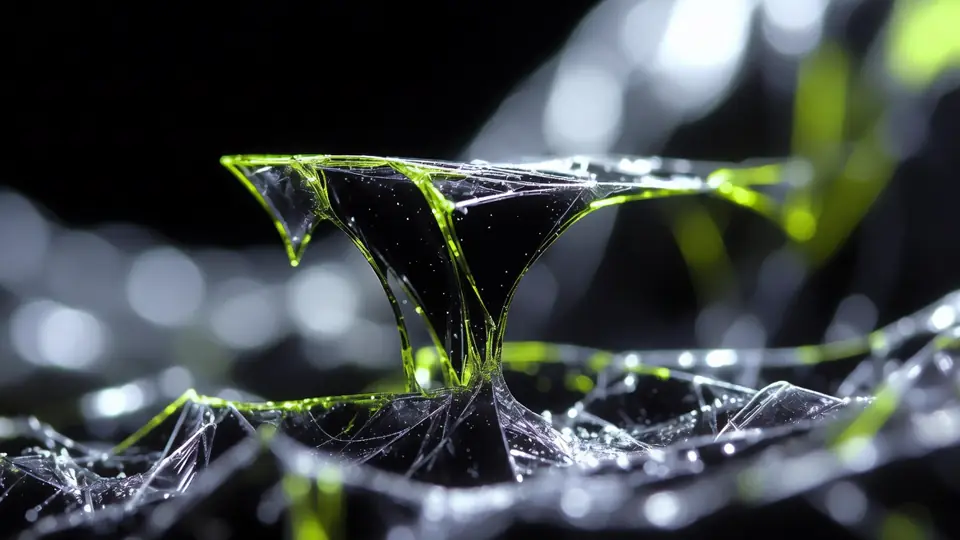
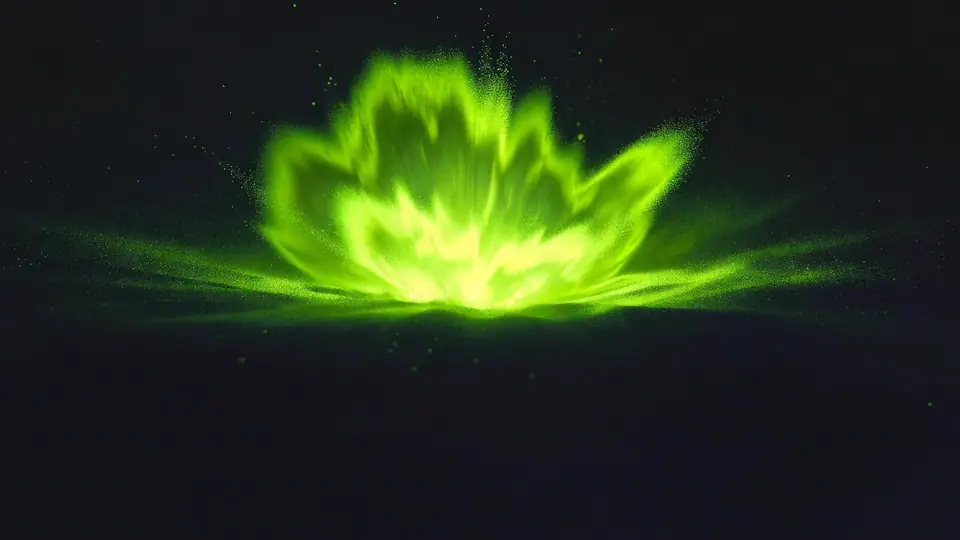
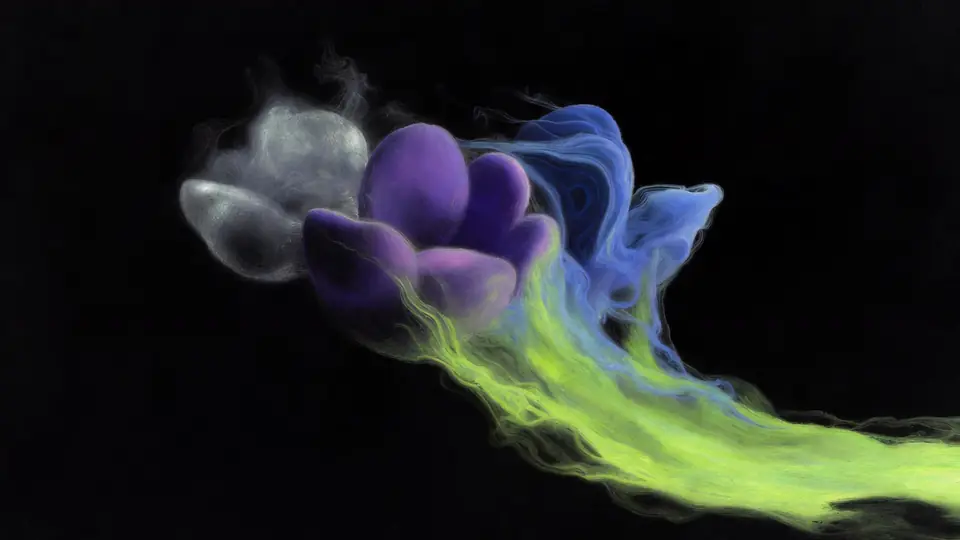
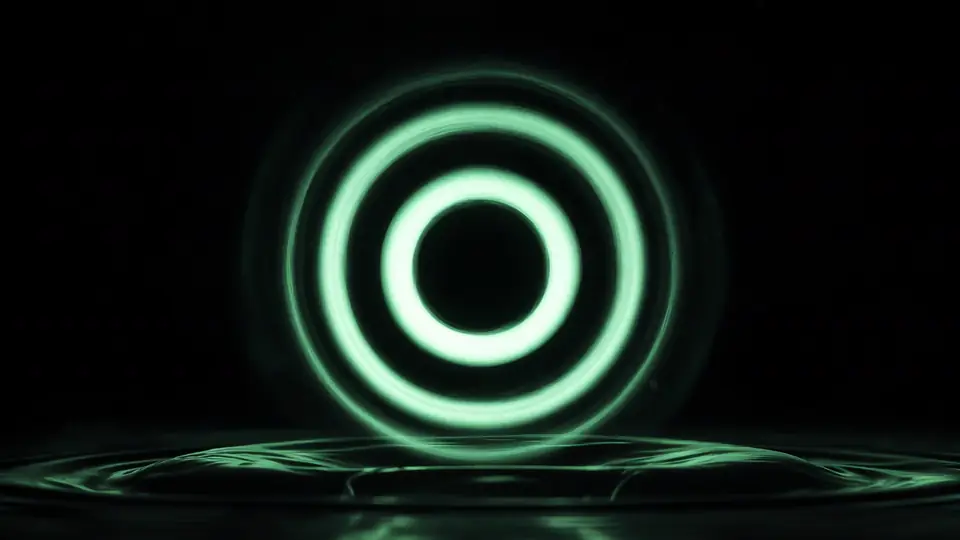

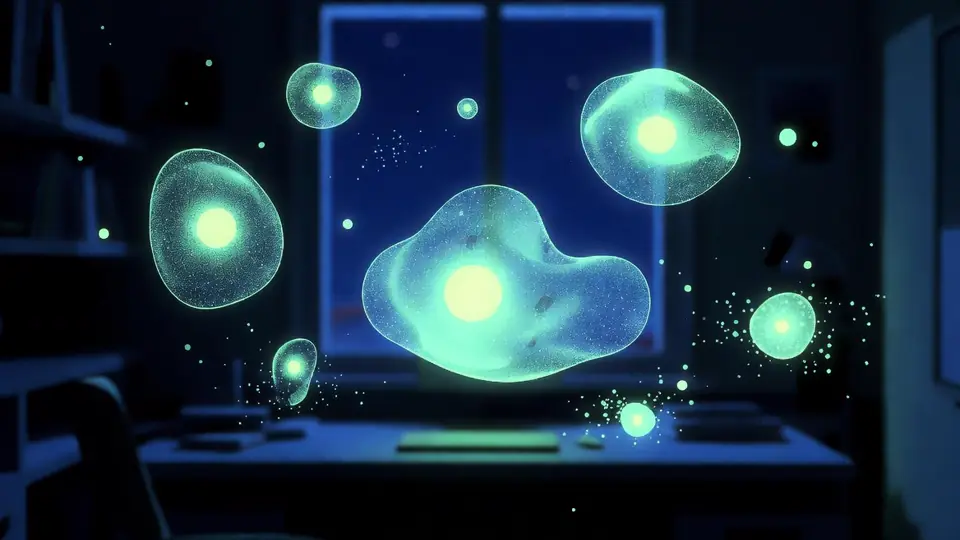
Wan 3.0 Video Generator
Direct cinematic motion with Standard or Pro quality, precise duration, and multimodal references.
Videos and tasks
TL;DR
- Motion Muse AI video generator is a muse-framed landing for motion and camera storytelling with Wan 3.
- Same Video workspace as /wan-3-0: text, keyframe, reference plus audio.
- Different from Meta Muse AI (Meta Muse Image and Video explainer) and from Kling Motion Control routes.
- Prefer reviewing the live credit estimate; optional Standard and Pro per-second rates are listed below.
What is Motion Muse AI video generator?
Motion Muse AI video generator is the muse-branded creative landing on kling3.io for people who think in beats, camera moves, and emotion before they open a settings panel. It embeds Wan 3 through Video workspace into a storytelling frame: spark, brief, clip, iterate, export. Creators who want muse-style inspiration plus Wan 3 output land here. Readers who need the full Wan-named product sheet still use /wan-3-0. Readers who need the Meta Muse Image and Video explainer still use /meta-muse-ai.
This page does not invent a new model. It reuses the same text, keyframe, and reference plus audio paths as the Wan 3.0 generator page. Duration stays a whole-second choice from 2 to 30 seconds. Standard and Pro follow the site-published credit schedule. What changes is the creative story: how a team briefs motion, how they iterate one decision at a time, and how they know a take is ready to share.
If you need specs, rates, and mode deep-dives, open the Wan 3.0 AI video generator (Standard and Pro). If you need Meta Muse overview context, open Meta Muse AI. If you need a creative loop that starts from a muse brief and ends in a downloadable Wan 3 clip, stay on the Motion Muse AI video generator.
A producer can collect three muse lines from a kickoff call and paste them into the first prompt without rewriting them as jargon. An art director can attach one style reference and one audio bed, then ask for a medium shot that holds the product in frame. An editor can reject soft takes by naming the single failure: late camera move, wrong eyeline, or muddy ending.
Keep a shared checklist beside the controls: subject clear, camera intent clear, duration matches the beat, audio plan stated, and live credit estimate reviewed. When the checklist passes, export once and move on. Solo creators can follow the same loop with a sticky note: one muse line, one take, one named fix.
Features
Muse brief before settings
Start with emotion, subject path, and camera intent. The Motion Muse AI video generator keeps creative framing first while Wan 3 turns that brief into a clip you can judge on a timeline.
Prompt to clip workflow
Describe the scene, timing, and sound in plain language. Generate once, watch the take, and decide what stays before you spend another pass.
One change per iteration
Adjust camera height, subject speed, or mood alone. Directed storytelling stays clearer than rewriting the whole prompt every time.
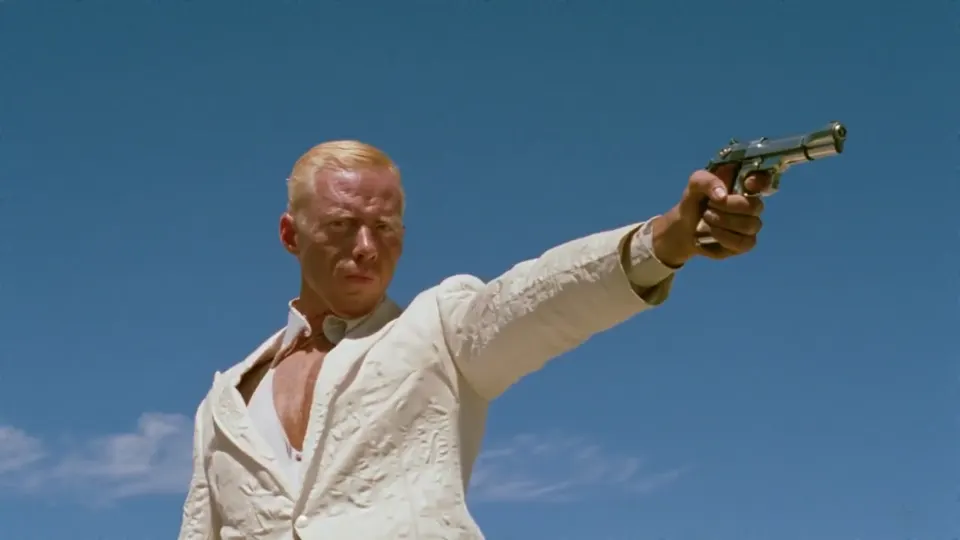
Keyframes for opening and ending
Lock a first frame, a last frame, or both when composition must hold. Wan 3 follows that guide while your narrative line stays in the text brief.
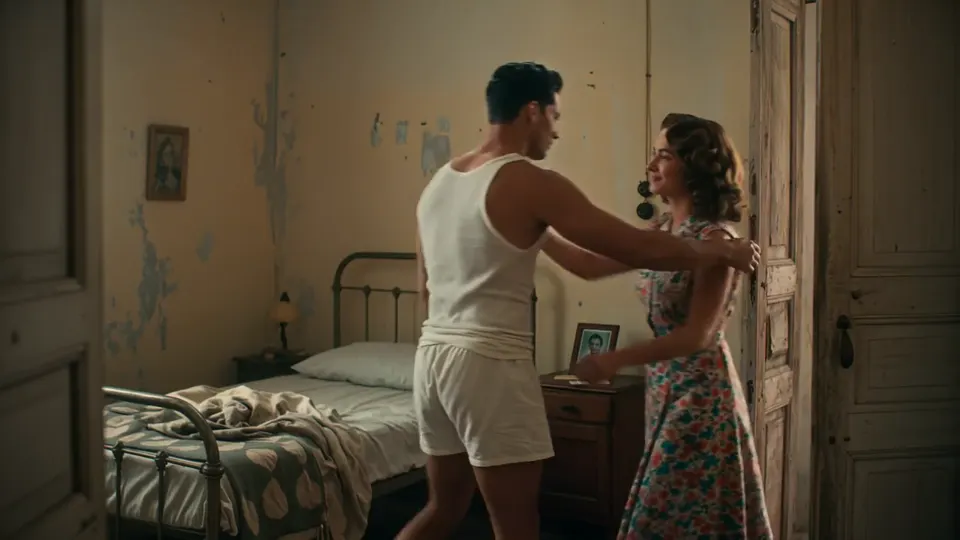
References plus audio when needed
Attach supported image, video, or audio references when look or rhythm must stay consistent. Keep each file purposeful so the model can read the brief.
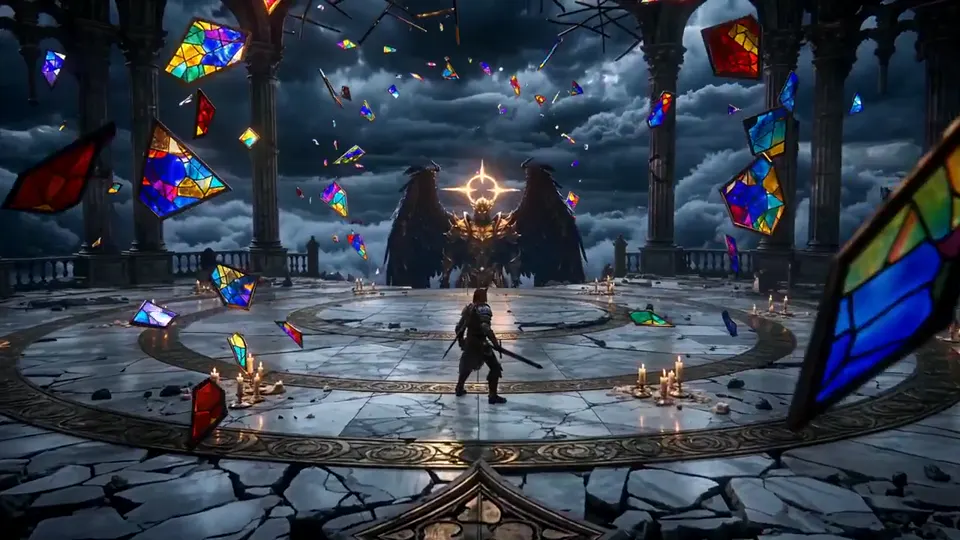
Standard or Pro delivery
Choose Standard for fast concept loops or Pro for higher resolution masters on the site tier. Always review the live credit estimate before you submit.
How to use Motion Muse AI video generator
A short creative loop keeps the story decision clear before credits are reserved.
- 1
Capture the muse idea
Write who moves, where the camera sits, what changes across the seconds, and whether sound matters for the beat.
- 2
Choose an input path
Start from text, set keyframes for composition, or add references plus audio when style and rhythm need anchors.
- 3
Set tier, resolution, and duration
Pick Standard or Pro, choose resolution, and select a whole-second length from 2 to 30 seconds.
- 4
Review the estimate, then generate
Check the live credit estimate in the Motion Muse AI video generator, create the take, review it, and download when the beat lands.
Storytelling tips for teams
Treat every take as a beat. Open with who moves, where the camera sits, and what emotion should land in the final second. If a take fails, change one line only: camera height, subject speed, or light quality. Keep identity locked when you add references so Wan 3 clips stay consistent across iterations. Producers can pin a keeper and hand editors one downloadable file. Directors can brief in shot language: wide for place, medium for action, close for reaction. Say whether you need room tone, a voice line, or silence for later design. Export when a teammate can name the story without reading the prompt again. For weekly social pipelines, batch three muse briefs and regenerate only the weakest beat.
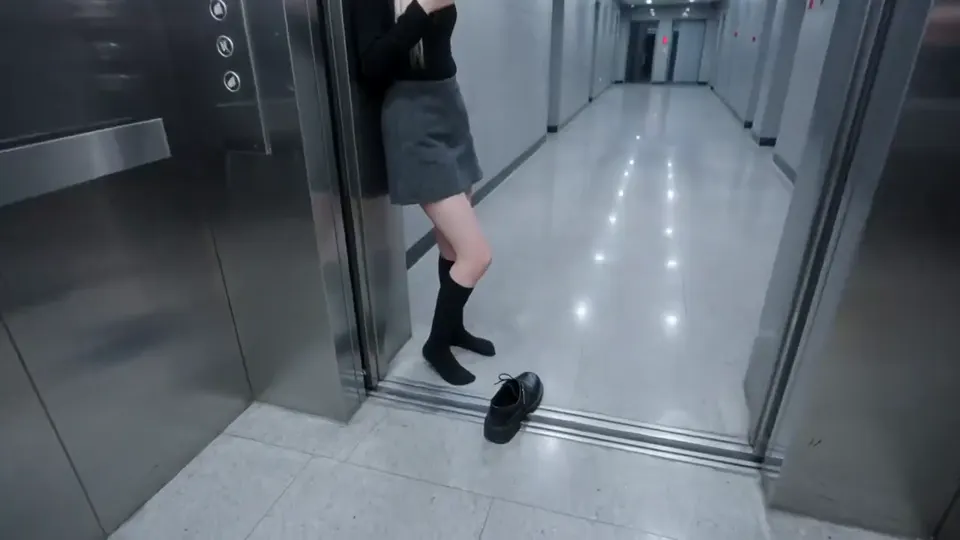
Review the live credit estimate before you generate. Pricing
Motion Muse AI video generator questions
Practical answers about positioning, Wan 3 inputs, credits, and what this page is not.
It is a muse-branded creative landing on kling3.io for motion and camera storytelling with Wan 3. It focuses on prompt-to-clip workflow, iteration, and export.
The Wan 3.0 page is the Wan-named product and generator hub for specs, tiers, and modes. This landing reuses the same Wan 3 client with a storytelling and muse creative angle.
Meta Muse AI covers Meta Muse Image and Video context. This page is a kling3.io workflow for creating Wan 3 clips. Name overlap on Muse only; it is not Meta Muse Video.
Wan 3 through Video workspace, the same client as /wan-3-0, with text, keyframe, and reference plus audio paths.
Review the live credit estimate before you generate. Optional published minimum rates: Standard (w3.0-video) 480P 7, 720P 13, 1080P 25 credits per second; Pro (w3.0-video-pro) 1080P 37, 2K 41, 4K 47 credits per second.
No. Kling Motion Control is a separate product on its own routes.
Start with Motion Muse AI video generator
Brief the beat, create with Wan 3, iterate once, and export when the story holds. Review the live credit estimate before you submit.