Cling AI
Create directed images and short videos from clear prompts, references, and practical production choices.

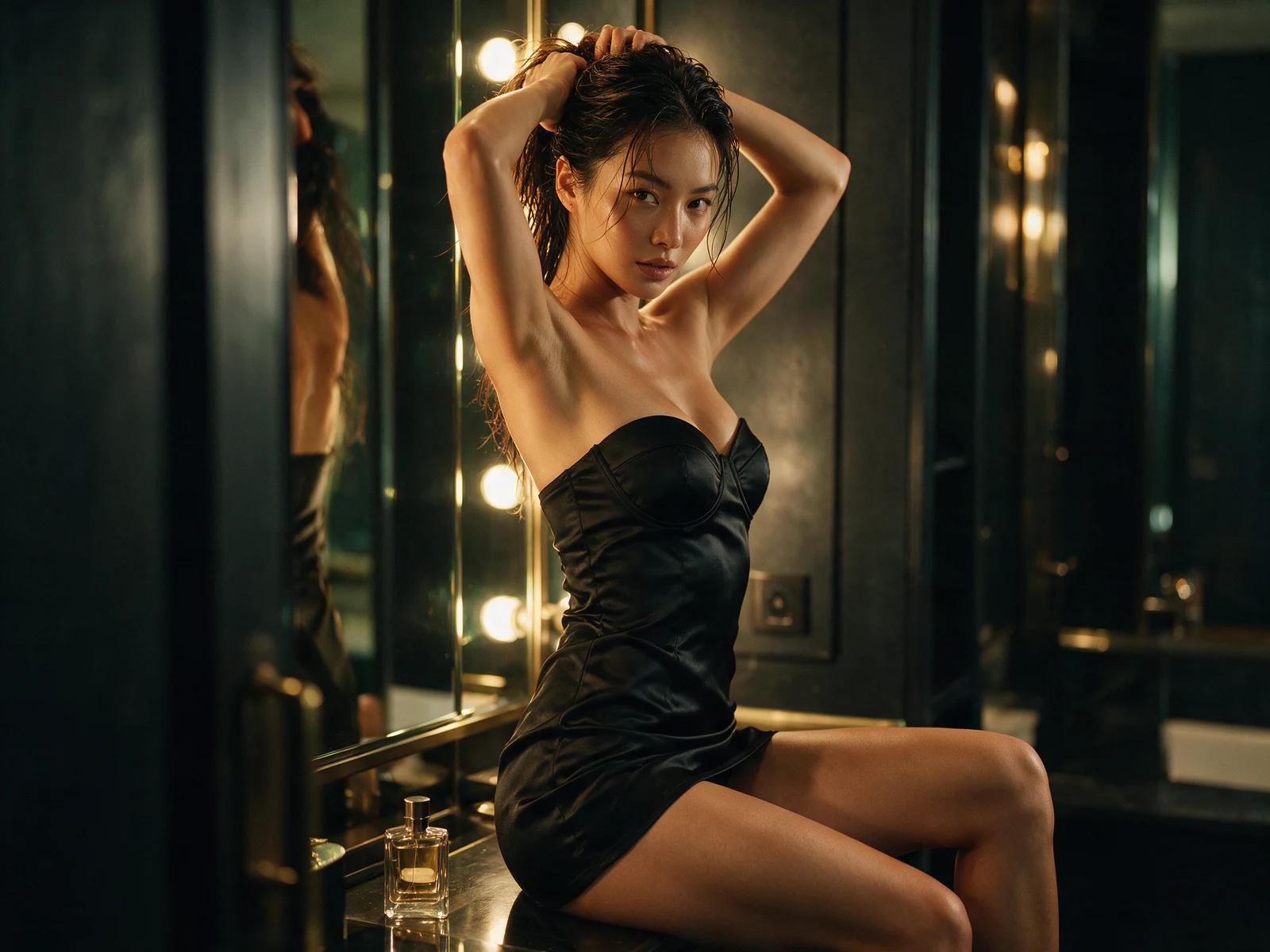
Cling AI Image Generator
Build still concepts with detailed prompt anatomy, reference guidance, gallery briefs, repair actions, and a production checklist.
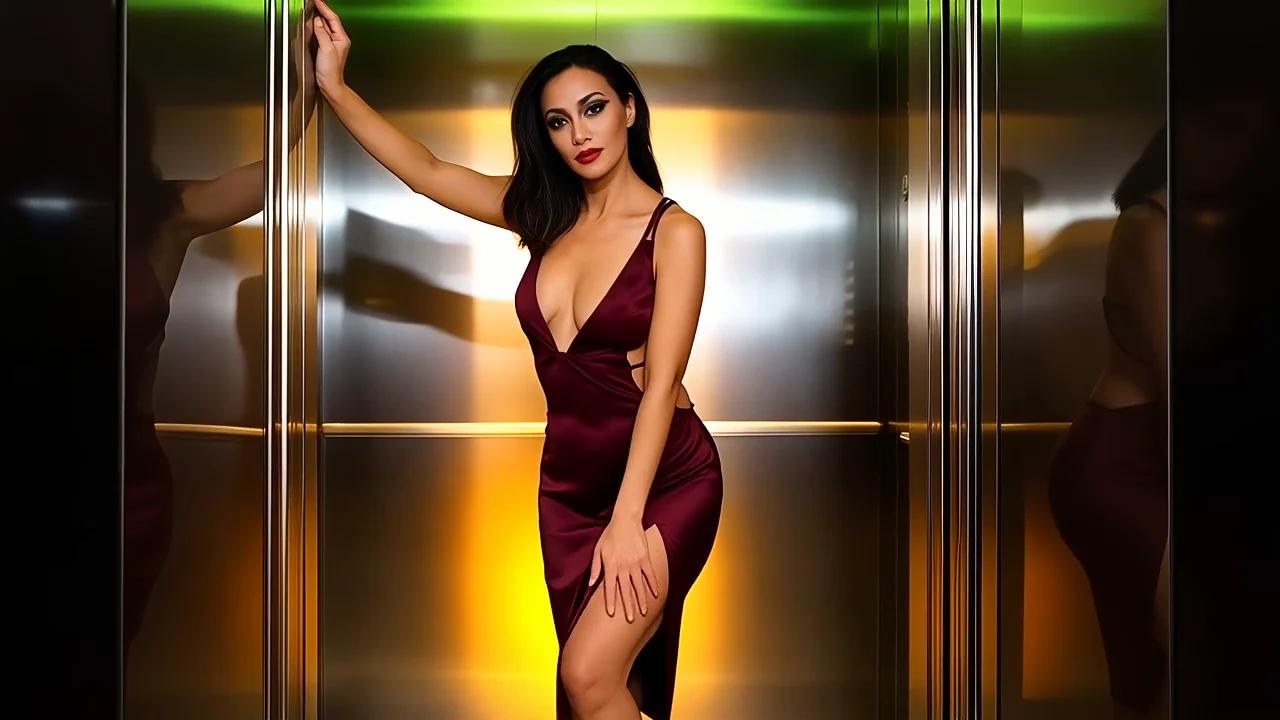
Cling AI Video Generator
Compare text and image inputs, direct short motion, study showcase briefs, and repair continuity or pacing issues.
What the workspace supports
Image input
Build an image from written direction, then add a visual reference when the subject, palette, or composition needs a clearer anchor.
Video timing
Match the amount of action to a selectable short clip duration that viewers can read clearly.
Plan range
Choose a plan level according to exploration, regular creation, or a broader ongoing production routine.
What is Cling AI?
Cling AI is a browser based creative workspace for producing still images and short videos from written and visual direction.
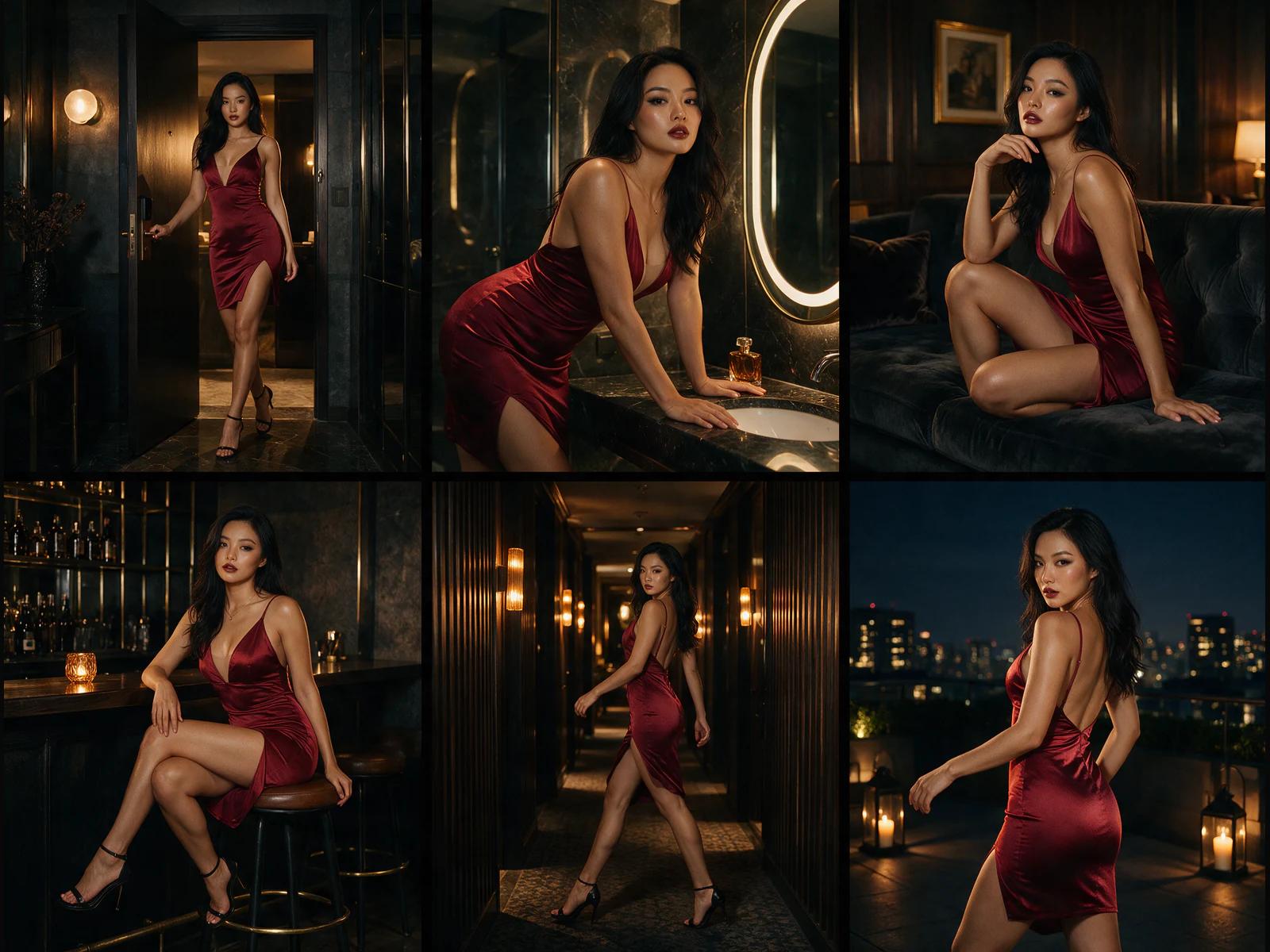
In the Cling AI image generator, a brief becomes a composed frame. Describe the subject, environment, camera, light, palette, texture, and format. Add a reference when identity or visual direction needs a concrete anchor.
The Cling AI video generator starts from a written scene or still frame. Describe visible action, environmental movement, camera behavior, pace, and the shot's ending. Duration and aspect shape the scene for its destination.
For either path, decide what viewers must notice, generate one readable idea, compare it with the brief, and revise one variable. This turns broad ideas into reviewable campaign, story, product, and social assets. For a scene in Kling 4.0’s video workspace, carry those subject, lighting and composition notes into the shot brief, then add the intended movement.
A six step creative workflow
With Cling AI, move from an open idea to a reviewable deliverable without losing the original communication goal.
- 01
1. Name the deliverable
State the asset, destination, aspect, and video duration. These choices establish frame, pace, and useful detail before prompt writing.
- 02
2. Write the visual brief
Name the subject, setting, audience, message, and desired response. Separate essential facts from optional decoration.
- 03
3. Choose image or video
Use image when one frame carries the message. Use video when action, transformation, camera movement, or timing adds meaning.
- 04
4. Add production direction
For images, direct composition, light, color, and materials. For video, add opening state, action, camera, pace, and ending.
- 05
5. Generate a focused draft
Review subject clarity, hierarchy, destination framing, and whether any motion completes within the chosen time.
- 06
6. Revise with evidence
Identify one visible mismatch, change its prompt layer, preserve successful details, and record useful wording for later assets.
Creative controls with a clear job
With Cling AI, use each capability to solve a production decision instead of adding complexity without purpose.
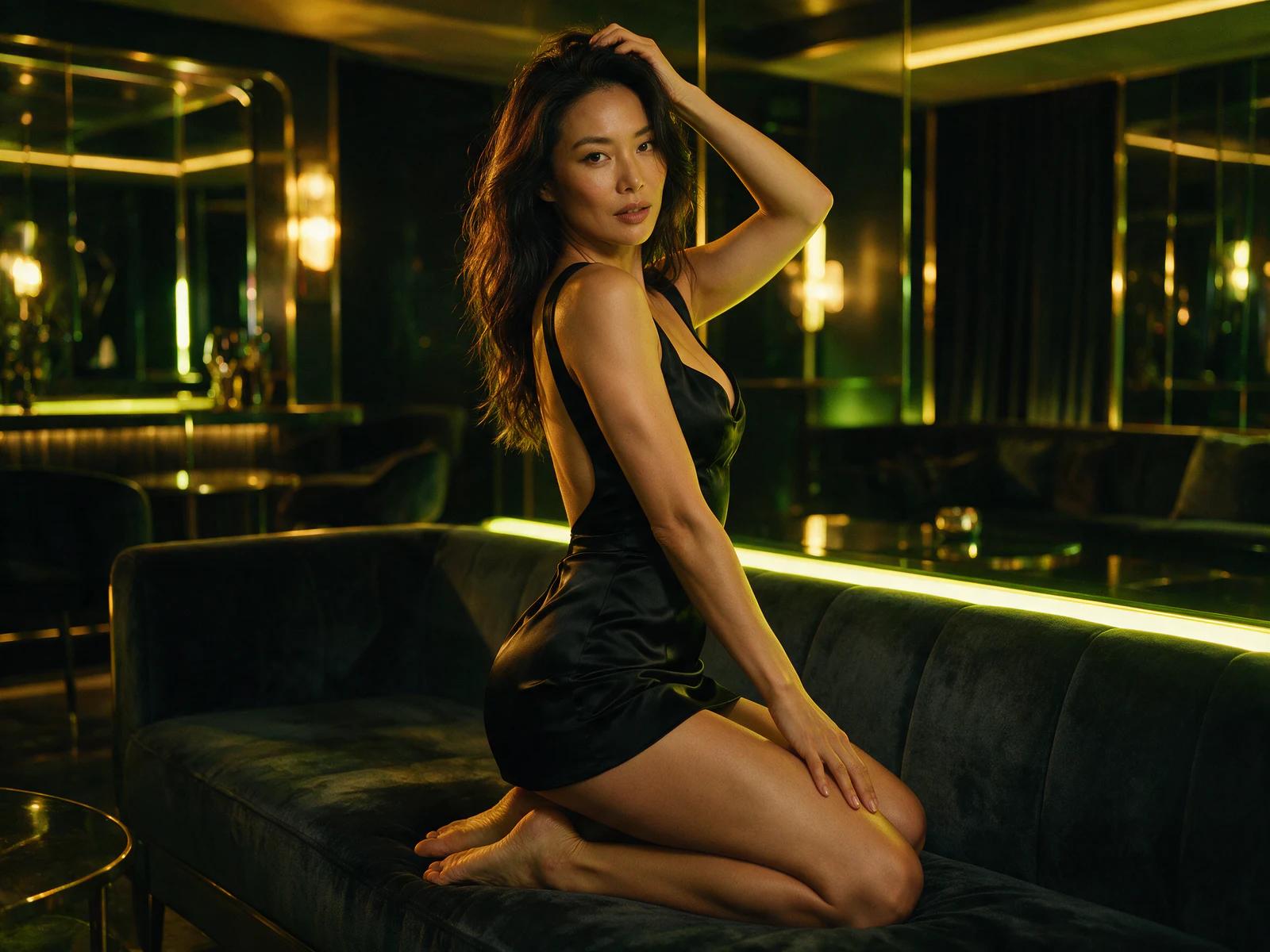
Text directed images
Translate a brief into subject, location, composition, light, palette, and surface detail for a complete still direction.
Reference guided images
Anchor identity, proportion, material, color, or layout while text explains the new scene and deliverable.
Image editing
Start from an existing image, describe the change, and preserve the parts that already support the brief.
Text directed video
Describe an opening state, one readable action, camera movement, environmental response, and deliberate ending.
Image guided video
Anchor the opening frame, then direct how subject, camera, background, and light evolve.
Template workflow
Use a repeatable creative structure to move from a familiar format to a new image or video variation.
Four practical production scenarios
With Cling AI, begin with a business or storytelling need, then shape the prompt around the asset that must be delivered.

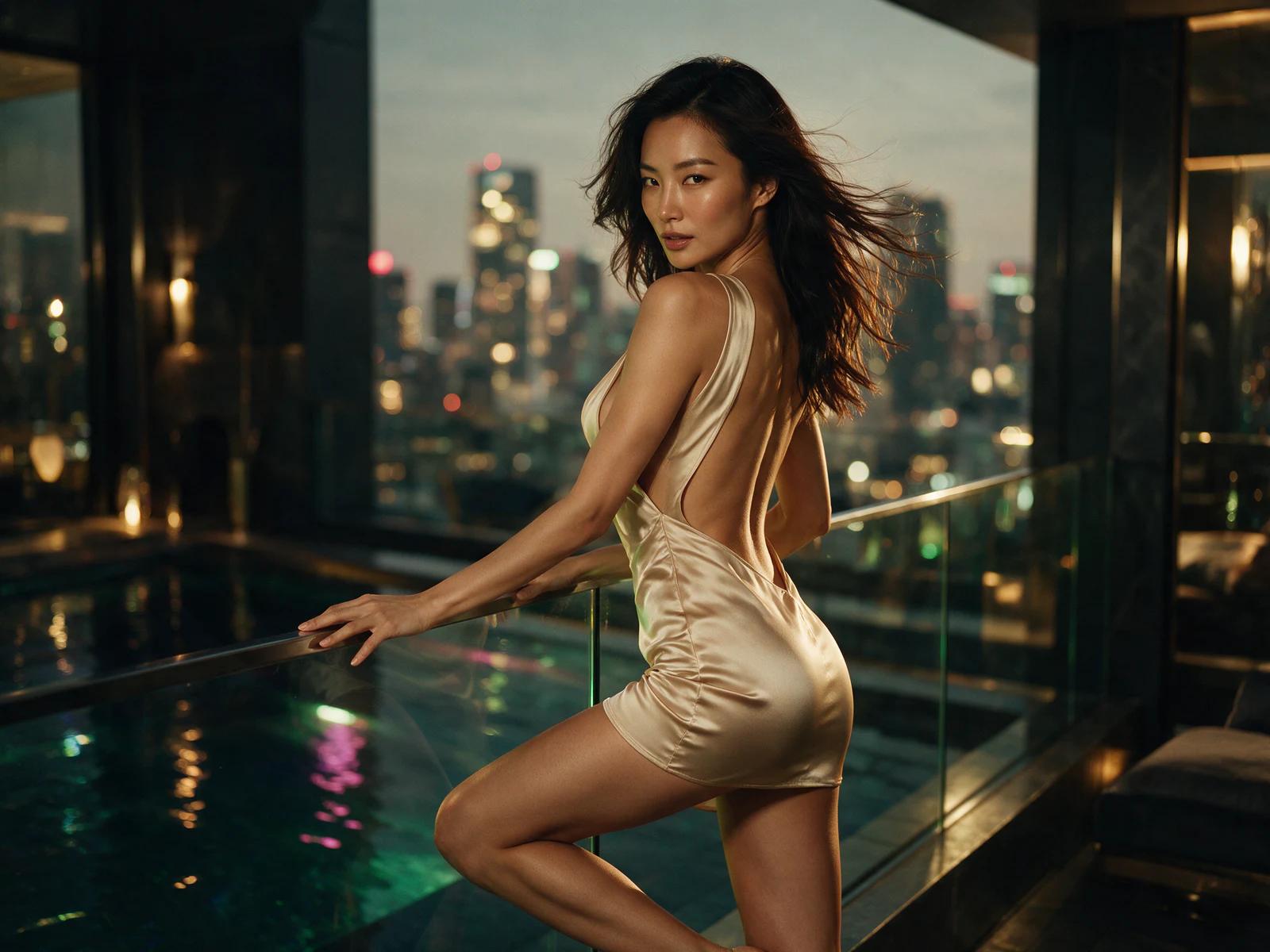
Campaign concept
0101A launch needs one recognizable visual territory across placements.
02Create a key image, vertical adaptation, and short reveal sharing subject, palette, light, and hierarchy.
03Lock product position and signature colors before varying framing or motion.
Product presentation
0201An ecommerce page must show form, material, and use context clearly.
02Produce a clean still and measured reveal of surface, scale, and one feature.
03Specify environment, camera height, light, material response, and the important interaction.
Story development
0301A creative team needs to test one narrative moment's mood and staging.
02Build a storyboard frame and short scene establishing character, location, and turning action.
03Describe opening pose, visible emotion, camera distance, and final story beat.
Social publishing
0401A compact asset must communicate one announcement quickly.
02Create a strong square or vertical focal frame and a clip with one action.
03Reserve copy space, simplify the background, and finish the movement cleanly.
Choose the format that carries your idea
Build one strong frame for a visual message, or direct a short sequence when movement completes the story.
Image or video: choose by communication need
With Cling AI, the right path depends on what the audience must understand and whether time adds useful information.
| Image workflow | Video workflow | |
|---|---|---|
| Primary purpose | Communicate a concept, product, character, or mood in one frame. | Show action, transition, reveal, camera movement, or change over time. |
| Starting input | Use a prompt plus a reference when identity needs an anchor. | Use a written scene or a still opening frame. |
| Core direction | Prioritize hierarchy, framing, light, palette, materials, and negative space. | Prioritize opening, action, environment, camera, pace, and ending. |
| Review question | Does the subject and message read immediately? | Does the action read and finish within its duration? |
| Common deliverables | Campaign art, product scenes, storyboards, covers, and social graphics. | Product reveals, campaign clips, story moments, transitions, and announcements. |
Cling AI plan overview
Compare Free, Pro, and Premium by creation frequency, iteration needs, and production rhythm.
Pricing verified August 26, 2026
Free
$0
An entry point for learning the workspace and testing focused ideas.
Choose it for prompt exploration, workflow comparison, or occasional concepts.
- ✓Signup credit bonus
- ✓Pay as you go diamonds
- ✓AI image generation
- ✓AI image editing and face swap
- ✓Standard quality
- ✓Community support
Pro
$9.99/month
A regular tier for repeatable visual production and more iteration.
Choose it for monthly campaigns, stories, product work, or social assets.
- ✓200 credits per month
- ✓Expanded creative workflow access
- ✓HD output
- ✓Priority processing
- ✓No watermarks
- ✓Email support
Premium
$29.99/month
A broader tier for sustained work across several briefs and formats.
Choose it when deliverables overlap and creative reviews need more variations.
- ✓Unlimited credits
- ✓Full creative workflow access
- ✓4K output
- ✓Fastest processing
- ✓No watermarks
- ✓Priority support
- ✓API access
Choose a plan by working rhythm
Match the level to how often you generate, how many variations you review, and how many deliverables stay active.
Explore with Free
Use Free to learn the prompt workflow, compare text and reference inputs, and determine whether image or video output suits an early idea.
Create regularly with Pro
Use Pro for a recurring content calendar, repeated campaign iterations, or a steady mix of product, story, and social assets.
Run broader production with Premium
Use Premium when several briefs overlap, teams review more variations, and both still and motion deliverables are part of ongoing work.
Cling AI and Kling AI are distinct names
Cling AI and Kling AI refer to different creative products, so use the page title and workspace labels to keep your chosen workflow clear.
This hub connects the Cling AI image and video generators on Kling3.io. Navigation, branding, local task history, and related links keep that name consistent across both paths.
If you searched for a similar name, identify your deliverable first. Continue here for the image or video workflows described on these pages.
For collaborator handoffs, include the page name, intended output, aspect, and video duration. Precise context keeps feedback attached to the right workspace.
Preflight checklist for a useful first result
With Cling AI, confirm these six decisions before generation so the output can be reviewed against a real brief.
- 1
Deliverable
Name the asset, destination, aspect, and video duration.
- 2
Audience and message
State who will see it, what they notice first, and what should remain.
- 3
Subject priority
Identify the main subject or action and only supporting secondary details.
- 4
Visual direction
Define setting, composition, camera, light, palette, materials, and atmosphere.
- 5
Reference role
State whether the reference anchors identity, composition, color, texture, or opening frame.
- 6
Review criterion
Choose one question for judging subject clarity, format, motion, or completion.
Cling AI questions
Direct answers for selecting a path, writing a brief, and planning a productive review.
Create still concepts and short video scenes from written or visual direction. Deliverables include campaign art, product scenes, story frames, reveals, and social assets.
Start with image when one frame carries the message. Start with video when action, camera movement, transformation, or timing matters.
Yes, use a reference to anchor identity, composition, color, or the opening frame. Explain what remains and what changes.
Choose 5 seconds, 10 seconds, and 15 seconds. Fit the action count to the length and leave time for a clear ending.
Compare Free, Pro, and Premium by creation frequency, iteration, and active deliverables. Choose the level whose price, creation capacity, and working rhythm match your projects.
Name the deliverable, subject, environment, composition, light, palette, and message. For video, add opening, action, camera, pace, and ending.
Identify the most important visible mismatch and revise its prompt layer. Preserve wording that produced useful choices.
Yes, carry subject, palette, light, and environment from a key frame into motion. Add only the needed action, camera, pace, and ending.
No, the names identify different creative products. These pages use Cling AI branding across both generators and their local task histories.
For projects that combine several creative tools, explore Creen AI.
Turn the brief into a reviewable visual
Choose the generator that fits the message, write one concrete direction, and refine the result against a defined deliverable.