
Cling AI Video Generator
Create readable short videos from written scenes or still images with directed action, camera, and timing.
Create with the video generator
Choose text or image input, direct one shot, select duration and frame, then generate.
Cling AI Video Generator
Start with text or an image and direct one complete moving scene.
Cling AI Video Generator
Start with text or an image and direct one complete moving scene.720p: 15 credits/sec / 1080p: 20 credits/sec
Checking requirements...
Video workflow at a glance
Text starting point
Define subject, setting, action, camera, pace, and final state without an opening frame.
Image starting point
Anchor identity, composition, palette, and opening moment with a still.
Duration choices
Choose a short clip duration that leaves enough time for a readable ending.
Destination framing
Select an aspect that contains the subject and camera path.
What is the Cling AI Video Generator?
The Cling AI Video Generator is a browser workspace for creating short scenes from text or a still image.
A Cling AI shot brief begins with the opening, subject, action, environment, camera, pace, light, and ending.
The Cling AI image generator can prepare the subject, environment, palette, light, and framing for an image-guided shot. The prompt directs change and names stable details.
Review action, camera support, form continuity, and the ending. Revise one weak direction while preserving successful choices. The same review helps when writing a Kling 4.0 video prompt: keep the action readable and let the ending fit the selected duration.
Compare text and image starting modes
Choose the Cling AI mode that best communicates opening state and essential visual details.
| Text directed video | Image guided video | |
|---|---|---|
| Starting material | A description defines the opening scene. | A still supplies composition, identity, color, light, and context. |
| Creative flexibility | Invent new scenes, locations, arrangements, or treatments. | Anchor a product, character, storyboard, or key visual. |
| Prompt priority | Describe opening, subject, action, camera, pace, and ending. | Describe movement, stable details, camera, environment, and ending. |
| Review focus | Check setting, subject, action, and hierarchy against text. | Check identity, composition, material, and palette against the still. |
| Strong use cases | Concept scenes, establishing shots, transitions, and atmosphere. | Product reveals, campaign animation, characters, and storyboard motion. |
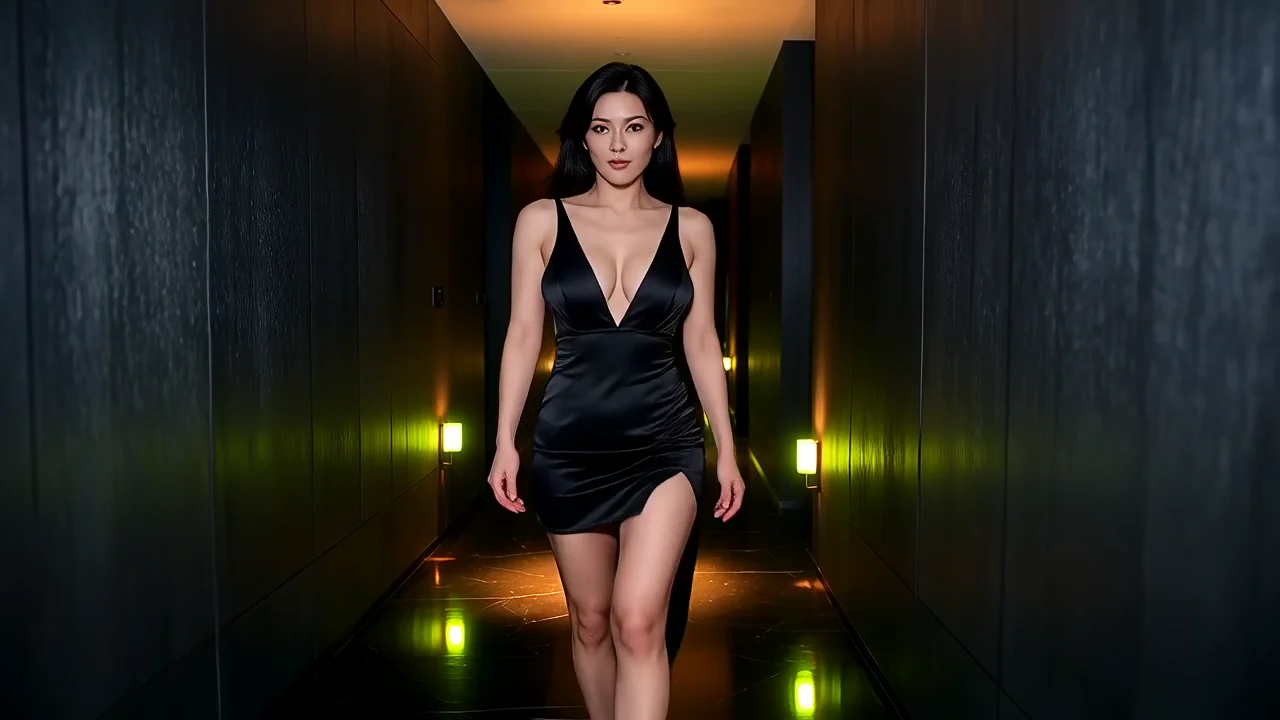
Satin corridor walk
A black satin walk ends in a wall pose and waist turn.
Build a video prompt in six layers
With Cling AI, describe one coherent shot and separate subject from camera movement.
Opening + action + environment + camera + pace and duration + ending
- 01
Opening state
Establish subject position, pose, environment, composition, light, and recognizable details.
- 02
Subject action
Choose one action and describe direction, sequence, physical quality, and interaction.
- 03
Environmental motion
Add fabric, foliage, mist, reflections, traffic, or light movement that supports the action.
- 04
Camera behavior
Choose a hold, push, pan, track, tilt, or orbit with direction and speed.
- 05
Pace and duration
Choose a value within 1–15 seconds and give the action time to finish.
- 06
Ending state
State final subject position, camera composition, and story or product beat.
10 seconds product reveal
A black desk lamp starts in silhouette. It turns toward camera as warm light reveals a brass hinge. The camera pushes right and ends on the hinge.
One product action, light change, camera move, and detail ending.
5 seconds story moment
A courier waits under a red awning in rain. She notices an upstairs light and looks up as the camera tilts, ending on the window.
One reaction and camera tilt reach a clear story endpoint.
Direct four production choices
With Cling AI, give motion, reference, time, and frame one clear job.
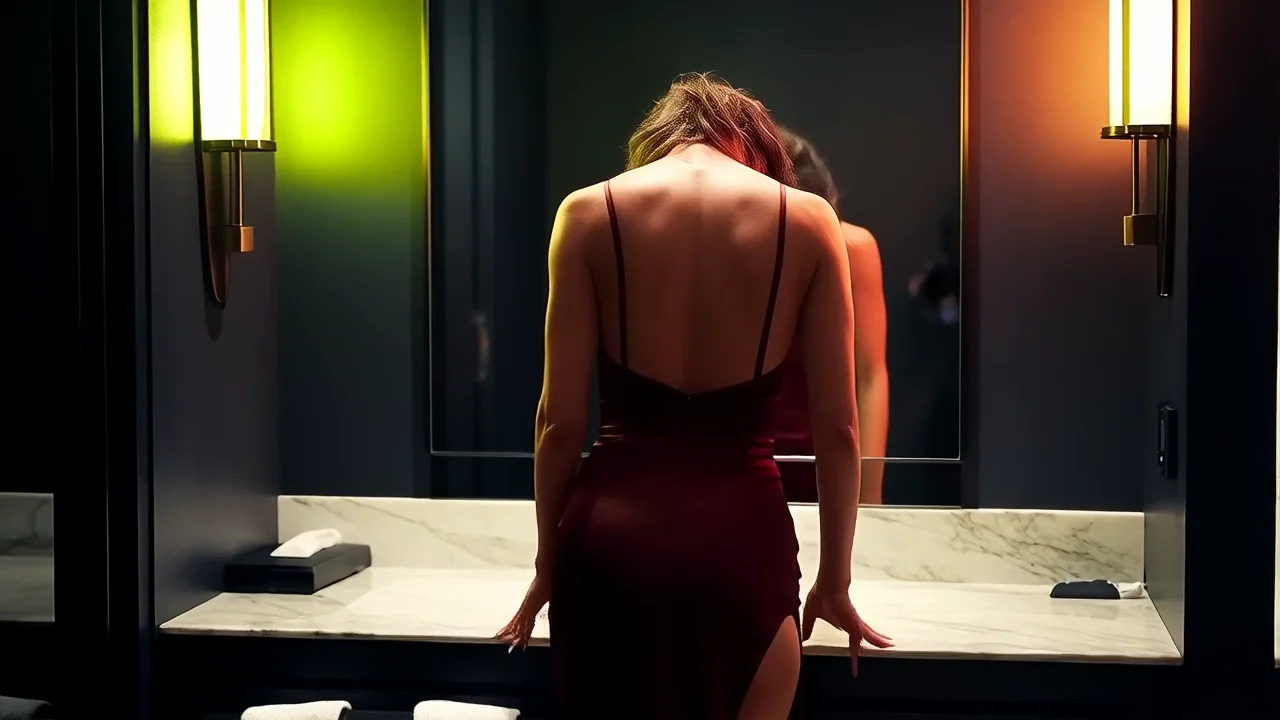
Mirror glance and hair turn
A vanity lean becomes a hair turn as the camera pushes closer.
Motion description
Describe the opening, one action, environmental response, camera, and ending.
Reference image and starting frame
Upload an image to anchor opening composition, identity, material, or light.
Duration
Use the slider within 1–15 seconds and fit actions to the selected time.
Aspect
Choose wide, vertical, or square according to destination and movement.
Six Cling AI motion studies
Compare subject action, camera movement, setting, and the ending.
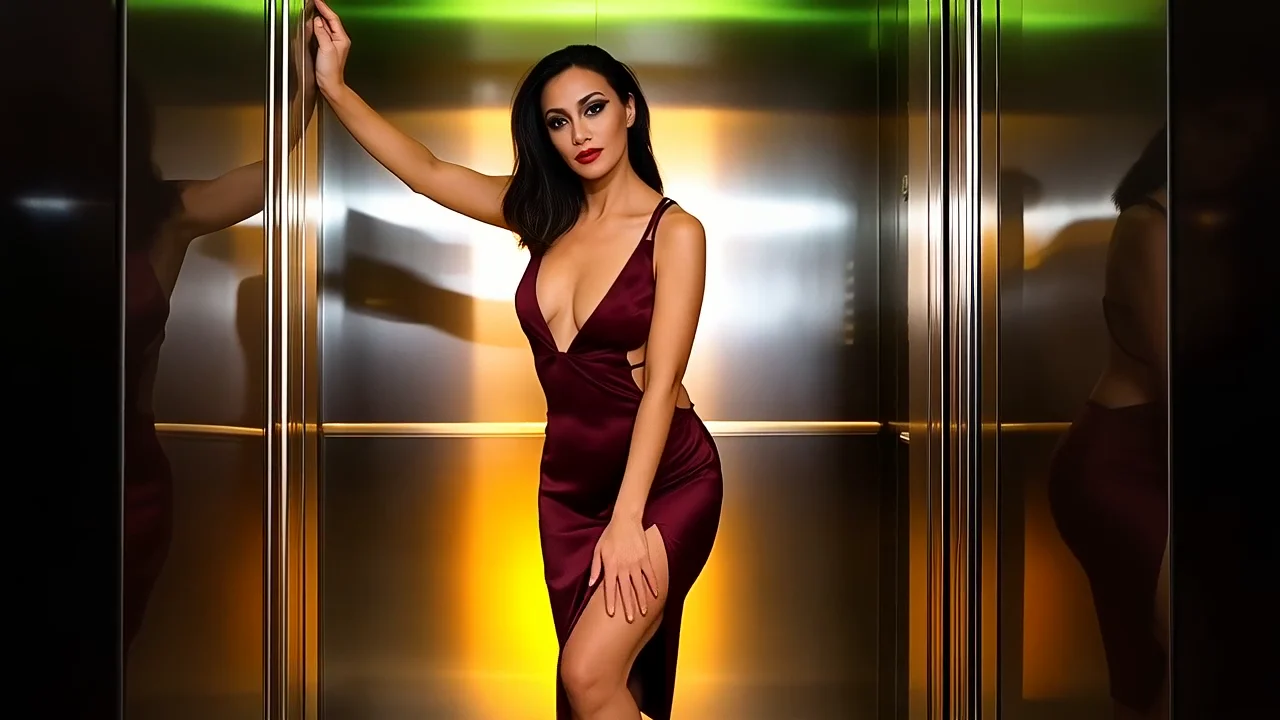
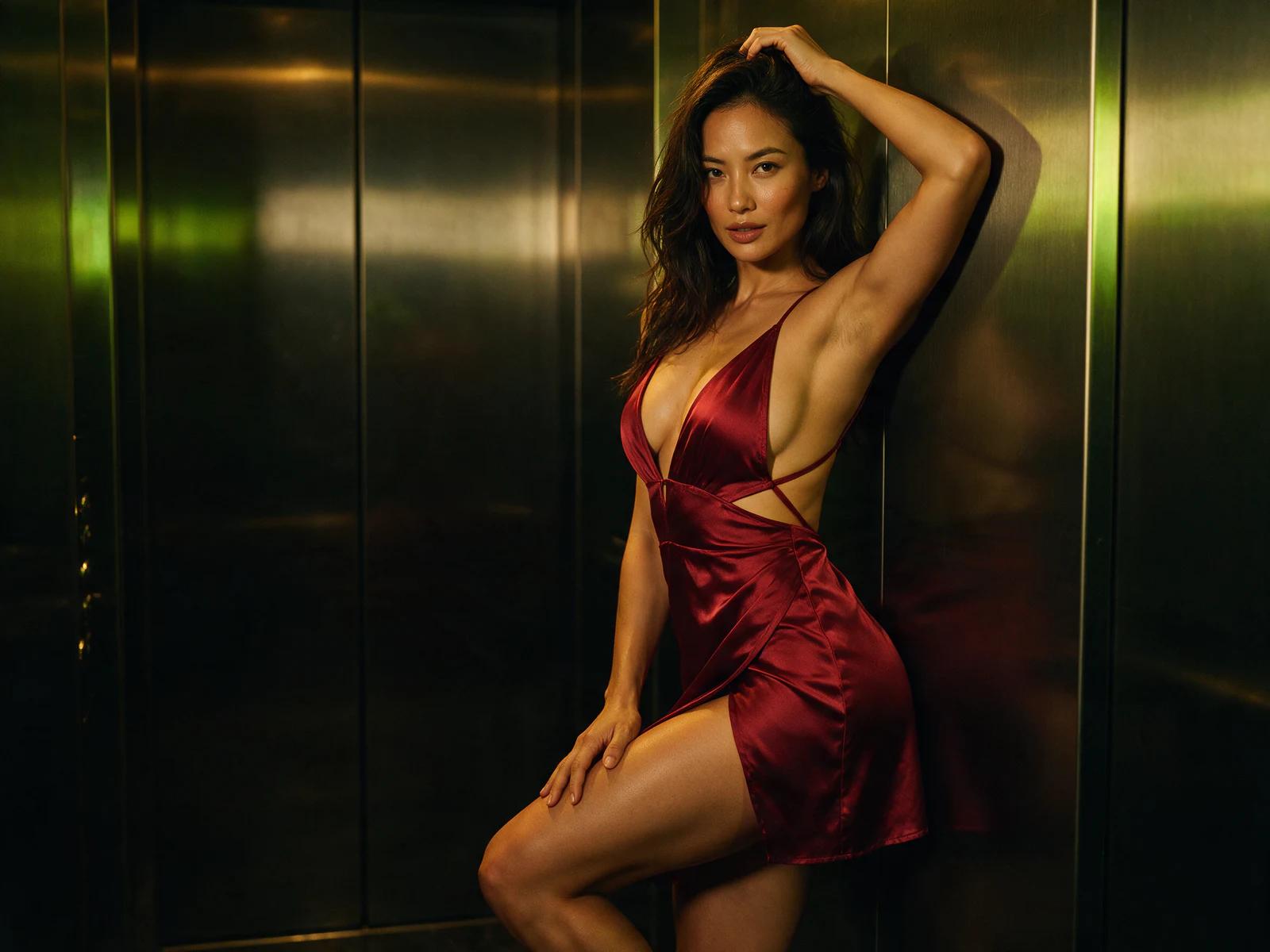
Elevator wall pose
A wall line shifts into a bent knee and direct pose.
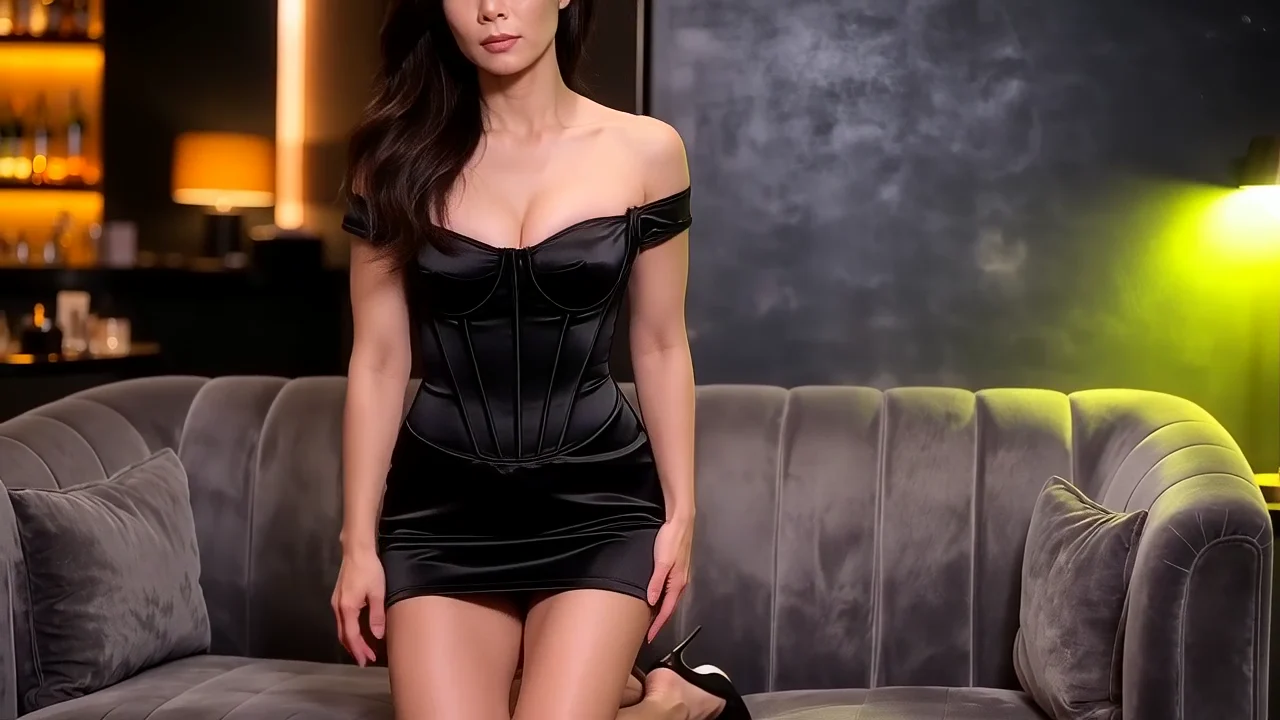
Black dress sofa rise
A sofa kneel becomes a controlled rise and close gaze.
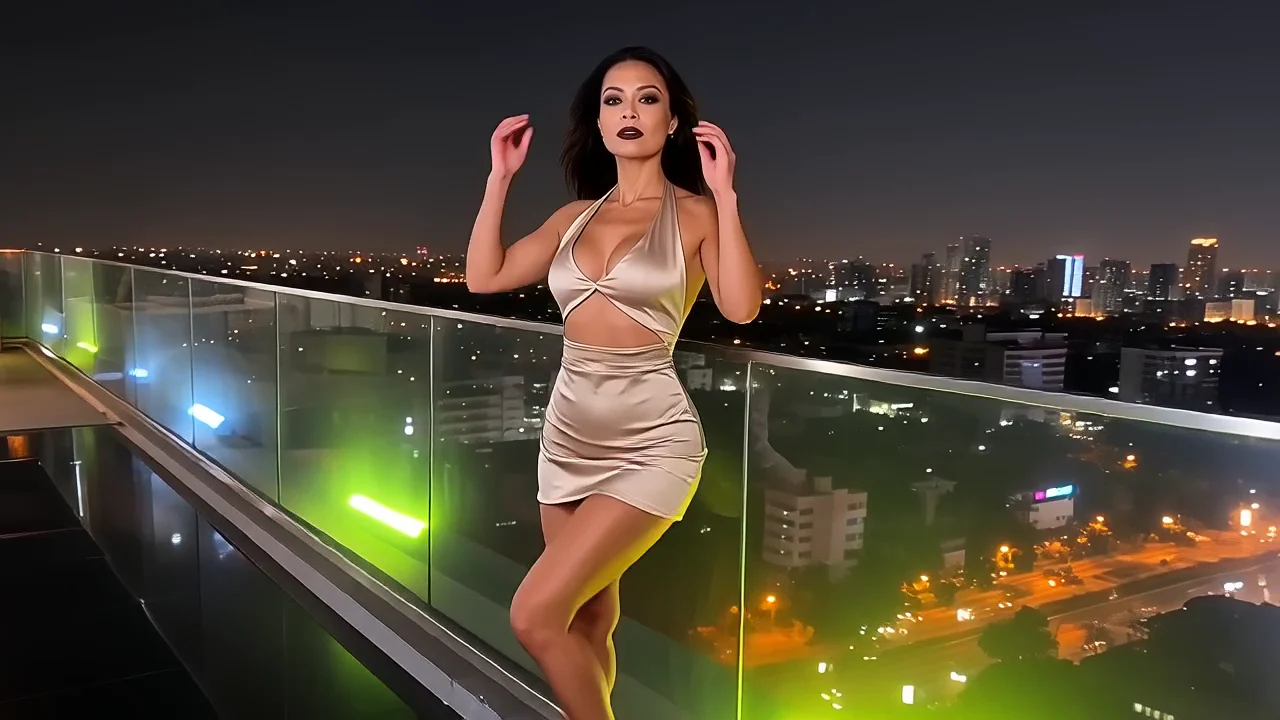
Champagne rooftop turn
A champagne dress catches rooftop wind through one deliberate turn.
Video production scenarios
With Cling AI, start with the intended clip and viewing context, then fit one complete motion idea into the selected duration.
Product reveal
0101A launch clip must show form, material, and one feature.
02Create a 10 seconds reveal with one product and camera move.
03Anchor orientation, quiet the background, and end on the feature.
Campaign key visual in motion
0201An approved still needs movement while preserving its hierarchy.
02Create a 5 seconds or 10 seconds clip with subtle motion and protected copy space.
03Name fixed anchors and restore the composition at the end.
Narrative story beat
0301A team needs to test a decision, entrance, discovery, or transition.
02Create one shot with opening pose, action, camera, and story endpoint.
03Describe visible behavior and reveal its consequence at the end.
Social announcement
0401A small screen clip needs immediate, clear motion.
02Create a vertical clip with one action and stable ending.
03Simplify the background, compact the camera path, and reserve overlay space.
Direct one complete shot
Fit the action to its duration and define the endpoint.
How to create a video with Cling AI
Define, direct, time, frame, generate, and refine one shot.
- 1
Define the clip
Name destination, aspect, duration, audience, subject, and primary action.
- 2
Choose text or image input
Use text for invention or an image to anchor identity and composition.
- 3
Write the motion sequence
Describe opening, action, environment, camera, pace, and ending chronologically.
- 4
Set duration and frame
Choose a value within 1–15 seconds and a suitable aspect.
- 5
Generate, review, and refine
Check action, continuity, camera, stability, and ending, then revise one mismatch.
Repair common video problems
With Cling AI, identify the symptom, revise one instruction, and judge the next clip by continuity.
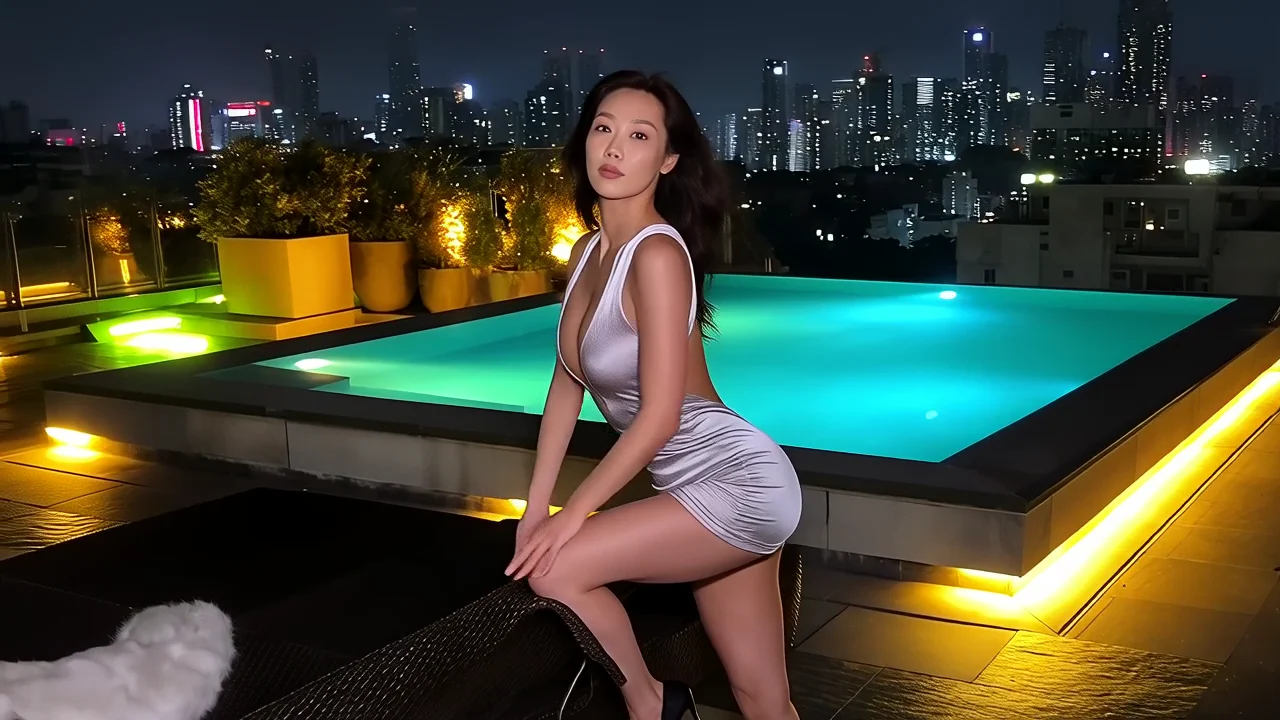
Silver poolside rise
A silver look rises poolside and settles into a slow turn.
| Problem | Change | Target result |
|---|---|---|
| Too many actions compete. | Keep one action with a simple opening and endpoint. | The viewer follows it without a rushed ending. |
| The camera feels unmotivated. | Choose one move, direction, speed, and reveal purpose. | The camera supports the subject action. |
| The subject changes during motion. | Restate identity, material, color, and proportion anchors, then simplify motion. | The subject remains recognizable through the shot. |
| The ending feels abrupt. | Write final subject and camera positions and reserve a closing pause. | The clip reaches a deliberate endpoint. |
| The clip drifts from its image. | Fix composition, palette, light, product, or character anchors and limit changes. | Motion remains connected to the starting frame. |
Video prompt preflight
With Cling AI, confirm these six decisions before generation so continuity and timing have a clear review standard.
- 1
Destination and duration
Name context, aspect, duration, and a fitting action count.
- 2
Opening state
Define subject, environment, composition, light, and identity anchors.
- 3
Primary action
Describe one movement's direction, quality, interaction, and completion.
- 4
Camera behavior
Define one hold or move with direction, speed, and purpose.
- 5
Continuity anchors
Name stable character, product, material, color, and environment details.
- 6
Ending state
Describe final subject, camera, and remaining story or product information.
Cling AI video questions
Direct answers for starting mode, timing, camera direction, continuity, and practical revision.
Yes. Describe opening, subject, setting, action, environment, camera, pace, and ending as one shot.
Yes. Use it to anchor identity, composition, color, light, and opening, then direct changes.
Use the visible slider within 1–15 seconds. Give every action enough time to develop and end.
Choose it from destination and movement direction. Keep subject, camera path, and overlay space readable.
Describe a chronological sequence rather than moods. Connect opening, action, environment, camera, pace, and ending.
Start with one primary action. Add supporting movement only when it reinforces that action and leaves time to finish.
Name stable identity, proportion, material, color, and clothing details. Simplify fast motion, occlusion, and camera changes.
Choose a hold, push, pan, track, tilt, or orbit with direction and speed. State what it follows or reveals.
Identify the issue in action, timing, camera, continuity, environment, or ending. Revise that layer and keep successful directions.
Turn one scene into motion
Fit one action to time and define its ending.