
Create a still or a moving shot
King AI Video & Image Generator
Create campaign images and cinematic video scenes. Start with a prompt or reference, then shape the frame and motion.
Your King AI creation workspace
Choose Image or Video, add your brief, and review the available settings before creating.
King AI Image Generator
Create images on Kling3.io.
Sign in to use batch and repeat generation.
Creative briefs for your next image
Explore four visual directions with a concrete subject, composition, and review goal. Apply a brief, then make it your own.
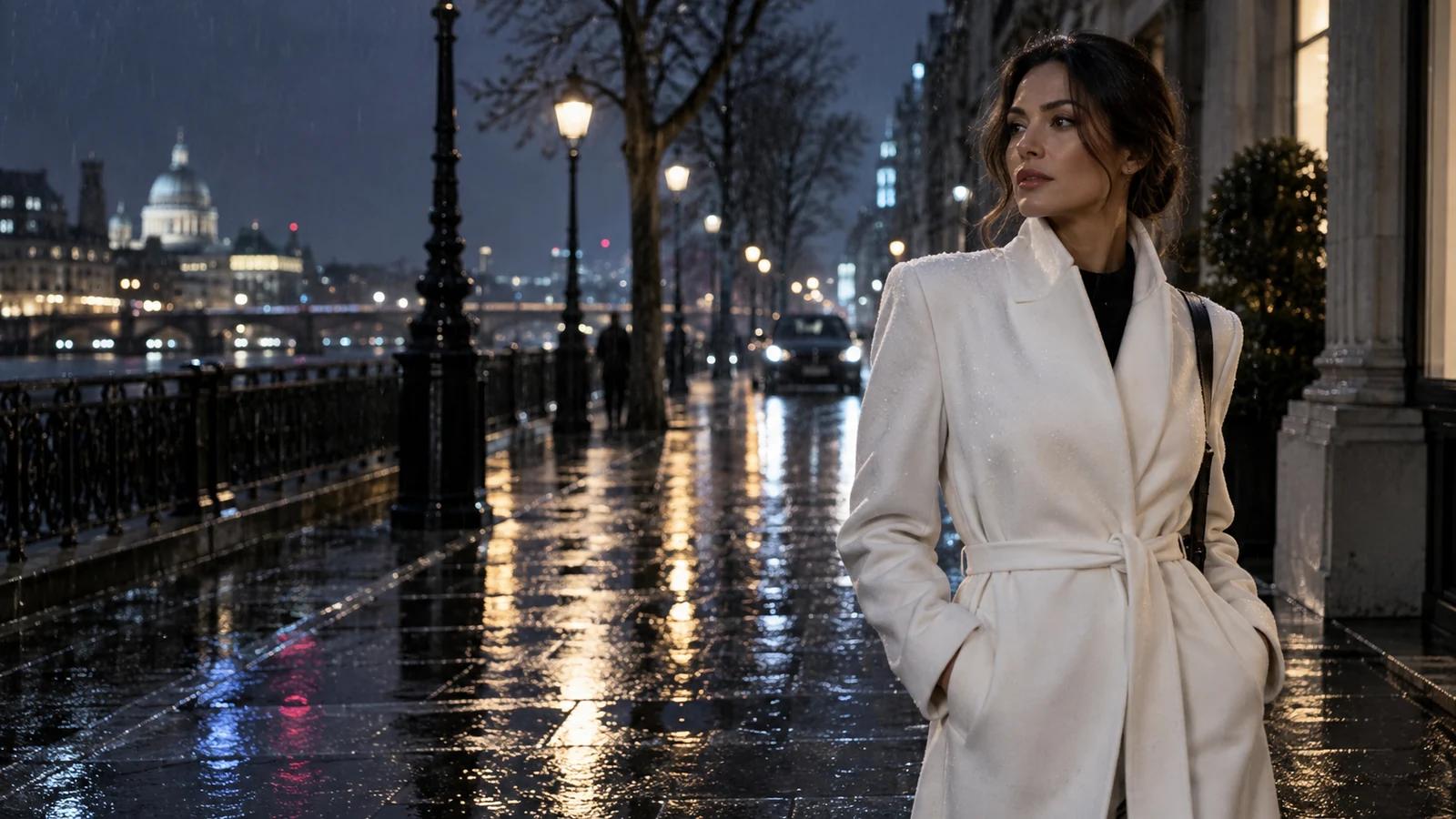
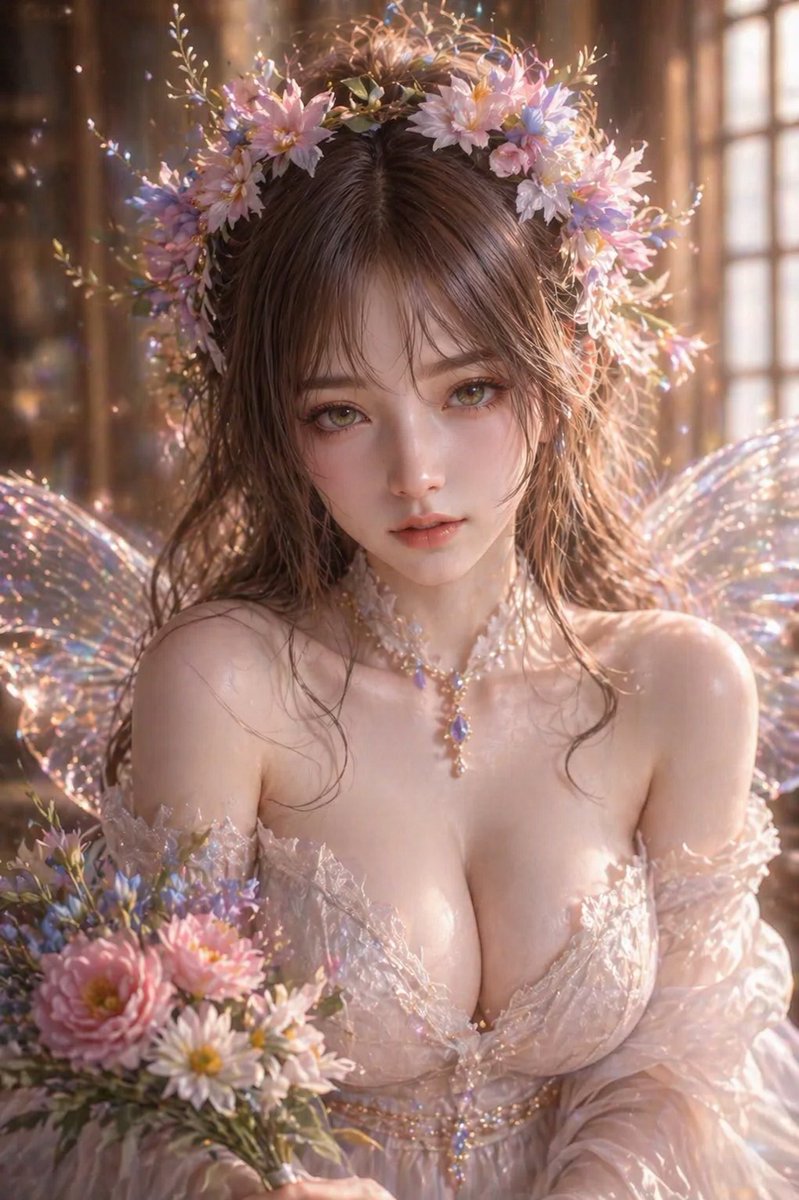
Editorial portrait
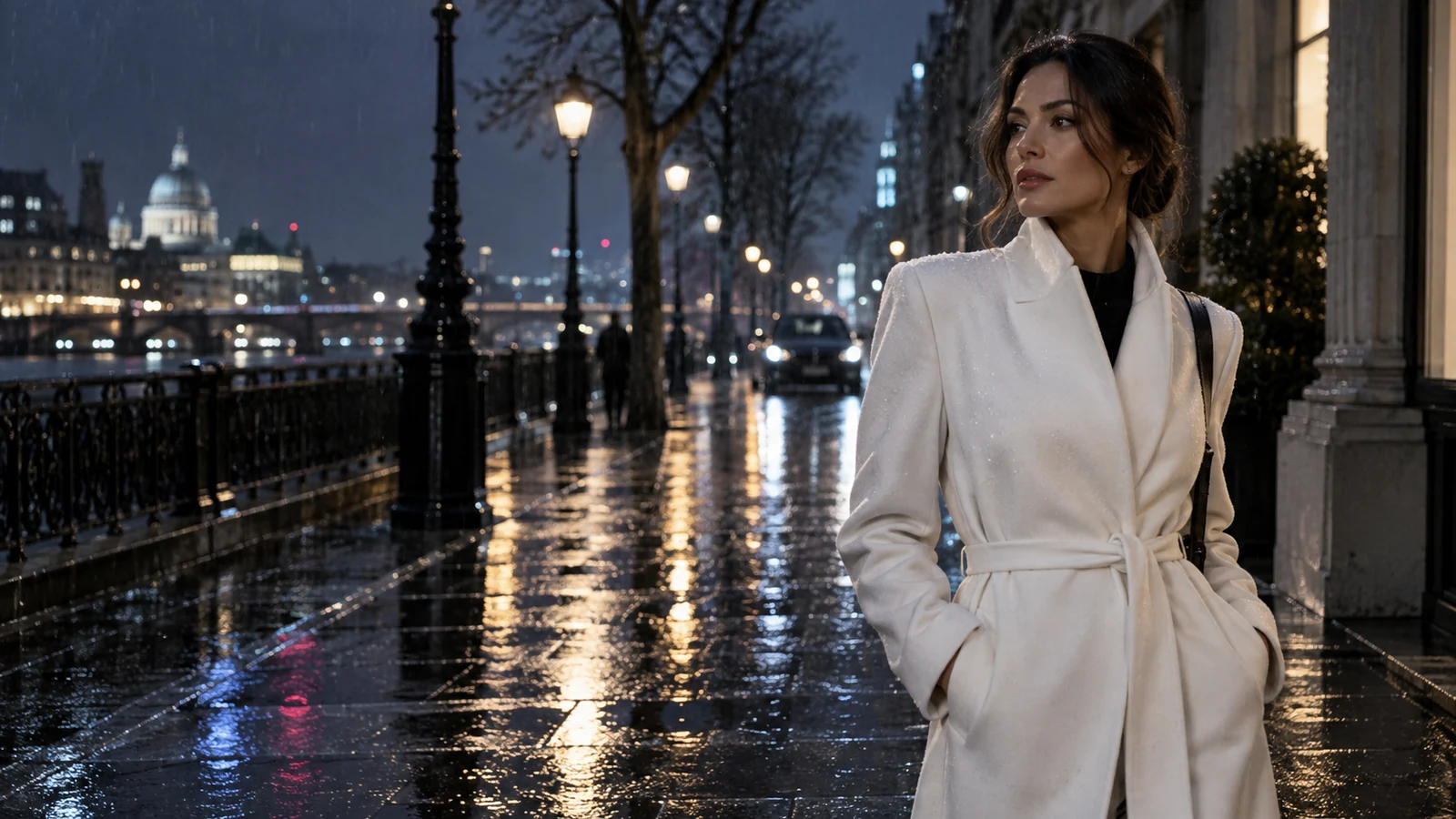
Build a social cover around one readable subject. Keep the face and coat clear while city reflections provide atmosphere.
Vertical editorial photograph of an adult woman in a white wool coat beside a rain-soaked city window at night. Medium shot, three-quarter view, warm window light across her face, cool street shadows, restrained wet-pavement reflections. Leave clear space above her head, natural skin texture, no text or logos.
Deliverable: a portrait cover with room for your layout.
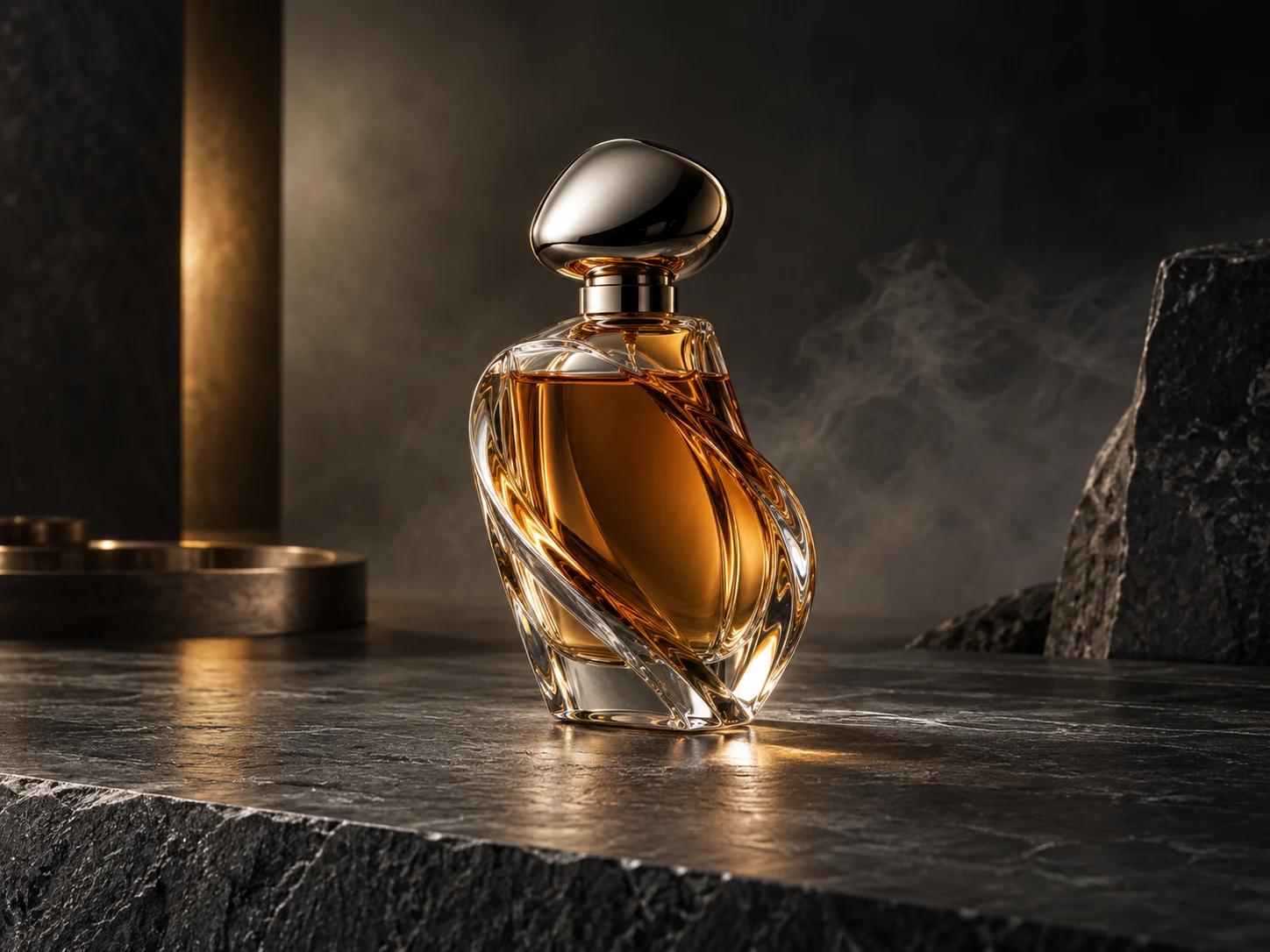
Product hero image
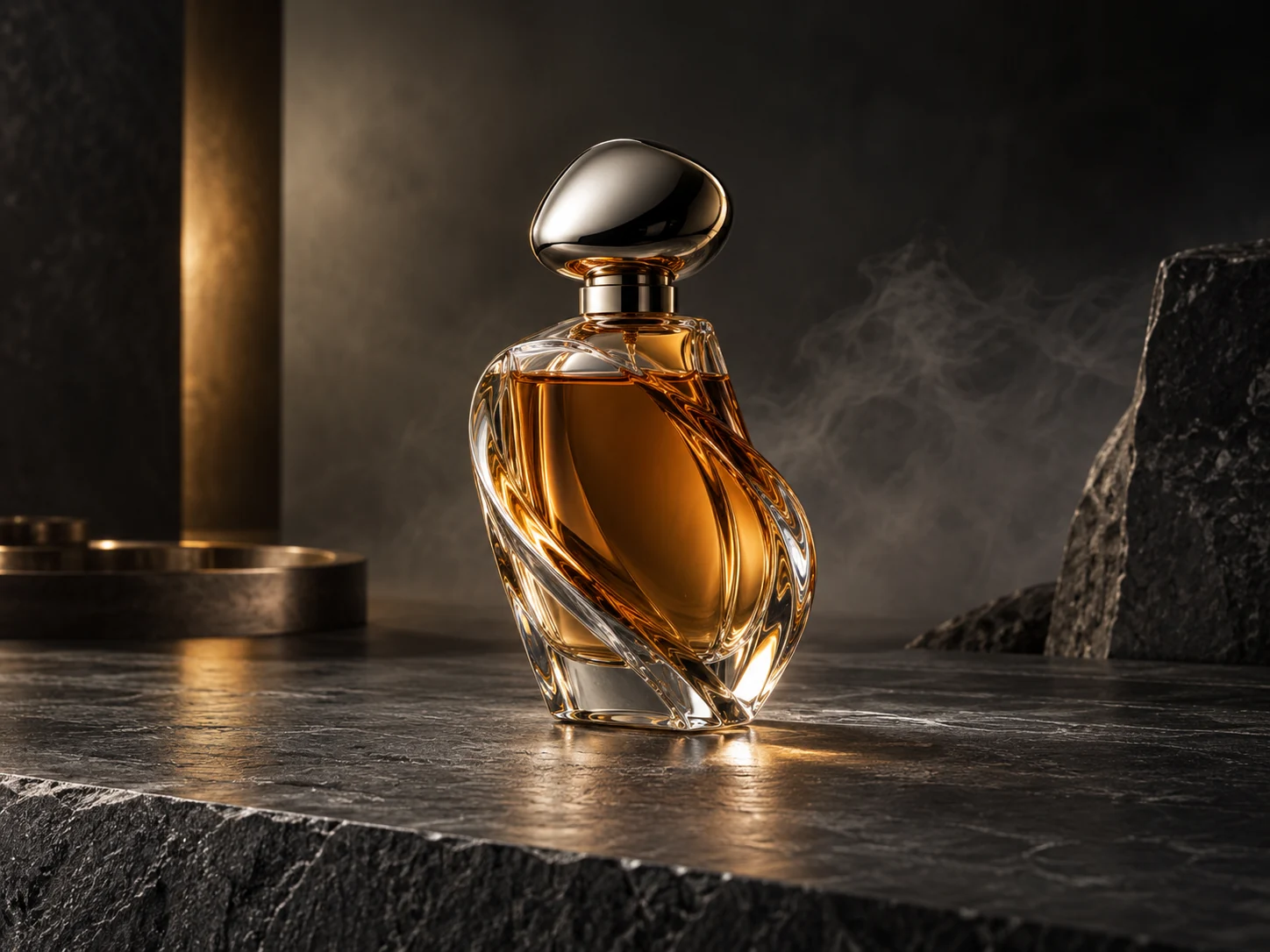
Create a clean product composition for a campaign concept. Inspect the silhouette, glass edges, and reflections before making variations.
Square product photograph of an unbranded clear-glass perfume bottle on charcoal stone. Centered three-quarter view, curved glass walls, narrow right-side highlights, soft shadow beneath the bottle, dark uncluttered background. Keep the full bottle inside the frame, precise transparent edges, no labels, text or logos.
Deliverable: a centered product visual with readable material.
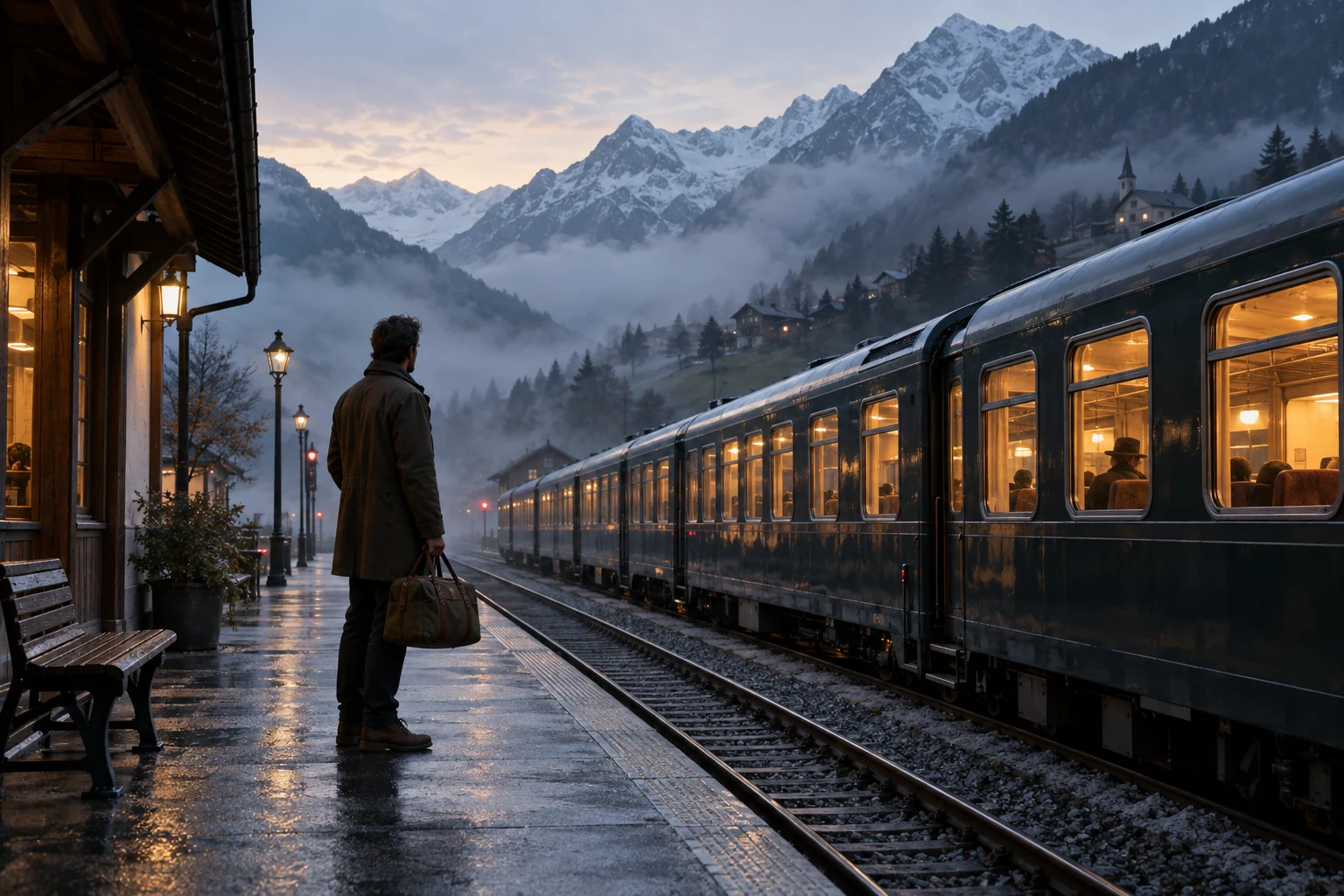
Cinematic opening frame
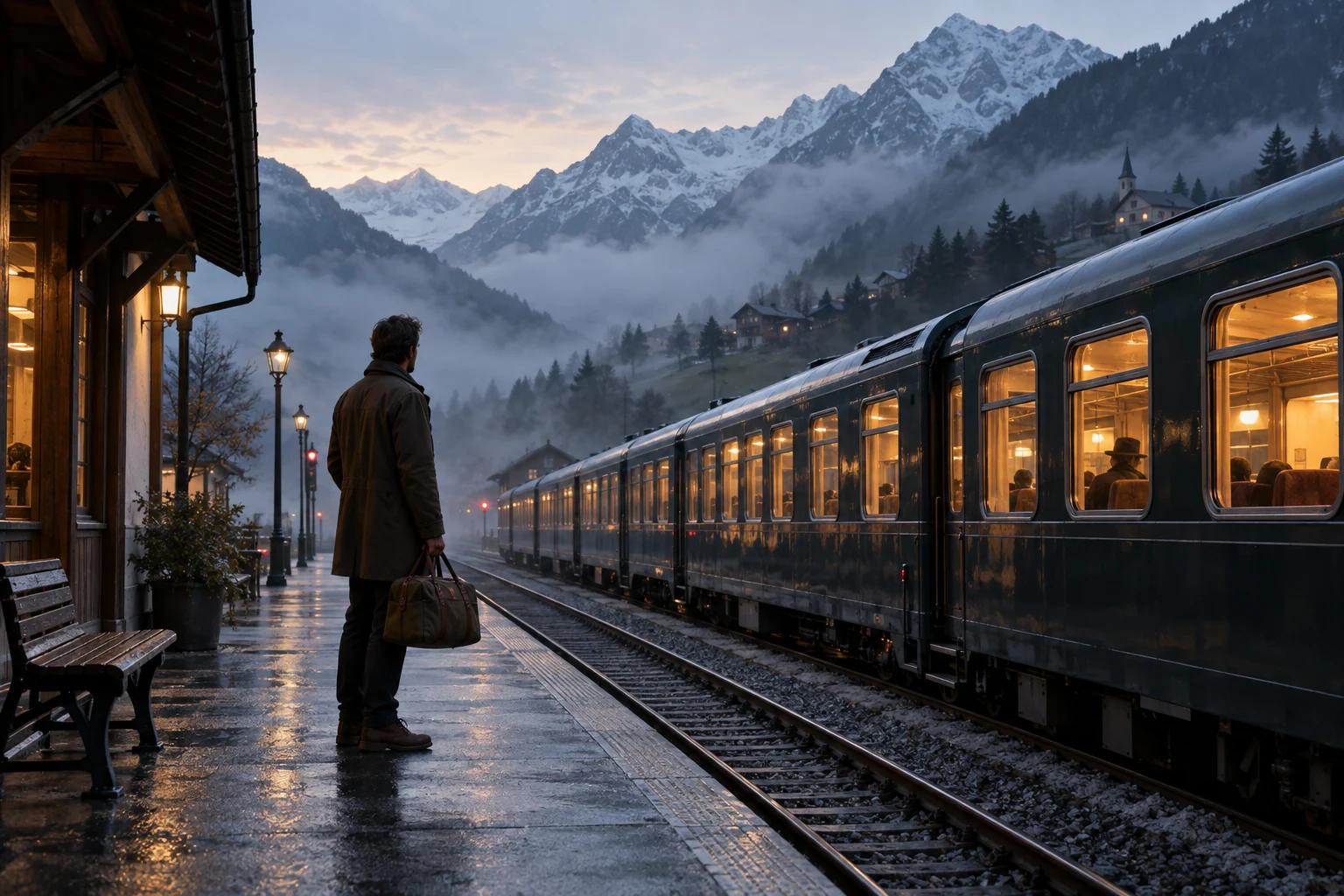
Set the location and mood before animating a story. The traveler, tracks, and mist should read as distinct layers.
Wide cinematic opening frame of an adult traveler with a canvas bag waiting at a mountain train station at dawn. Eye-level camera, traveler in the left third, tracks leading into the distance, layered mountain mist, pale sunrise backlight. Quiet cool colors, stable architecture, no readable signs or logos.
Deliverable: an opening frame to guide an image-to-video shot.
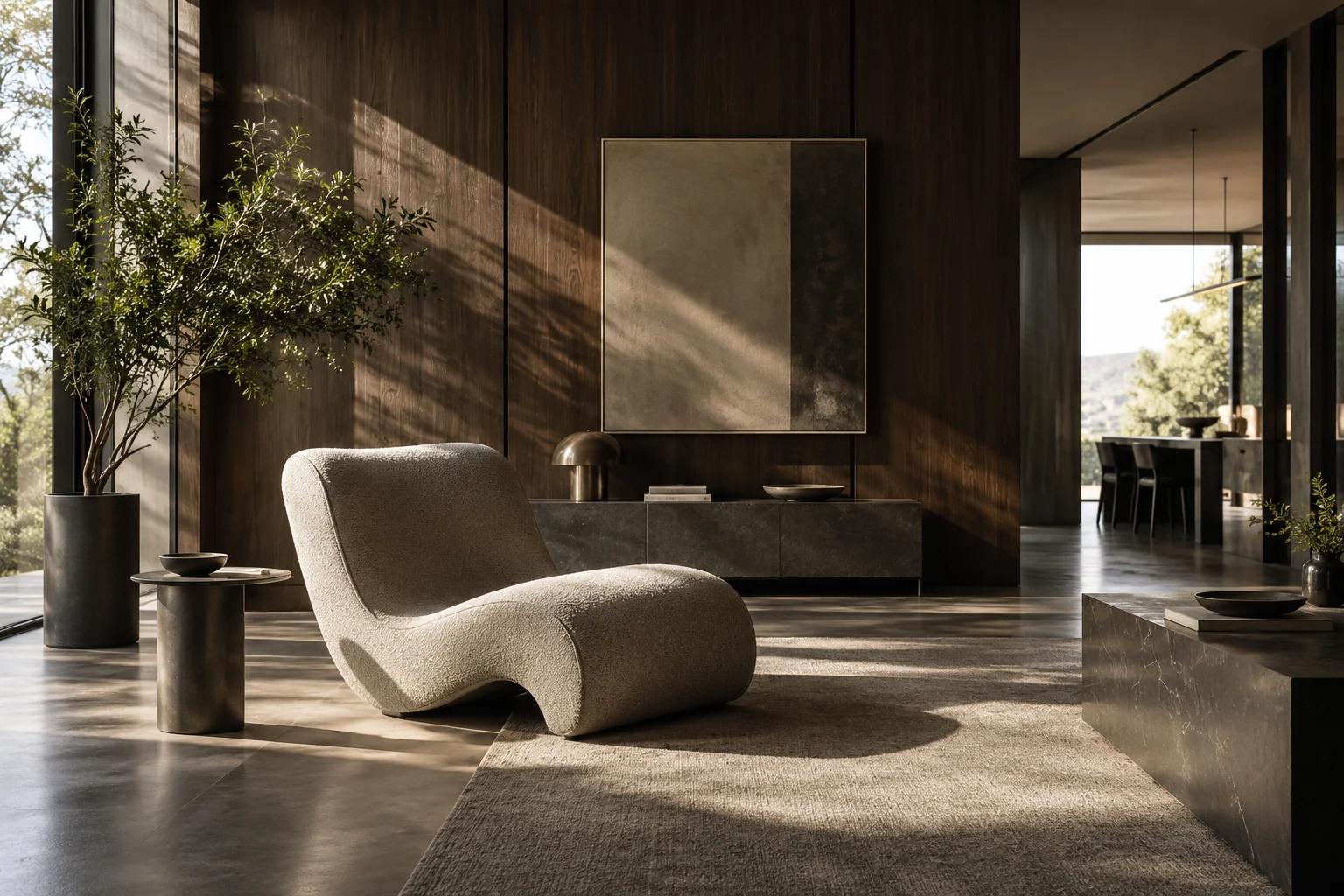
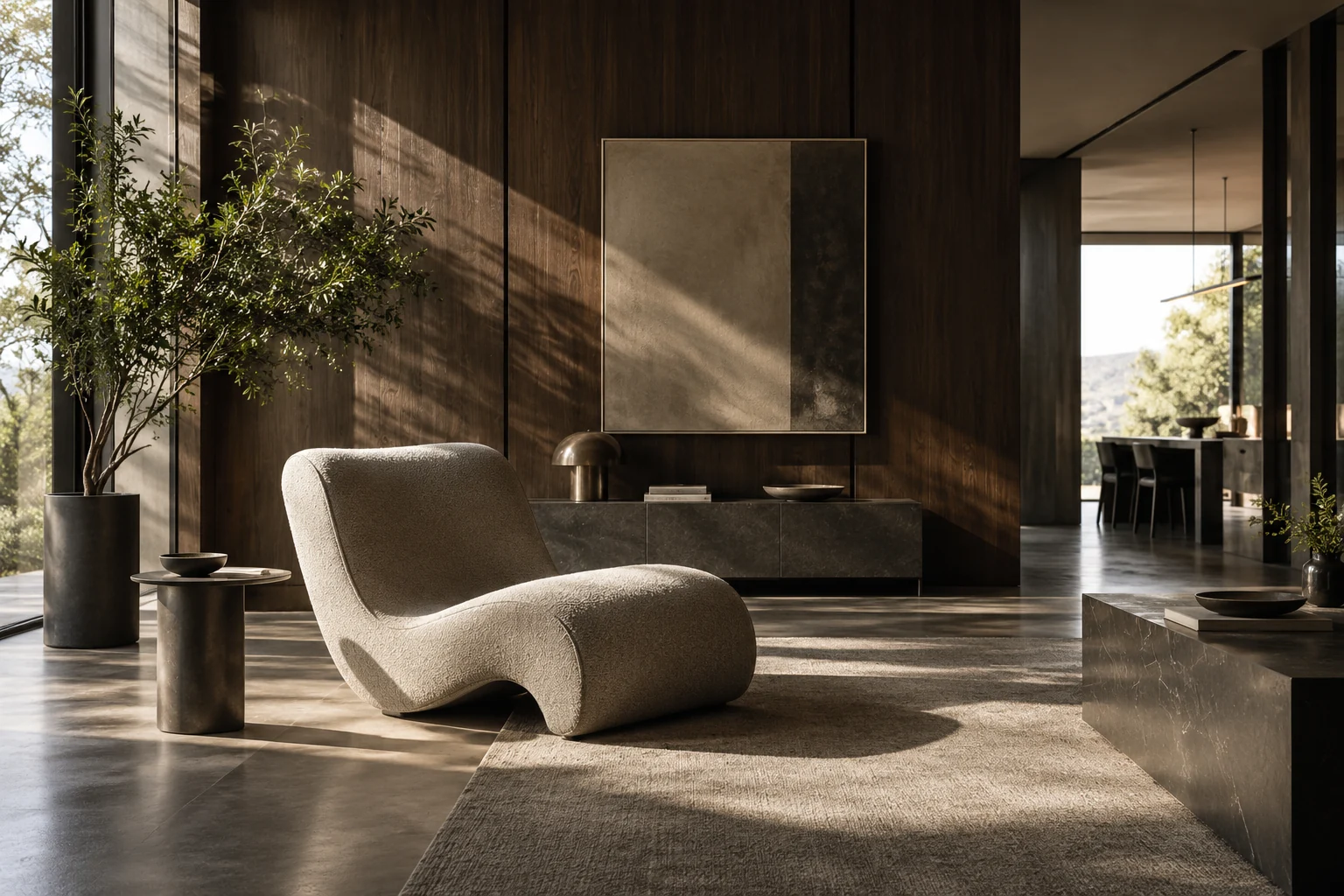
Interior material study
Compare the room’s surfaces and visual balance. Keep furniture proportions and window direction consistent across refinements.
Wide architectural photograph of a room with dark walnut panels, polished chrome details and a curved upholstered chair. Eye-level view, chair in the foreground, uncluttered floor, daylight from a large side window, soft directional shadows. Realistic wood grain and fabric, straight vertical lines, no text or logos.
Deliverable: a room concept with clear light and material hierarchy.
Start with a video brief
Apply a starting prompt, then adapt its subject and motion to your project. These briefs work as text prompts; add a matching keyframe only when the opening composition needs to stay fixed.
Rainy city tracking shot
One person, one walking action, and a steady side view. Change the setting or clothing before adding more action.
An adult woman in a white wool coat walks slowly along a rain-soaked city street at night. Medium-wide camera tracks beside her at a steady distance. Warm shop lights reflect in wet pavement; cool ambient shadows. Keep her face and coat consistent. End with her pausing beside a lit window.
Quiet product reveal
Keep the product still while the camera moves. Review glass edges and reflections before making the motion more dramatic.
An unbranded sculptural clear-glass perfume bottle stands on a dark stone countertop. The camera slides slowly from left to right in a close three-quarter view. Soft right-side light reveals thin glass edges and controlled reflections. Keep the bottle shape unchanged; end on a stable centered frame. No text or logos.
Dawn station opening
Establish a place, then give the traveler one small action. Keep the camera still when the scene already has several layers.
An adult traveler with a worn canvas bag waits on a mountain train-station platform at dawn. Wide fixed camera, distant tracks and layered mountain mist, pale sunrise backlight. The traveler turns slowly toward the tracks as mist drifts behind. Keep the platform and mountain shapes stable; end with the traveler facing the distance. No readable signs or logos.
Choose the role of your video input
Use the mode that matches what the source material needs to control.
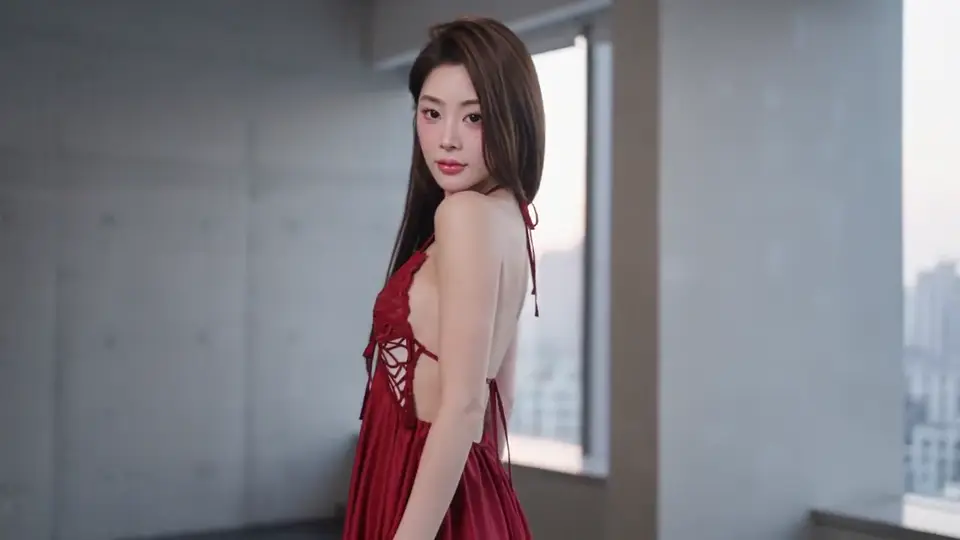
Text: establish a new scene
Use Text when you have a written idea and no fixed opening image. Name the subject, place, action, and camera direction; the model builds the initial composition. Keep the brief to one shot when you want to compare revisions clearly.
Keyframes: anchor the opening or ending
Upload a supported first frame to define the start of the shot. Add a last frame when you need an ending target, and describe the motion between them. Choose compatible framing and lighting in both images so the transition has a plausible visual path.
References: guide appearance or motion
Use the supported image, video, or audio reference controls to provide guiding material. Explain each reference's role, such as subject appearance or motion character. A reference is not automatically the first frame; choose Keyframes when the shot must begin with a specific image.
For another approach to your King AI video brief, try the Kling 4.0 AI video generator and refine the scene from text or a reference image.
Direct the details that matter
Use the King AI image and video controls to settle composition, guide continuity, and prepare a result for its placement.
Frame for the destination
Choose the available aspect ratio for a portrait cover, square product image, or wide scene. Leave space around important edges; a different crop can change the composition as much as a new prompt.
Separate preservation from change
With image references, say what must stay recognizable and what may change. Preserve the bottle silhouette while changing its backdrop, or retain clothing while refining the light; avoid conflicting instructions.
Give motion a beginning and ending
For video, describe one subject action and one camera move. Use Keyframes when an opening or ending must be defined, and keep their viewpoint and lighting compatible with the movement between them.
Check output and sound together
Review available resolution, duration, and audio controls for the selected video mode. Match sound instructions to the action when supported, check the displayed credit cost, and watch the full result before downloading.
Make the next revision easy to evaluate
Keep a clear prompt and change one instruction at a time.
- 01
State what must be visible
For images, write the subject, composition, materials, and light. With a reference, separate preservation from change: keep the bottle silhouette, replace the background, and use soft side light.
- 02
State what moves
For video, separate subject action from camera action: the traveler turns; the camera holds still. Add an ending you can recognize, and remove competing actions when motion becomes unstable.
- 03
Check before submitting
Review the active input mode, required files, frame shape, model settings, and displayed credit cost. After completion, inspect image detail or watch the whole video before downloading.
Two prompts you can build on
A useful prompt makes the next decision visible. Keep the scene coherent, and give references or motion a specific role.
Image: preserve the product, change the setting
Keep the referenced glass bottle’s silhouette, proportions, and cap. Place it on a matte charcoal surface in a square three-quarter composition. Replace the background with soft warm beige, use diffused light from the right, and preserve clear glass edges. No added text or logos.
The preservation clause protects identity. The surface, background, and light clauses define the requested changes, so you can compare them separately.
Video: reveal the product with one camera move
Start from the supplied product frame. The glass bottle remains still while the camera slowly pushes closer at a steady three-quarter angle. Soft side light moves gently across the glass without changing its shape. Finish on a stable close view; no extra objects or readable text.
The first frame anchors composition. The bottle stays still, the camera supplies movement, and the final close view gives you a clear ending to inspect.
Generate in three clear steps
Choose the input, prepare the brief, and inspect the result.
- 1
Select Image or Video
Use Image for a still composition. For Video, choose Text, Keyframes, or References according to whether your source is a written brief, a defined frame, or guiding material.
- 2
Add a prompt and supported inputs
Apply a sample or write your own subject, setting, light, and framing. For video, add action and camera direction. Complete required uploads and review the selected settings and credit cost before submitting.
- 3
Review the completed result
Check the image at full size or watch the video through its final frame. Revise the weakest clause while preserving successful details, then download the completed version you want to keep.
Refine one problem at a time
Keep successful details and change the instruction that caused the weakest result.
| What you see | What to change | What to check |
|---|---|---|
| The face, clothing, or product drifts | Use one subject and a supported reference; specify the defining shape, colors, or clothing to preserve. | Compare identity at full size, and for video check the beginning, middle, and ending. |
| The camera and subject fight for attention | Keep one subject action and one camera direction; remove simultaneous turns, zooms, and scene changes. | Watch the complete shot for a continuous, readable movement and a stable ending. |
| The crop cuts off important details | Review aspect ratio and framing; ask for more space around the subject instead of adding unrelated style terms. | Check the result in its intended portrait, square, or wide placement. |
| An upload or task cannot complete | Read the task message, then correct the required file, accepted limits, settings, or available credits. | Confirm the corrected input and displayed cost before submitting again. |
Using the King AI generator
Answers for the controls, inputs, and results on this page.
Need to choose a workflow first?
Compare King AI image and video inputs, examine detailed visual briefs, and use the prompt guide to plan your next result.
Turn the next brief into something you can use
Choose an image or a moving shot, apply a starting brief, and refine the detail that makes it yours.