Frames, references and output
Flow AI Video Generator Features
Flow AI Video Generator features cover what a clip starts and ends on, which references guide it, and how it is delivered: first and last frames, image, video and audio references, 480P to 4K output and six frame shapes.
Open Flow generator- 01Opening frame
- 02Movement
- 03Detail

- 04Closing frame
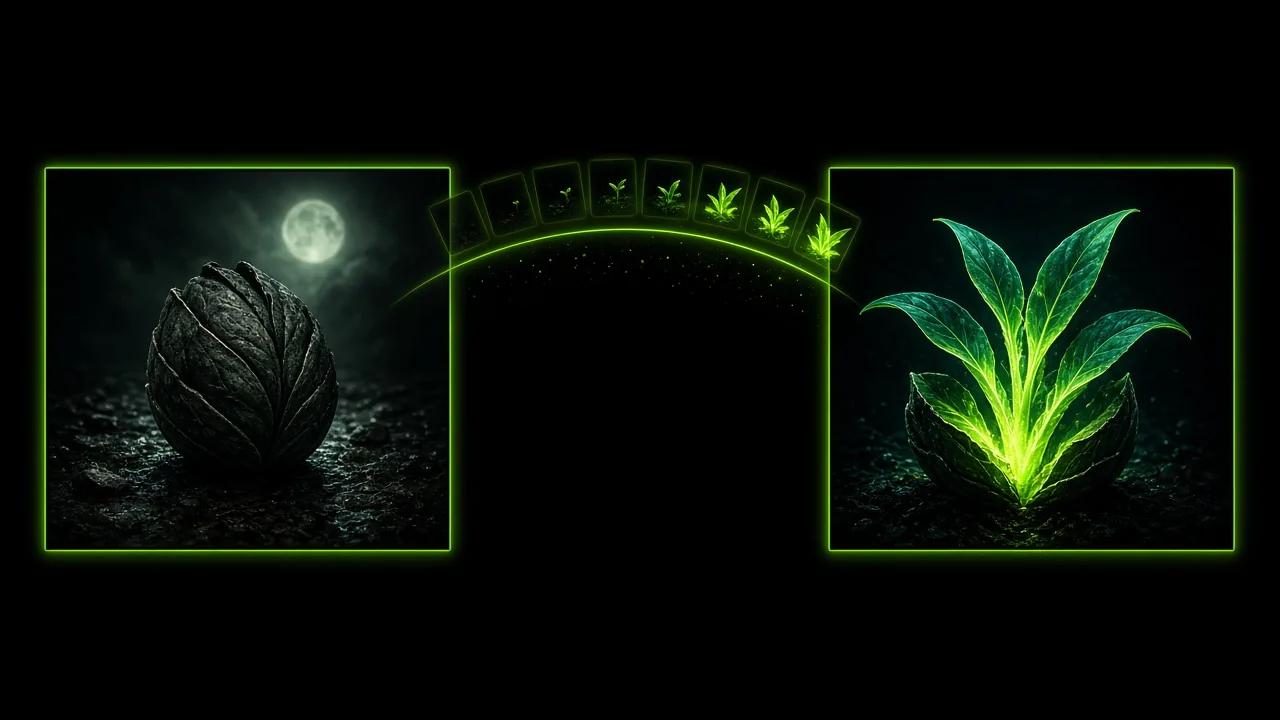
What Flow video features control
Flow video features are the settings that shape a clip before it is generated: how it starts, what guides it, how long it runs and how it is framed.
A text prompt describes the scene. First and last frames fix the opening and closing composition. Image, video and audio references show the look, the movement and the sound you want the clip to follow.
Output settings sit alongside the inputs. You choose Standard or Pro, a resolution from 480P to 4K, a length from 2 to 30 seconds and one of six frame shapes, and the credit estimate updates as you go.
Six Flow features at a glance
Each card covers one part of the Flow AI Video Generator panel.
First and last frames
Add an opening image, a closing image or both. The clip moves between them, so the composition you plan is the one viewers see at the start or the end.
Image, video and audio references
Combine up to 10 images, 5 videos and 5 audio files in one set. Video and audio references each have their own total duration limit.
480P to 4K output
Standard offers 480P, 720P and 1080P. Pro offers 1080P, 2K and 4K for larger screens.
2 to 30 second clips
Set the length in whole seconds, from a 2 second loop to a 30 second scene.
Frame shape and sound
Choose 16:9, 9:16, 1:1, 4:3, 3:4 or adaptive, and switch audio generation on when the clip should carry its own sound.
Credit estimate
The panel shows the credits a clip will use before you generate, based on the tier, resolution and length.
Where Flow features fit
These four project types use Flow AI Video Generator features in different combinations. The stills are concept illustrations.
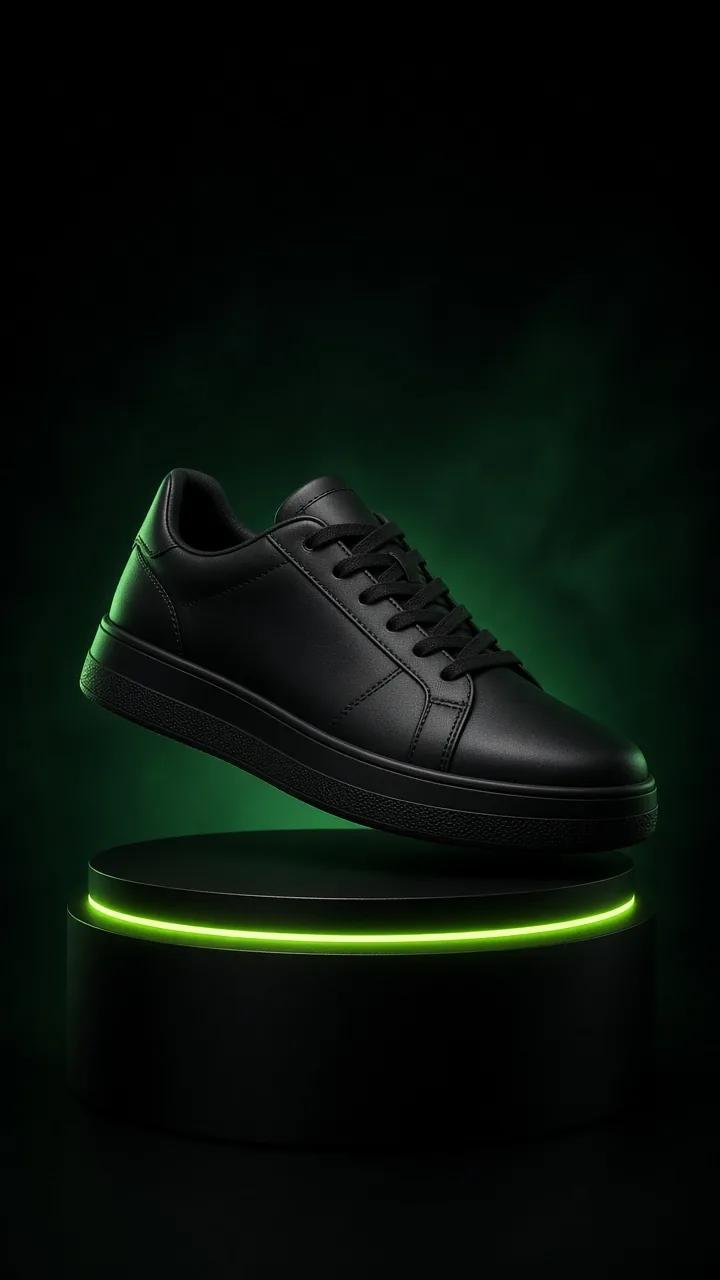
E-commerce shorts
E-commerce shorts work well with one product and one clear movement. The sneaker concept shows a floating product, a ringed pedestal and a tall 9:16 frame for shop feeds. Add product photos as image references and add titles and product details in your editor.

Animated brand intros
Animated brand intros can start from a character and a small world. The concept shows a moss-green creature riding a glowing leaf down a stream. Set a first frame for the opening composition and leave room around the character for a title.
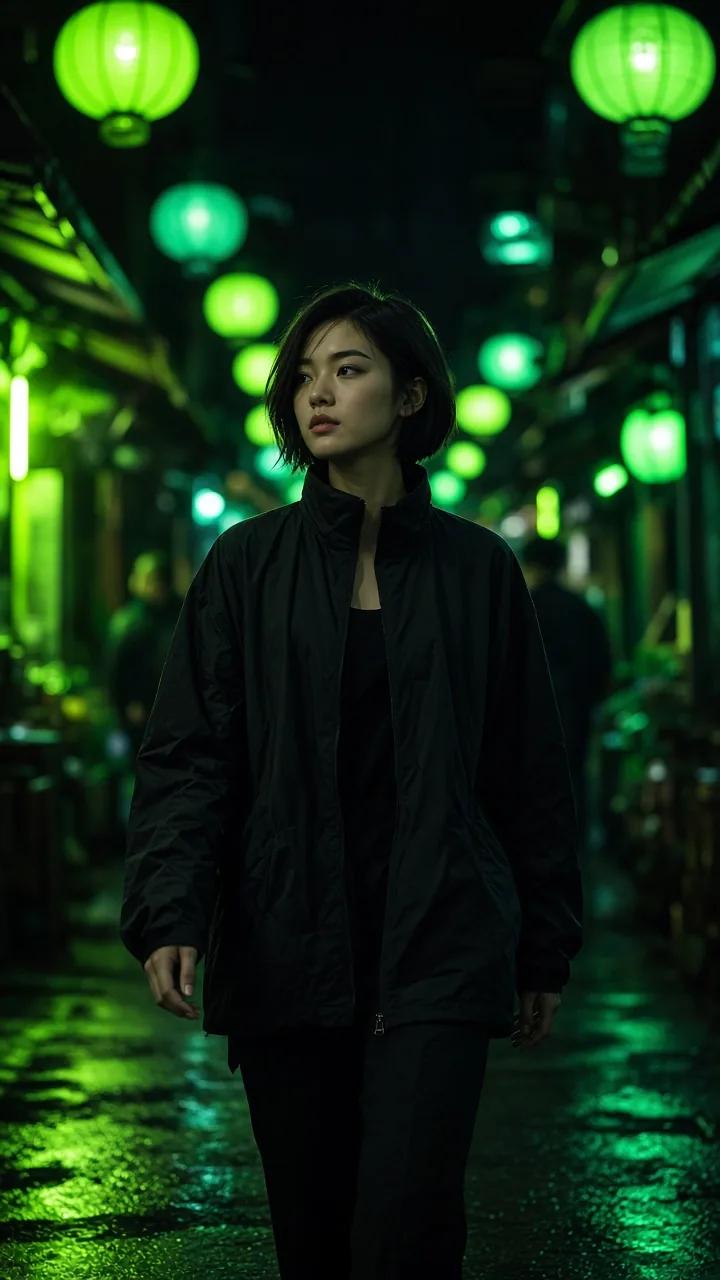

Social series
A social series keeps the same person across episodes. The two concept stills show one woman in a night alley and then on a rooftop. Use an image of the character as a reference in each episode and keep the 9:16 frame and lighting words the same.
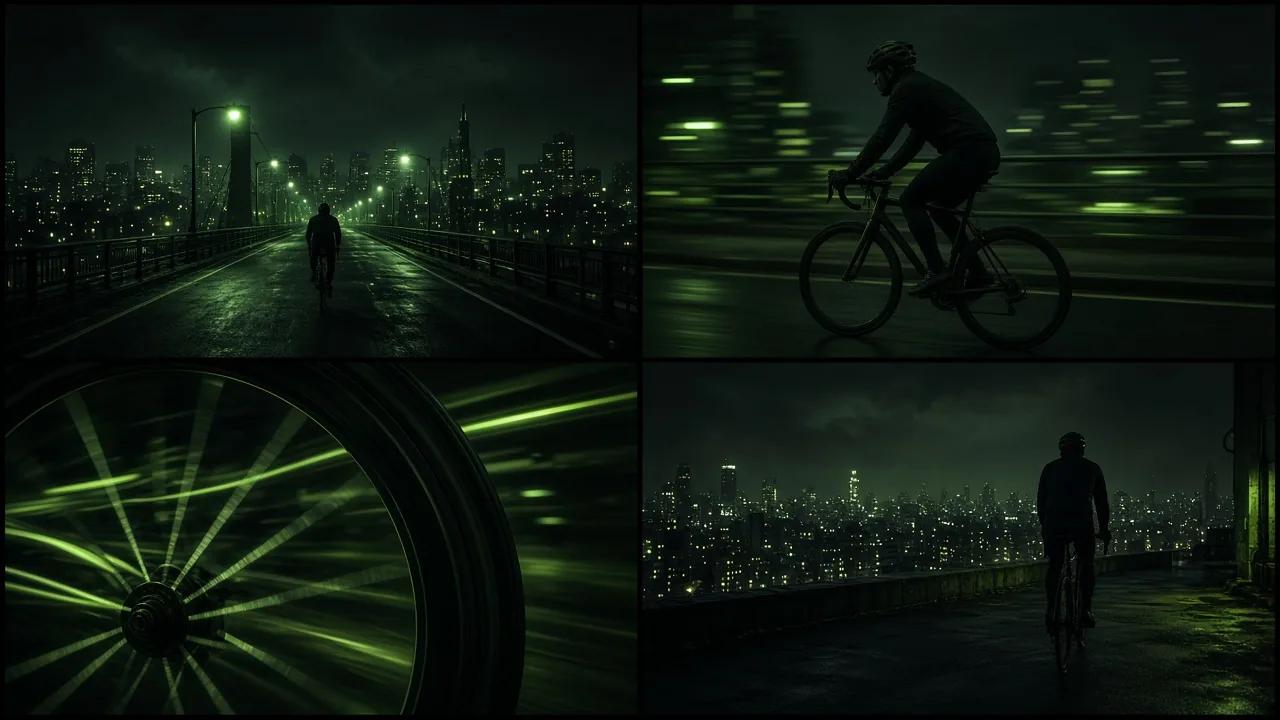
Storyboard previews
A storyboard preview tests a sequence before full production. The four panels follow a night cyclist from a wide bridge shot to a rooftop overlook. Generate a short clip for each panel to compare camera height and pacing side by side.
Why create Flow videos
Inputs, output settings and cost sit in one Flow AI Video Generator panel, so you can see what a clip will use before it starts.
In the Flow AI Video Generator, Standard and Pro accept the same input modes. You can try an idea at a lower resolution and move to Pro when a shot needs 2K or 4K.
Finished clips and running tasks appear beside the Flow AI Video Generator controls, which keeps a series of related clips easy to compare.
Flow AI Video Generator features questions
Product shorts, animated brand intros, social series and storyboard previews are common fits. Each uses a different mix of frames, references, length and frame shape.
Image references show the subject or setting, video references show movement, and audio references give the clip a sound to follow. A set can hold up to 10 images, 5 videos and 5 audio files.
Yes. Switch on audio generation in the panel, or add audio references when the clip should follow a specific sound.
Six: 16:9, 9:16, 1:1, 4:3, 3:4 and adaptive. Use 9:16 for phone screens and 16:9 for widescreen players.
Both tiers use the same input modes. Standard offers 480P, 720P and 1080P, Pro offers 1080P, 2K and 4K, and the credit estimate reflects the tier you pick.