Flow AI Video Generator
The Flow AI Video Generator turns a text prompt, a first and last frame, or a set of image, video and audio references into a video clip. Pick a length from 2 to 30 seconds, choose Standard or Pro, and check the credit estimate before you generate.
Create with Flow
Flow AI Video Generator
- Input modes
- 3 modes
- Start the Flow AI Video Generator from a prompt, from first and last frames, or from media references.
- Clip length
- 2 to 30 s
- Set the duration in whole seconds. New clips start at 5 seconds.
- Resolution
- 480P to 4K
- Standard covers 480P, 720P and 1080P. Pro covers 1080P, 2K and 4K.
- Frame shapes
- 6 shapes
- 16:9, 9:16, 1:1, 4:3, 3:4 or adaptive, with the credit estimate shown as you choose.
Three ways to start a Flow AI video
The Flow AI Video Generator offers three input modes. Pick the one that matches what you already have: an idea in words, a pair of images, or a folder of reference media.
Text prompt
Describe the subject, the action, the camera and the light in plain words. This mode suits ideas that are still just a sentence, such as a mood piece, a product reveal or a quick social clip.
First and last frames
Upload an opening image, a closing image or both, then describe what happens between them. Use this mode when the clip has to start or end on a set composition, such as a product that must finish centered.
Media references
Add up to 10 images, 5 videos and 5 audio files to show the look, the movement and the sound you want. Video references and audio references each have their own total duration limit.
Resolution, length and credits
The Flow AI Video Generator has two quality tiers with the same input modes. Standard offers 480P, 720P and 1080P, and Pro offers 1080P, 2K and 4K, so you can match the output to where the clip will play.
Length is set in whole seconds from 2 to 30. Short clips suit loops and single product moments, while longer ones give a camera move room to finish or let a character complete an action.
Credits depend on the tier, the resolution and the length. The Flow AI Video Generator shows an estimate before you start, and the estimate updates each time you change a setting.
Flow AI video maker ideas
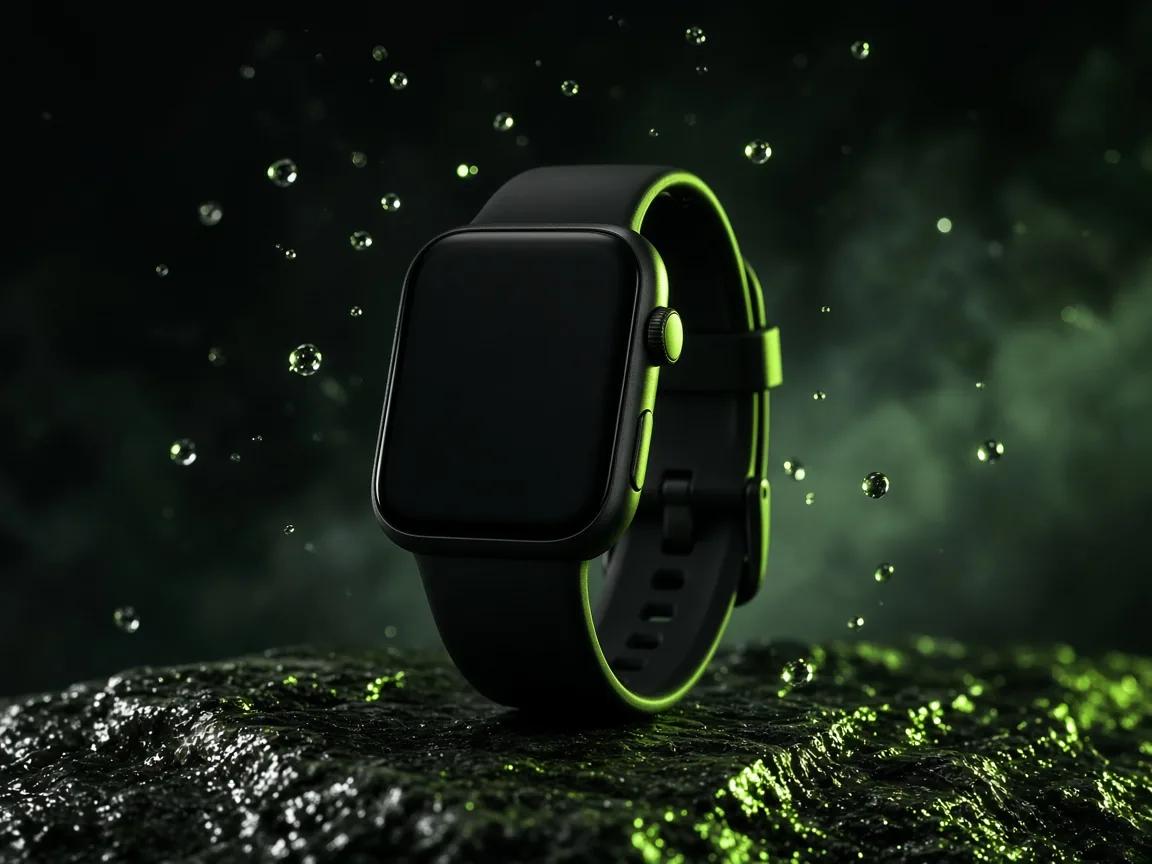
Each Flow AI Video Generator idea pairs a concept still with a short direction you can adapt. The stills are illustrations of the idea, not generated clips.
Product ad
A slow arc around an unbranded smartwatch on wet stone, with droplets drifting past the case. Add a photo of your own product as an image reference so its shape stays true.
Character story
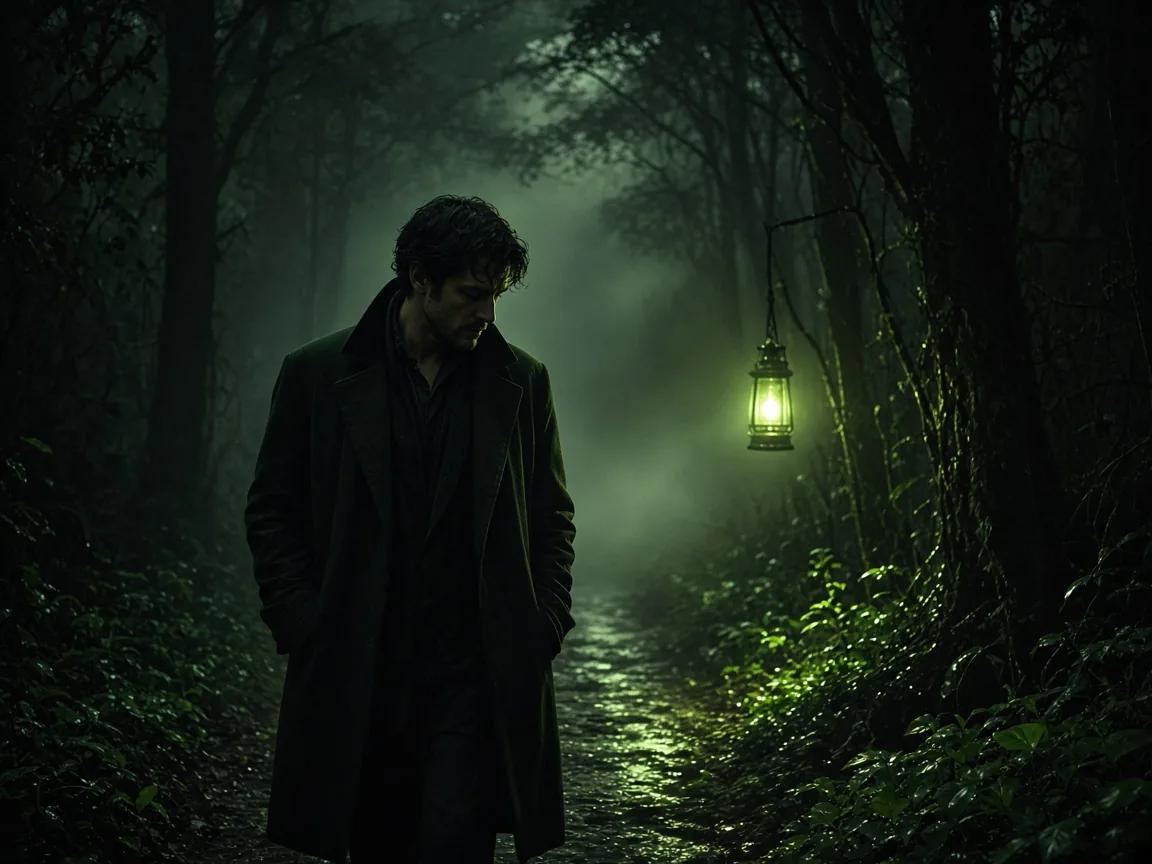
A man in a dark coat walks a misty forest path beside a lantern. Describe a steady walk and a gentle tracking camera so the mood has time to build.
Landscape camera move
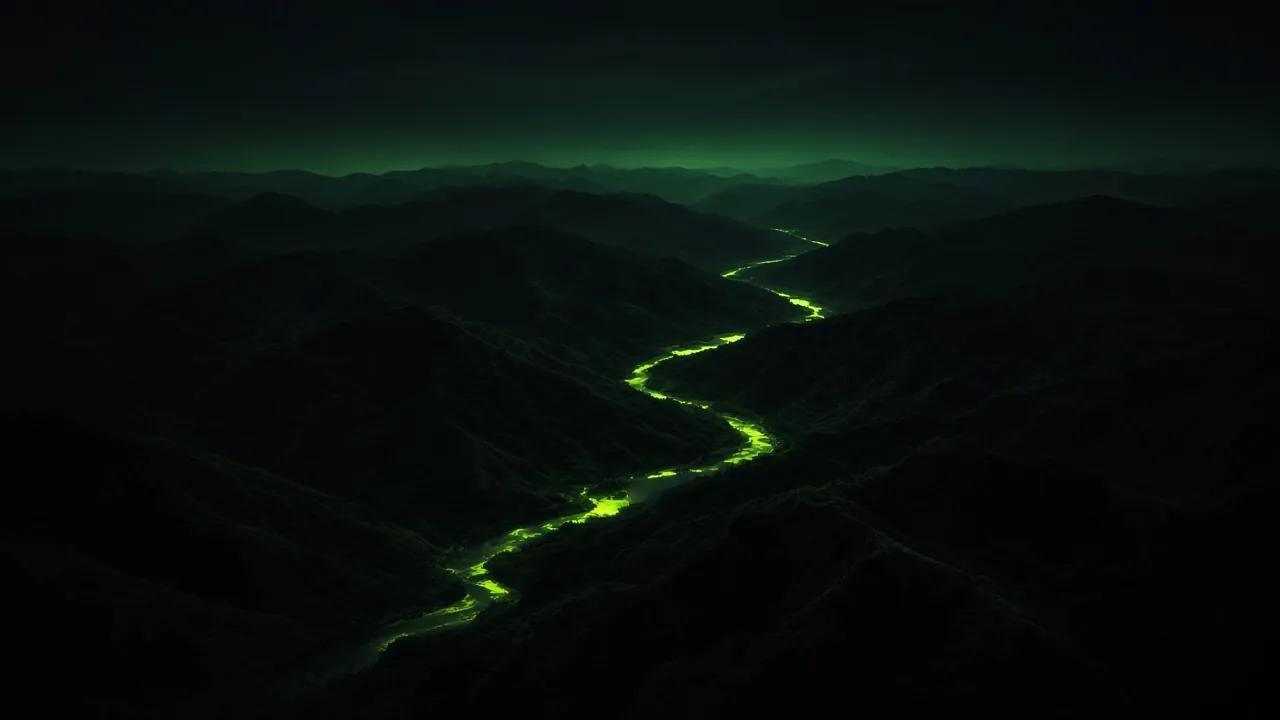
An aerial move follows a glowing river between dark ridges toward the horizon. Name the camera direction and pick a longer duration so the move can finish.
Social vertical
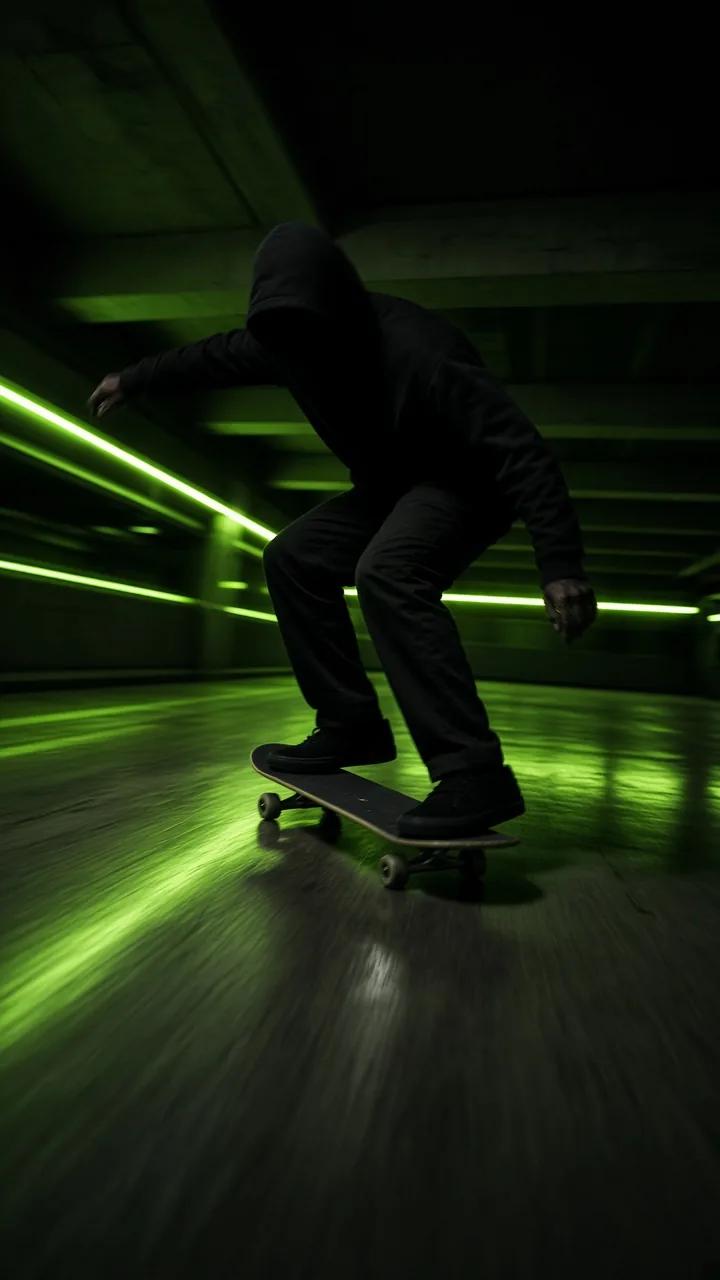
A skateboarder carves through a night garage in a 9:16 frame. Keep the rider near the center and leave space above for text added in editing.
First and last frames
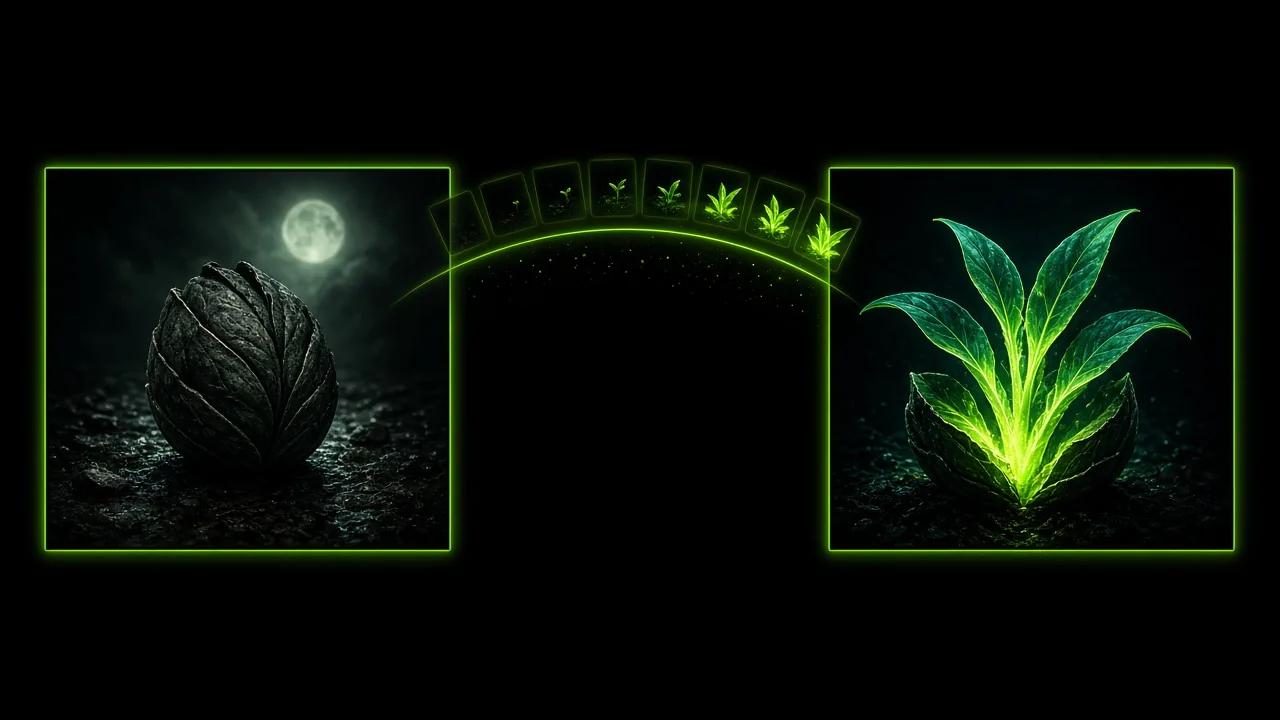
A closed seed pod at the opening and open leaves at the close. Upload two images like these as first and last frames and describe the growth between them.
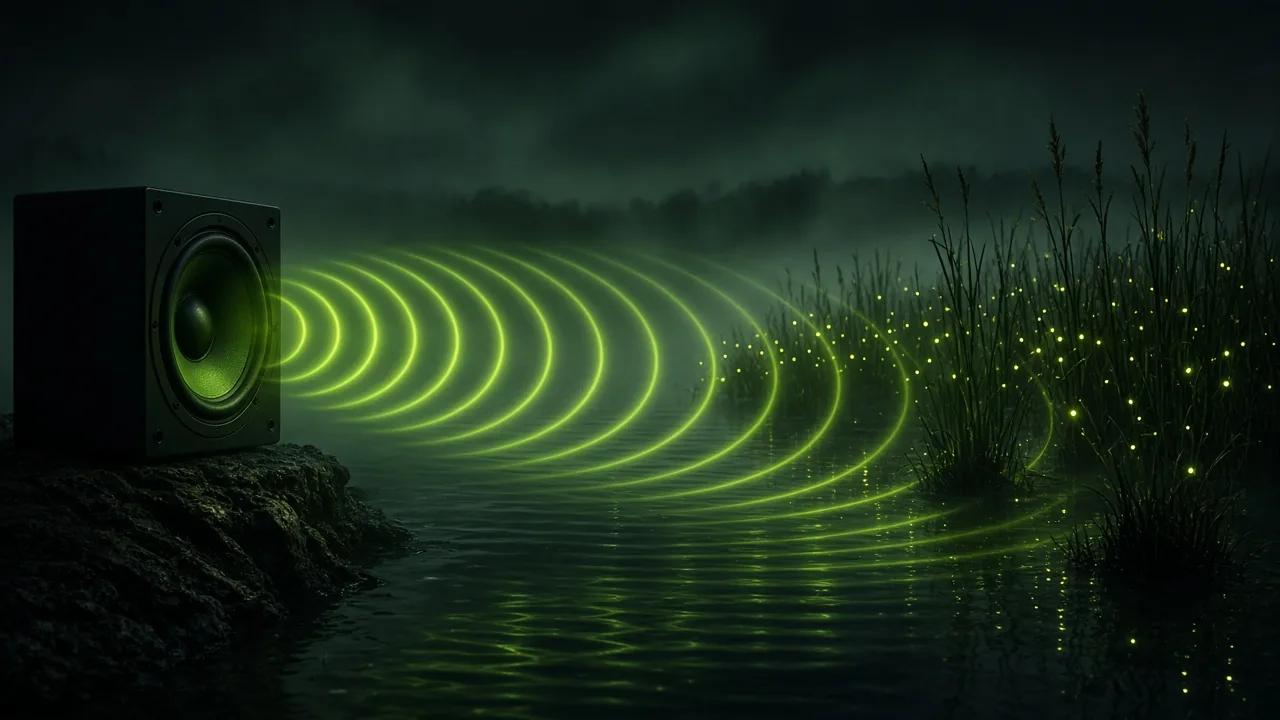
Audio reference
Sound rings cross a misty lake and light up reeds and fireflies. Pair a short audio file of your own with a prompt that names the pace and the atmosphere.
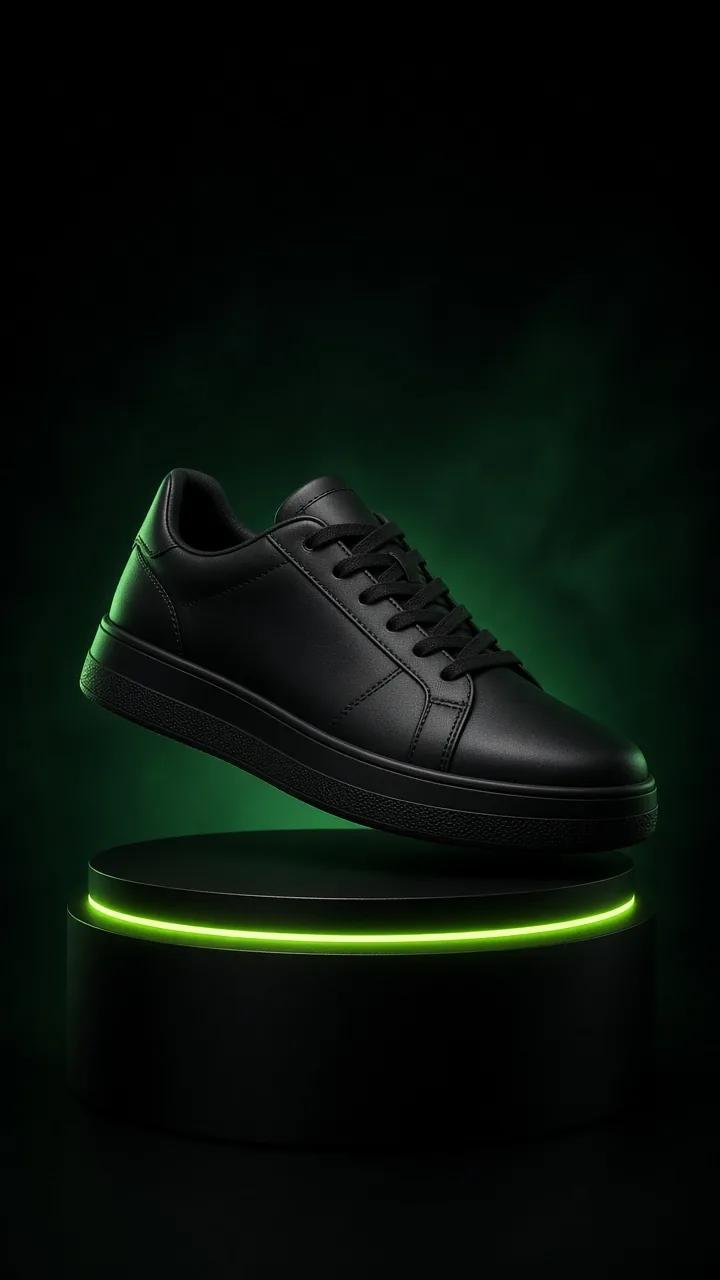
E-commerce short
An unbranded sneaker floats above a lit pedestal in a native 9:16 frame. Ask for a slow turn so each side of the product shows within a few seconds.
Flow AI Video Generator questions
It is a video generator that turns a text prompt, first and last frames, or image, video and audio references into short clips. You choose Standard or Pro, set the length and frame shape, and see a credit estimate before you generate.
There are three input modes: a text prompt, a first frame with or without a last frame, and media references. A reference set can hold up to 10 images, 5 videos and 5 audio files, and video and audio references each have their own total duration limit.
Any whole number of seconds from 2 to 30. The duration starts at 5 seconds, and you can change it before each generation.
Yes, with the Pro tier. Pro offers 1080P, 2K and 4K, while Standard offers 480P, 720P and 1080P.
Upload an opening image, a closing image or both, then describe the motion that connects them. The clip is generated between the frames you set, which helps when the start or the end must match a planned composition.
Yes. Choose the 9:16 frame shape for phone screens. The other options are 16:9, 1:1, 4:3, 3:4 and adaptive.
In the generator panel. The estimate appears before you generate and changes with the tier, the resolution and the length you choose.