Kling 4.0 AI Video Generator — Create Your Next Scene
Text to Video · Image to Video · Creative Iteration
Explore Kling 4.0 and create videos for product campaigns, social posts, and visual stories. Turn a written brief or reference image into a scene, direct the movement, and refine your next take.
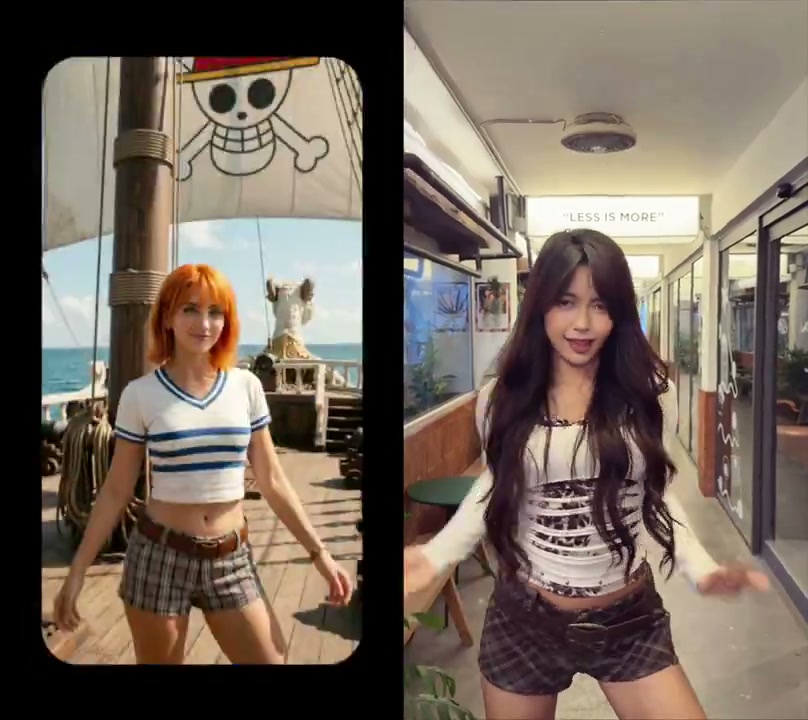
Kling AI Motion Control — Camera That Follows the Action
With Kling 3.0, choreograph camera paths, framing, and character movement in one flow—like directing on set.
Create a video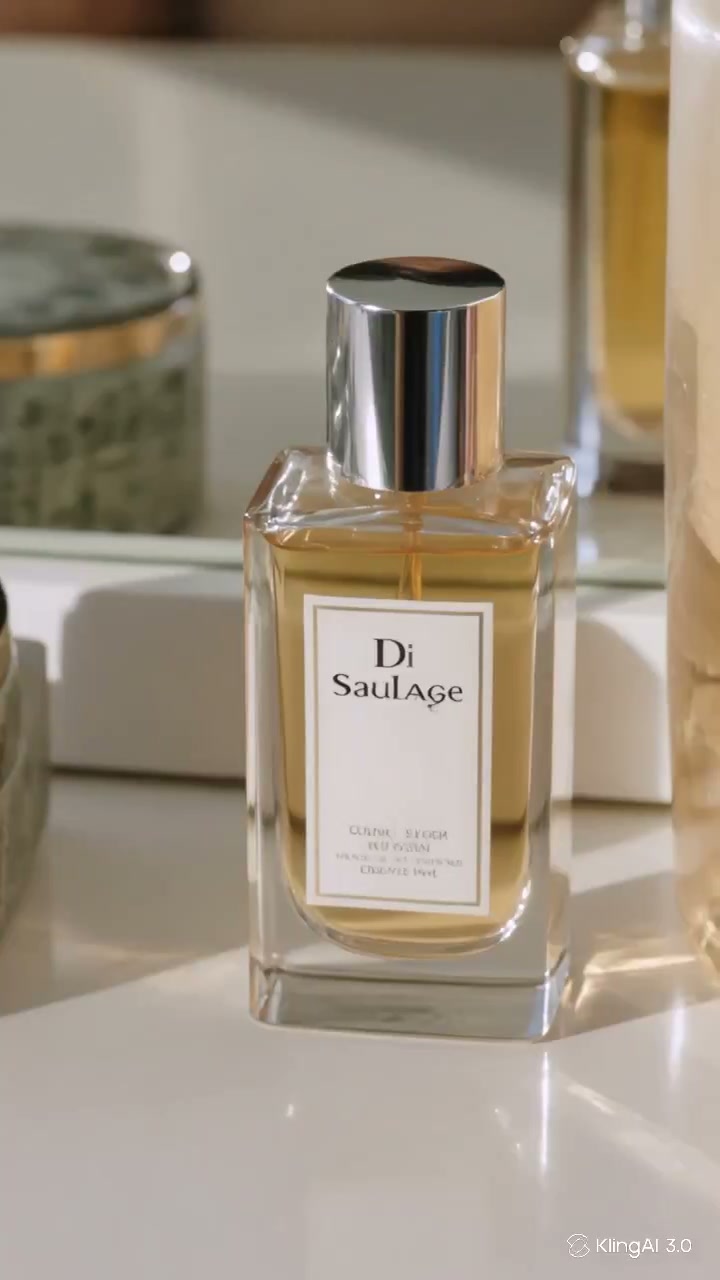
Kling AI Ads & Seeding Videos, Ready to Launch
Kling 3.0 turns briefs into brand-ready short clips for paid social, e-commerce pages, and influencer seeding.
Create a video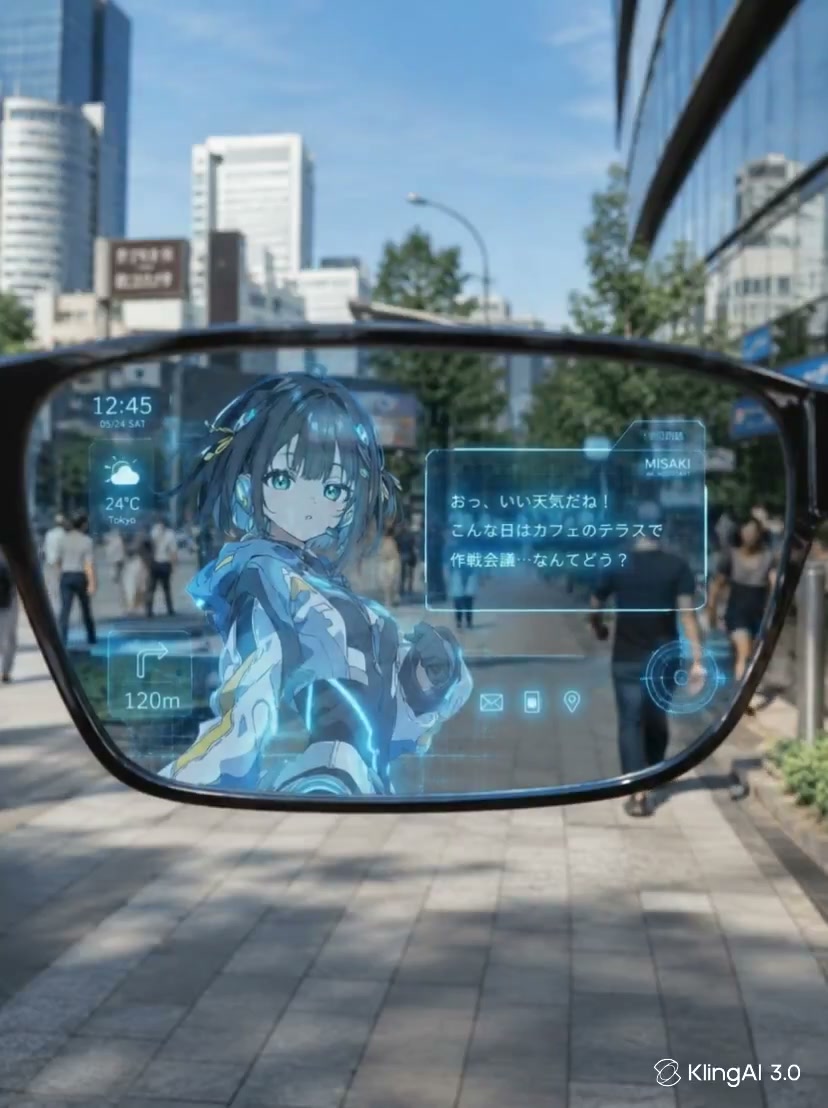
Kling AI Real-World Physics — Motion That Feels True
Kling 3.0 simulates gravity, contact, and lighting with Omni One so every frame stays physically believable.
Create a videoText to Video
Start with an idea
Image to Video
Animate your own frame
Creative Iteration
Shape the next take
Your videos
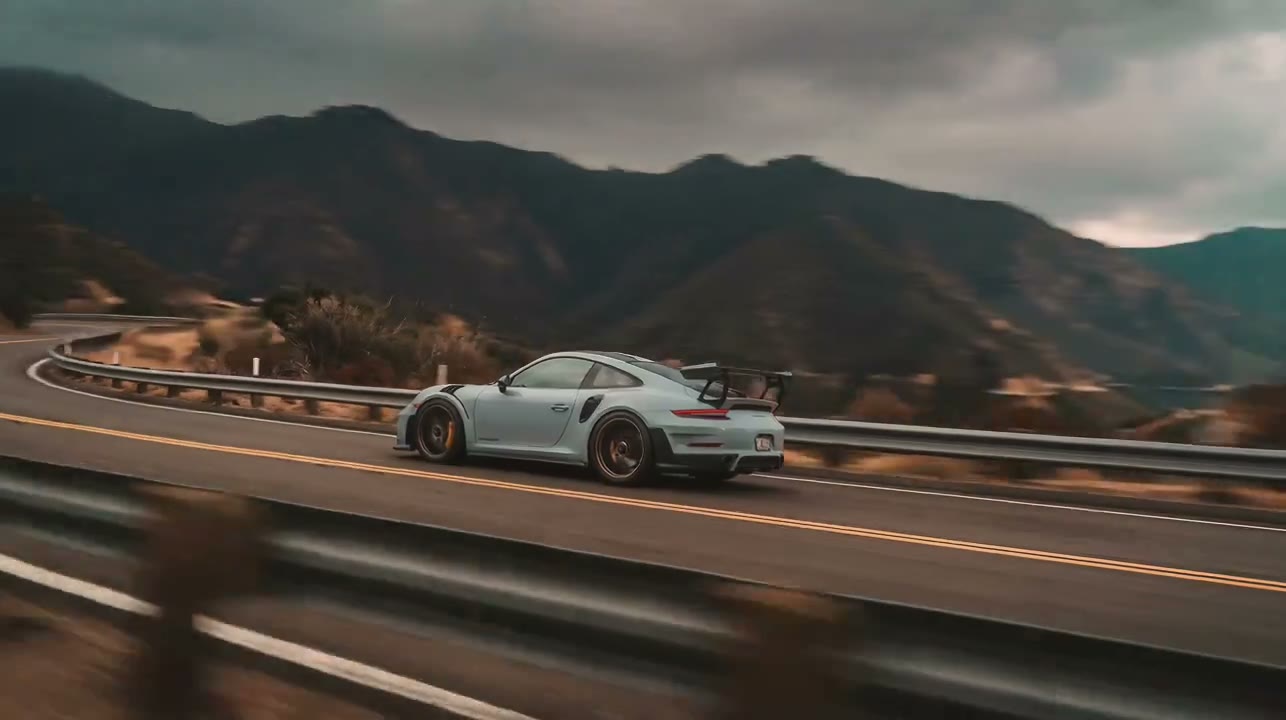

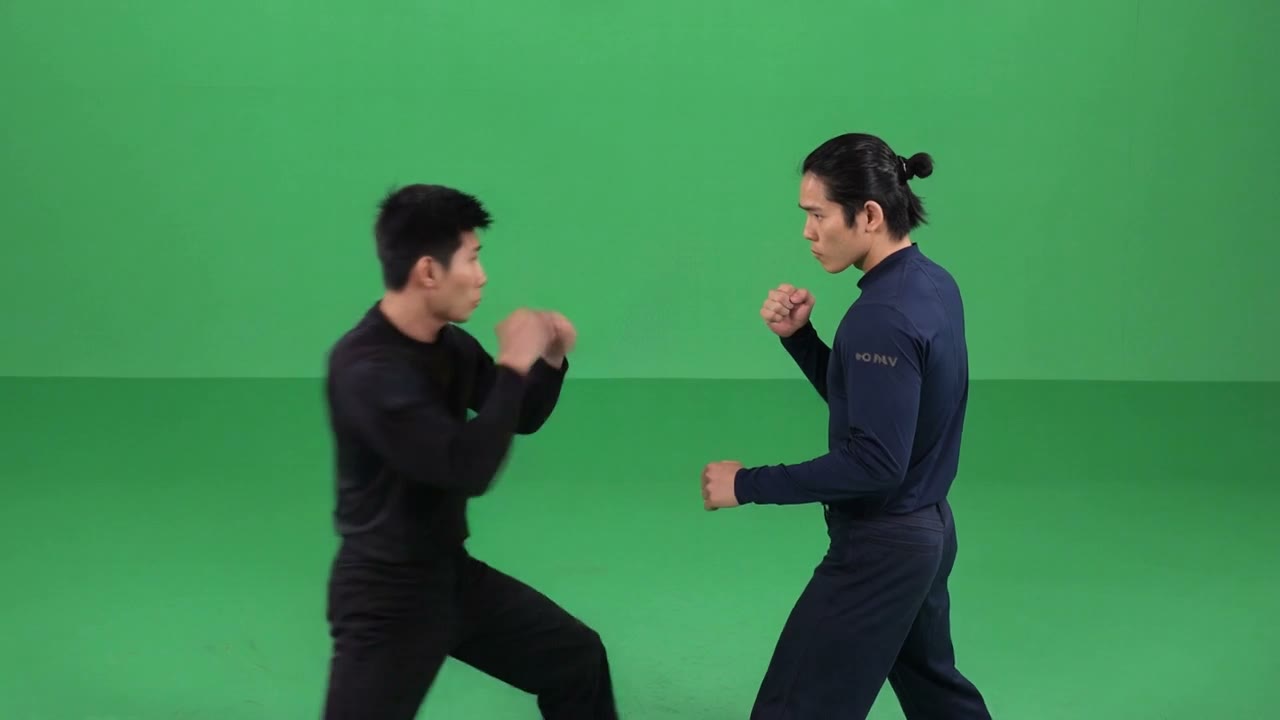
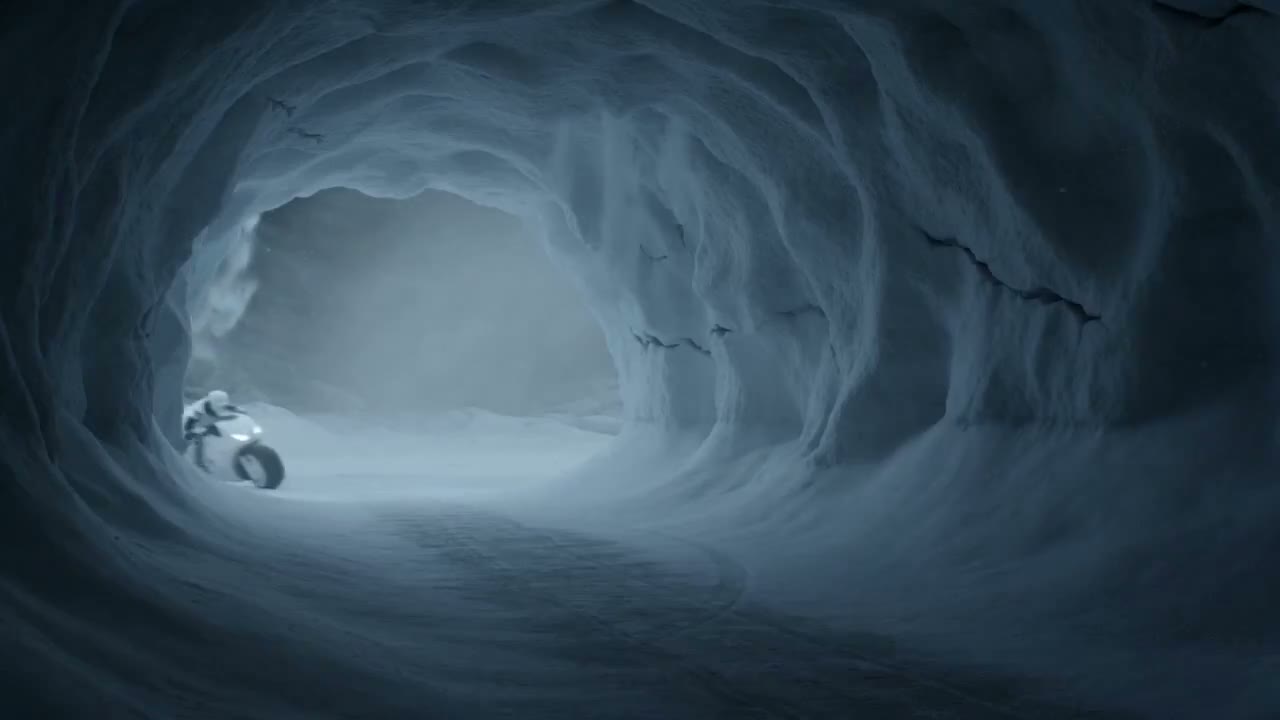

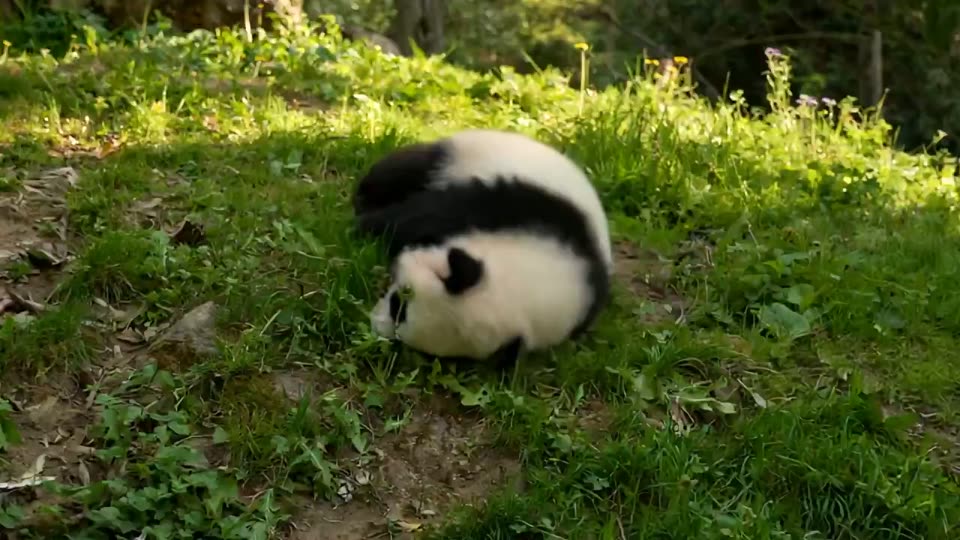


Kling 4.0 inspiration for your next video
Explore Kling 4.0 AI video ideas for product campaigns, social clips, and travel stories. See how a clear subject, readable motion, and purposeful camera work shape a scene.
Product ads with a clear focal point
Plan a product spot for the Kling 4.0 video generator. Keep the bottle central and use a slow camera move to reveal the glass and shifting reflections.
Character movement made for social video
Find your next Kling 4.0 video idea in one readable action. Follow the skaters smoothly and let the street bring energy to the frame.
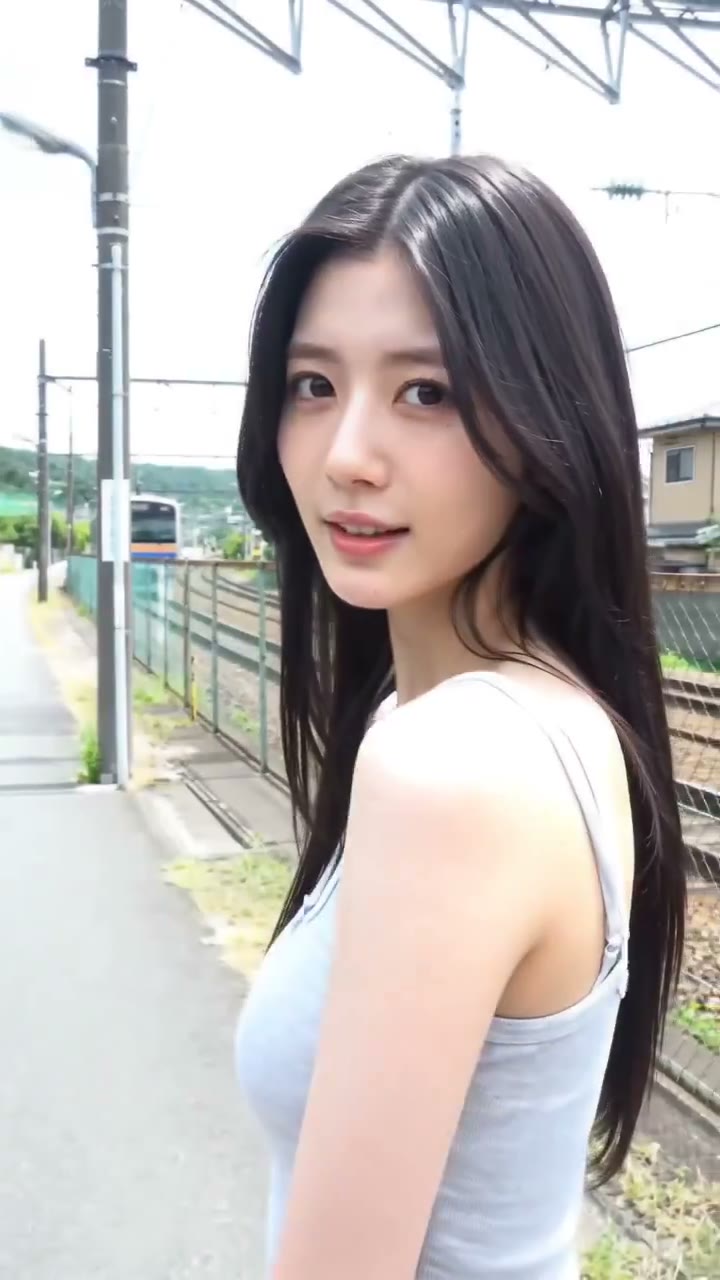
A travel moment with a human story
Build your Kling 4.0 travel brief around a person and a place. A walk and a look back give a short scene a clear story.
Kling 4.0 video tools for every starting point
Start with a written idea, build from a reference image, or bring your next project into an online video generator. Each starting point suits a different creative task.

Kling 4.0 text to video
For campaign concepts and scenes not yet photographed, develop a Kling 4.0 AI video brief from a written idea. Describe the subject, visual style, and movement to explore an original direction.
Kling 4.0 image to video
An existing image gives your concept a visual anchor. Use a product photo, illustration, or character frame to explore motion while keeping a clear reference for the look you want.
Kling 4.0 online video generator
Bring planning and creation into the same browser session on the Kling 4.0 page. Choose Flash or Pro to explore the available inputs, tune your scene settings, and review the credit estimate before creating.
Why use the Kling 4.0 AI video generator?
Turn a brief into visible action
Use the Kling 4.0 AI video generator to develop a product launch, social post, or story. Describe the subject, camera, and mood to give your idea a visible starting point.
Get more from an image you already have
Bring a product photo or a character frame into your video workflow. Choose the movement and camera direction, then compare the result with your original composition.
Find the stronger version
Refine your Kling 4.0 video brief one choice at a time. Change a gesture, camera path, or pace, then compare takes to find what communicates your idea best.
Create with the Kling 4.0 video generator in three steps
Choose your starting point
Start in the Kling 4.0 AI video generator with text or an image. Choose one subject and a clear composition before adding movement.
Direct the action
Describe one main movement, the camera path, and the ending. Choose the available duration and format, then review the displayed credit cost.
Create, review, and refine
Review your take in the Kling 4.0 video generator. Download the version you like or change one detail and create another.
Get to know Kling 4.0
Understand the names, reported capabilities, and release updates before choosing your next creative workflow.
Kling 4.0 Preview and Kling 4.0 Flash Preview
Explore these search terms in the guide to distinguish reported video modes, image workflows, and current creation options.
Kling 4.0 references and keyframes
Learn how visual references and key moments help describe a sequence.
Kling 4.0 access, pricing, and API
Check the current information and what you can use on this site.
Your Kling 4.0 video questions, answered
Flash and Pro are this site's creation modes. On the Kling 4.0 page, select a mode to see its available inputs, settings, and credit estimate. The guide separately explains reported model features and release status.
Yes. Choose the image input and upload a supported file. Use your prompt to describe subject movement, camera movement, and anything that should stay unchanged. Check the upload guidance before starting.
For a Kling 4.0 video brief, choose one subject and one main action. Add lighting, a camera move, and an ending. Keep the action within your selected duration.
Choose Flash or Pro to see the credit estimate for its selected settings before submission. Sign in to check your balance. This quote covers the site's selected mode; it does not establish official Kling 4.0 pricing.
Your result appears in this generator when generation finishes. You can download it and find the task in your history. If a task cannot finish, follow the message shown before submitting another attempt.
Bring your next idea to the Kling 4.0 AI video generator
Explore Kling 4.0 and bring your next AI video idea to life. Start with text or an image, create a first take, and refine the scene you want.