
Hailuo 03 AI Image Generator
Turn an early idea into a focused visual direction with structured prompts, reference images, composition planning, and deliberate review cycles.
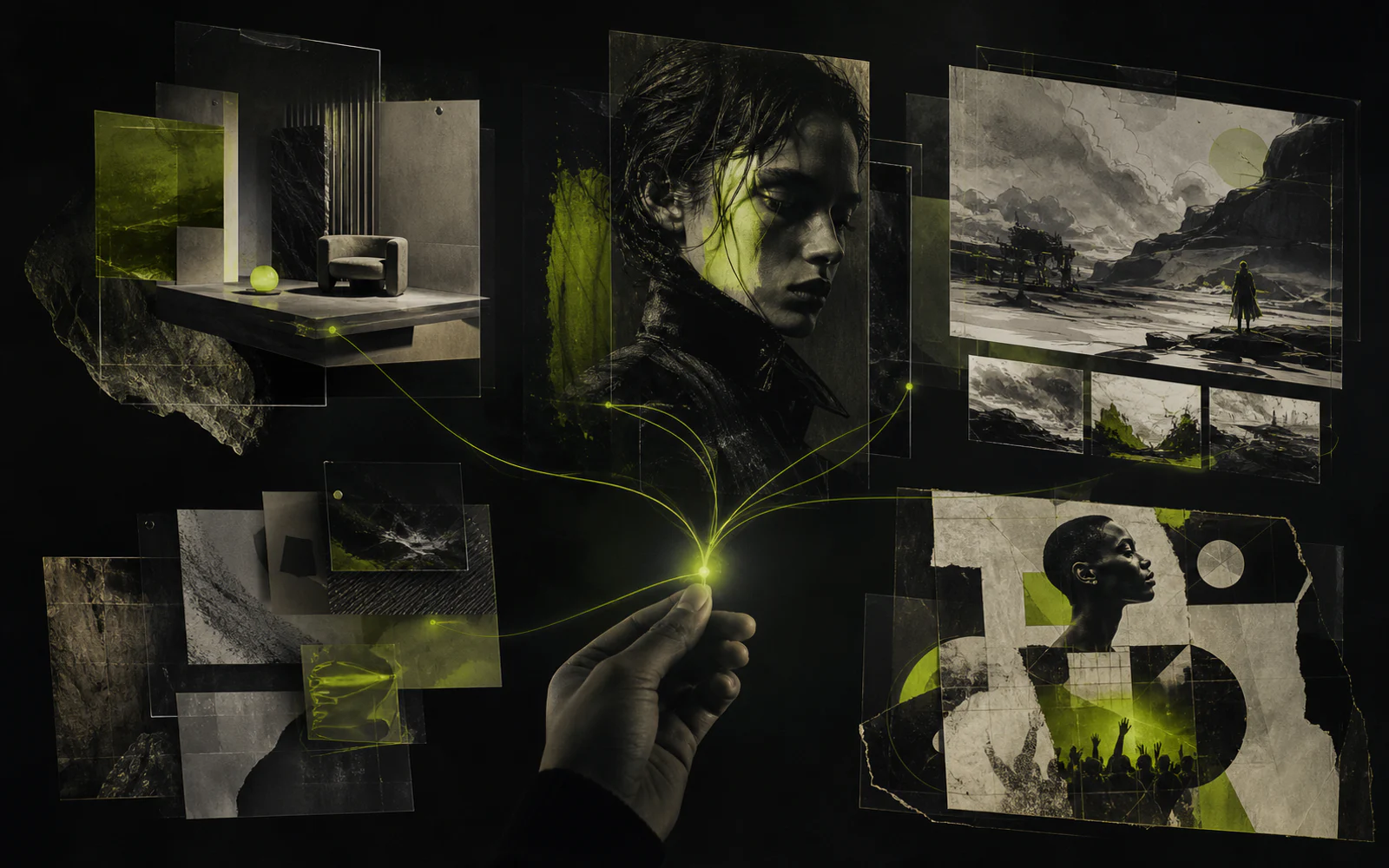
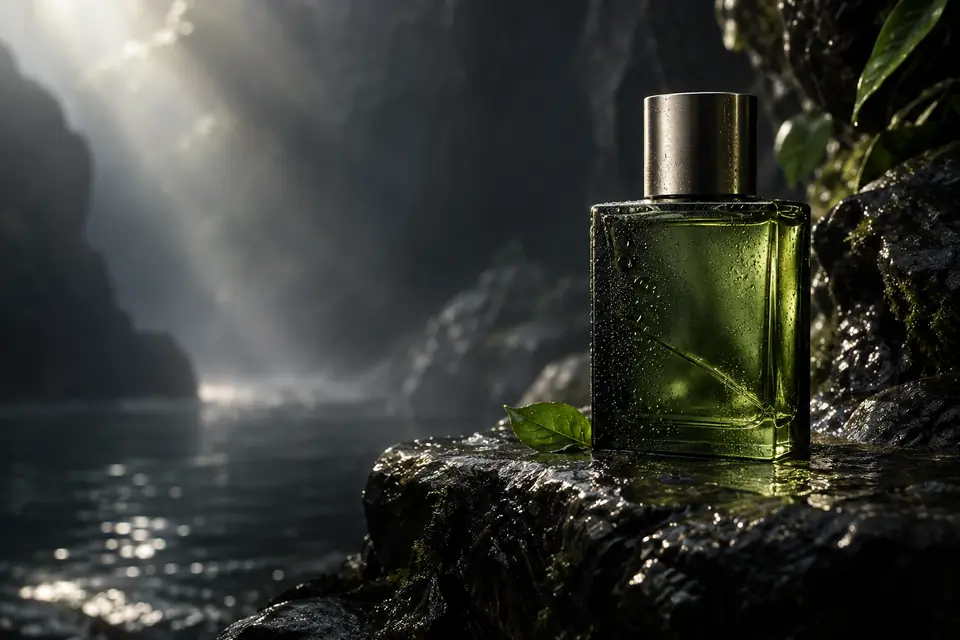
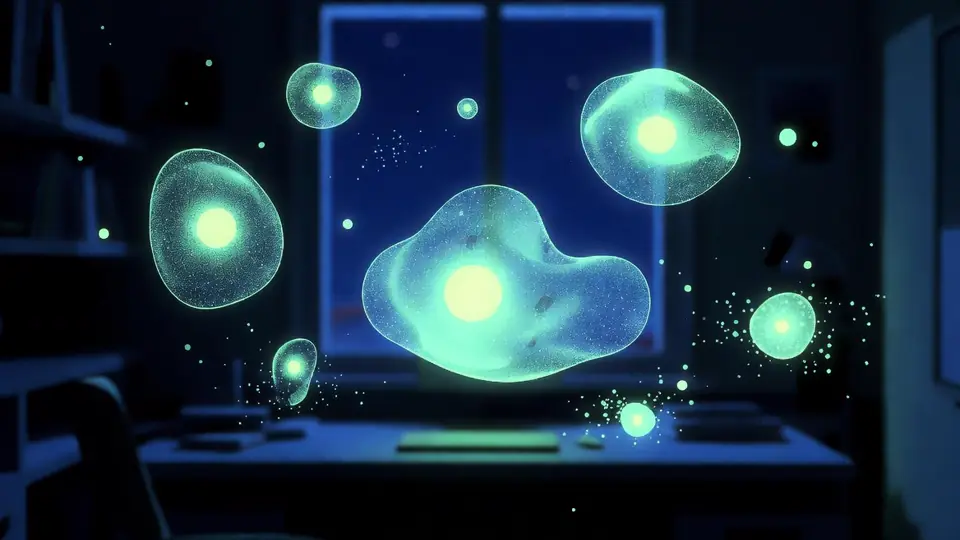

Professional-grade AI model delivering high-fidelity images for advertising and creative projects.
Sign in to use batch and repeat generation.
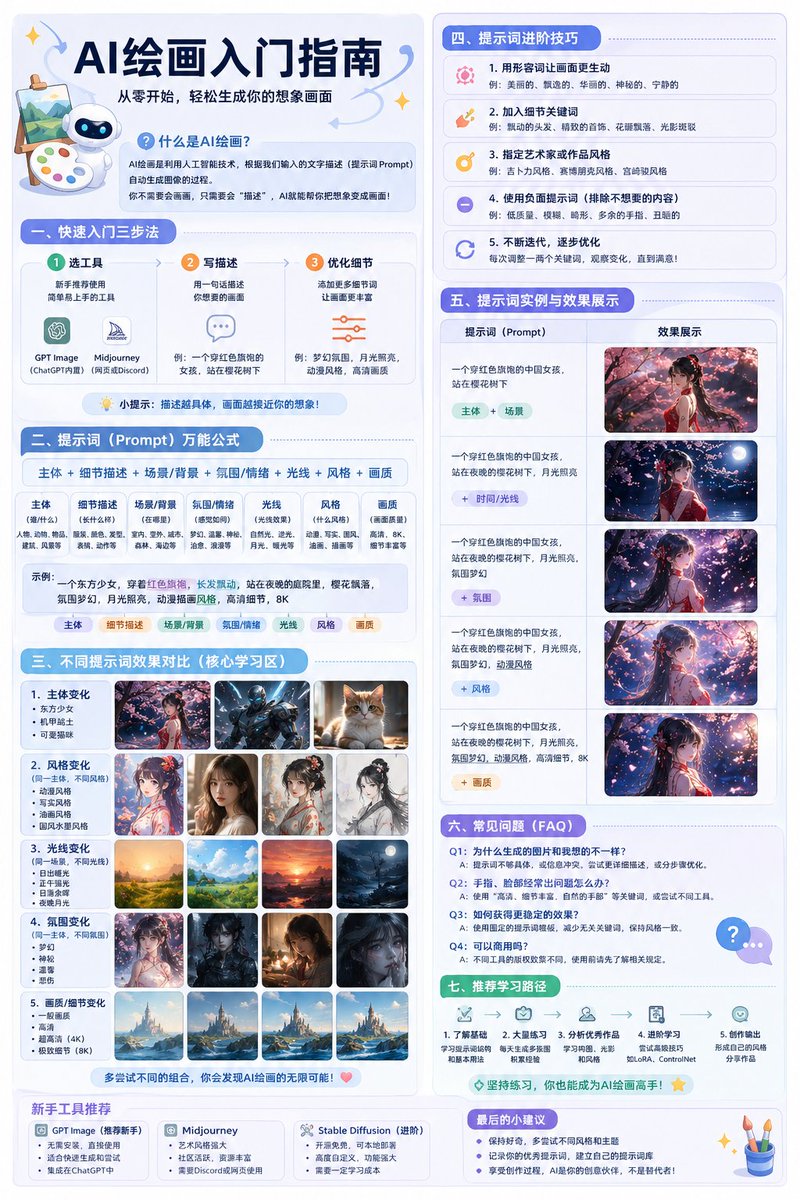
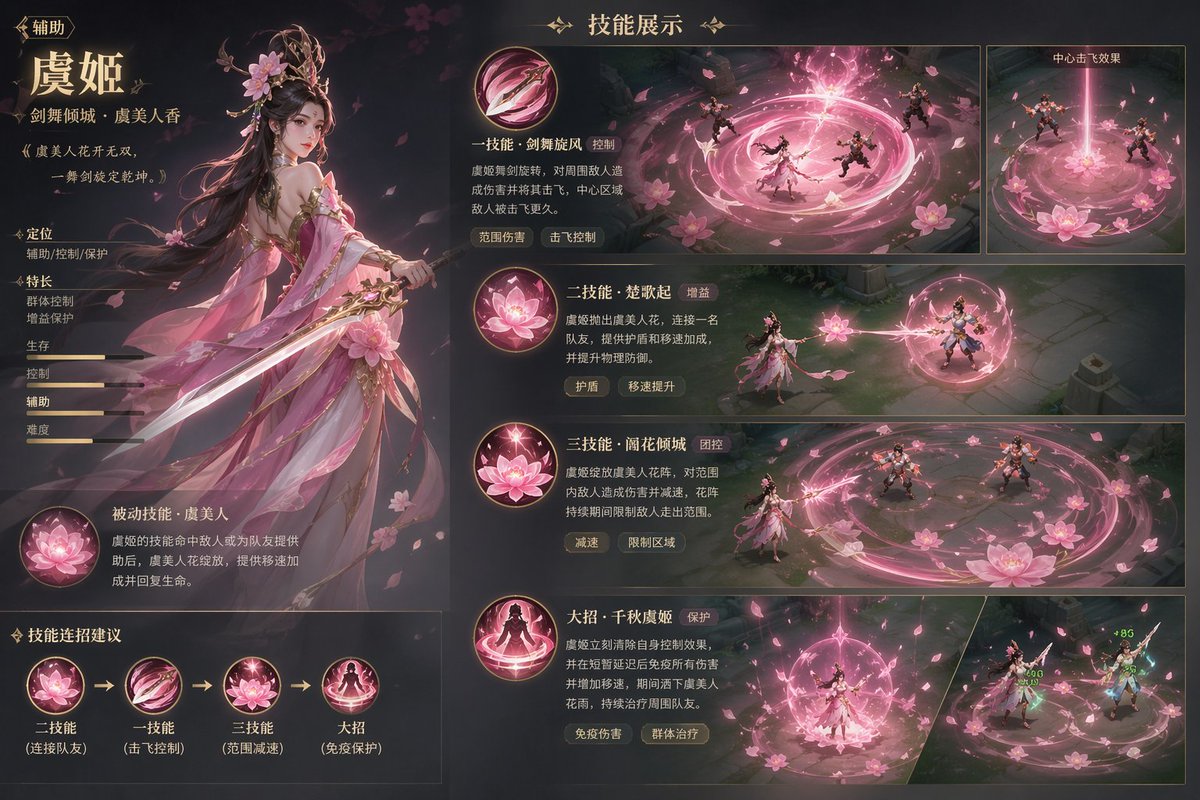
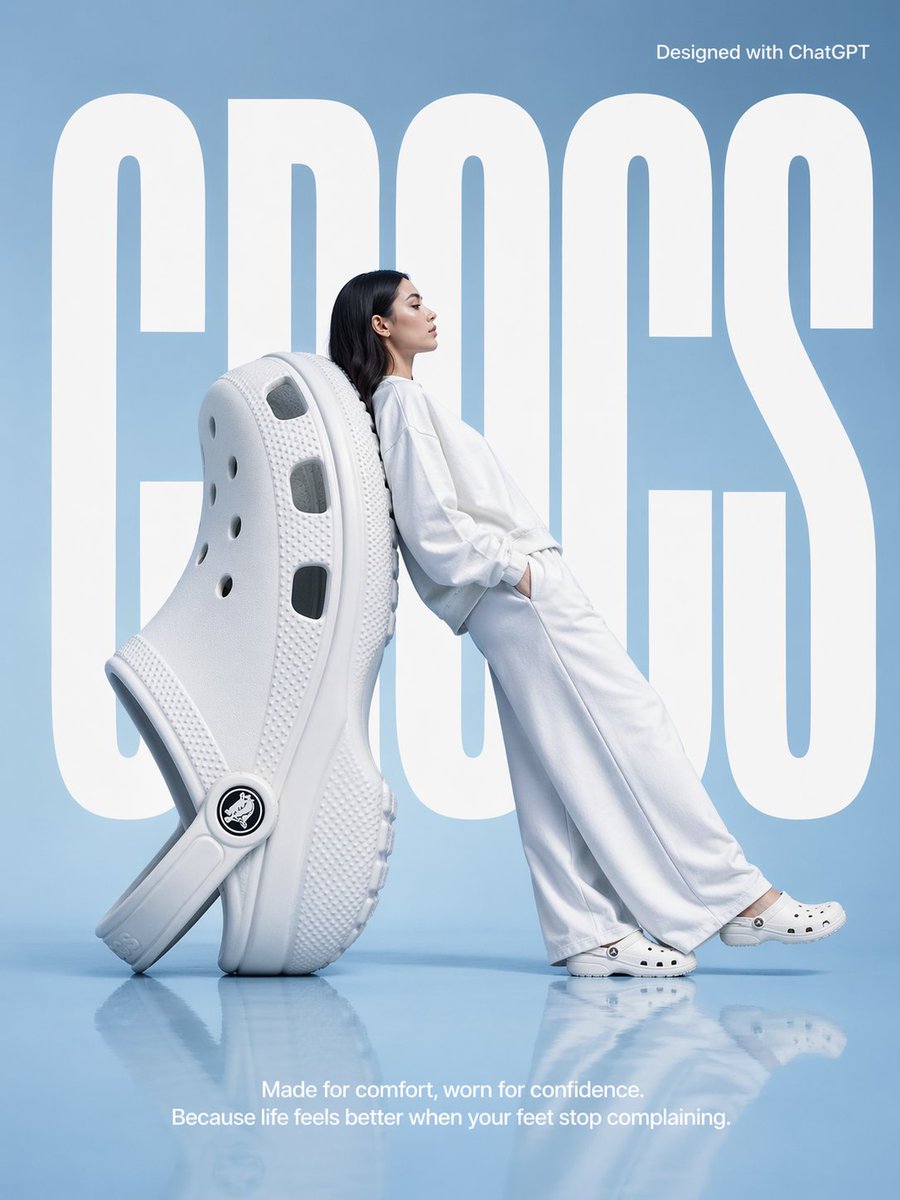
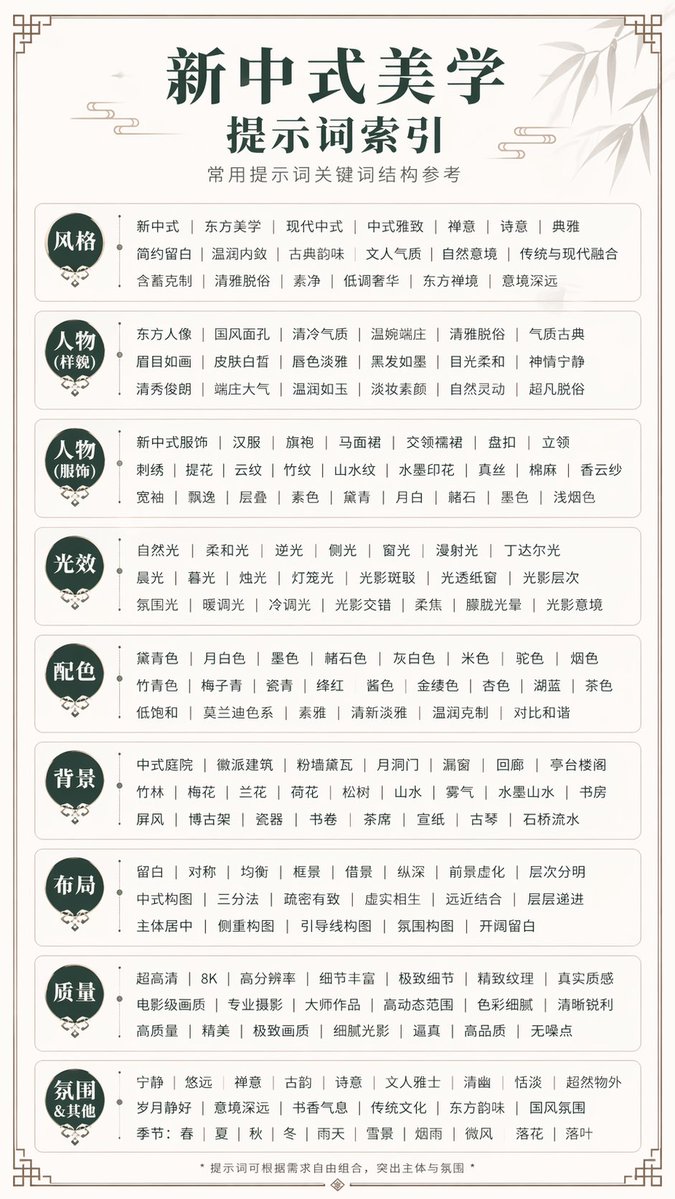
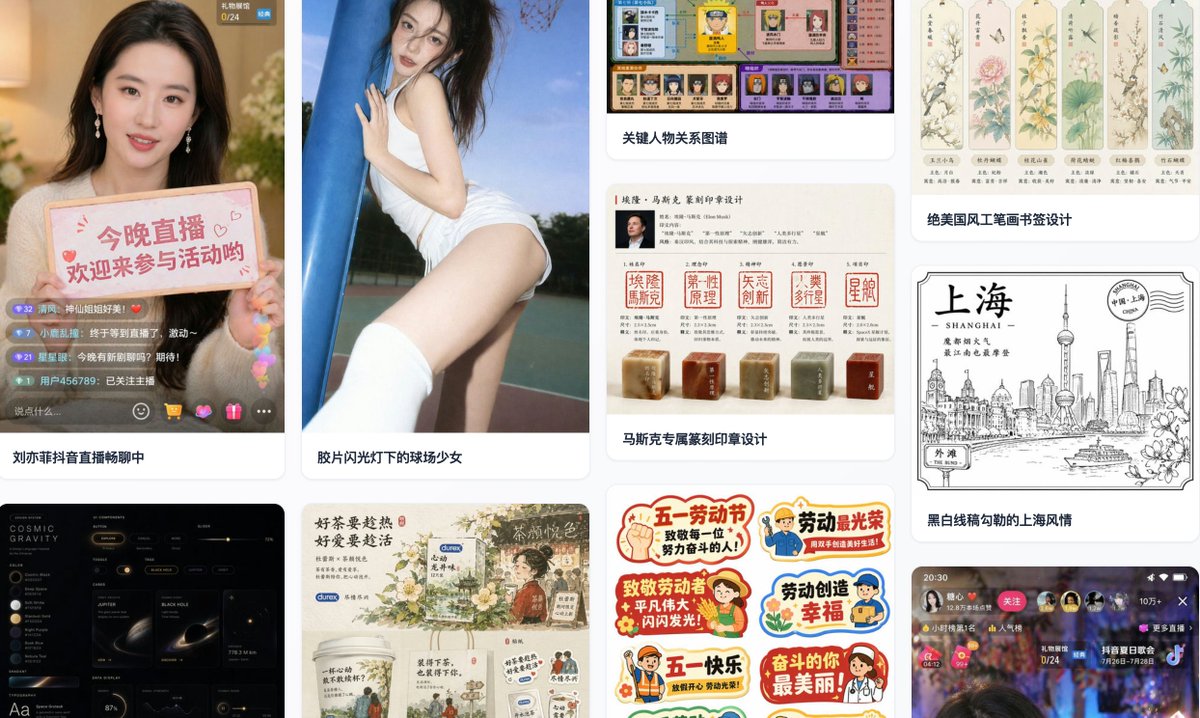
Hailuo 03 image workflow at a glance
- 01
Write prompts around subject, setting, lighting, palette, lens, and mood.
- 02
Use a reference image when visual continuity matters more than open exploration.
- 03
Plan composition and aspect ratio before refining surface detail.
- 04
Review each result against a clear creative brief and iterate one variable at a time.
What is the Hailuo 03 AI Image Generator workflow?
The Hailuo 03 AI Image Generator page is a practical workspace for developing image ideas through text prompts and reference-led direction. It helps creators move from a loose concept to a composition that can support a wider campaign or story.
It suits designers, marketers, storytellers, product teams, and independent creators who want a repeatable way to explore visual options, compare directions, and prepare strong key frames. A key-frame storyboard also needs a motion brief: Kling 4.0 scene animation pairs the chosen image with action and camera direction.
Five capabilities for clearer visual direction
Treat generation as an art-direction process: define the idea, control the frame, and learn from each iteration.
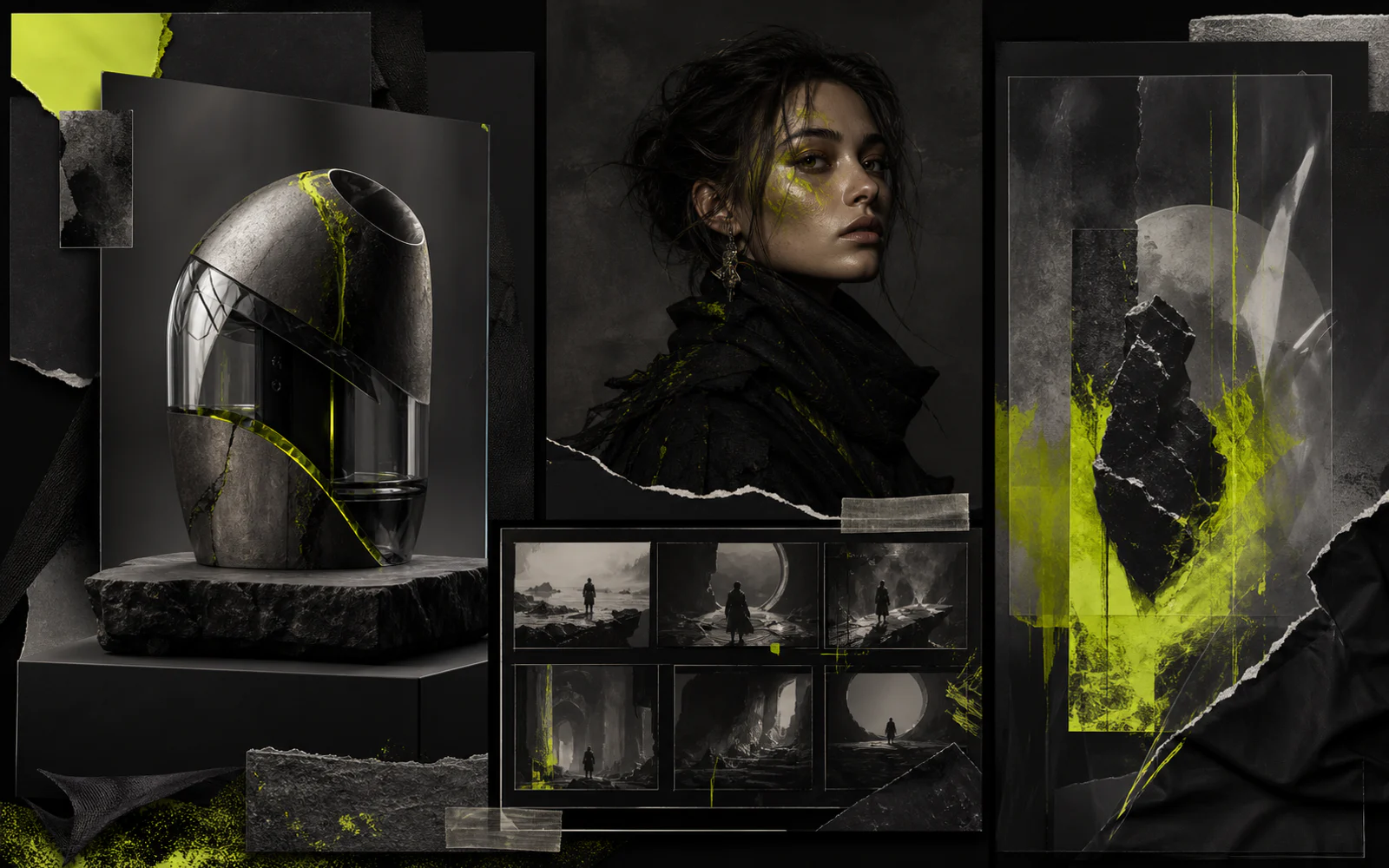
Structured prompt building
Organize the prompt from subject and action to environment, lighting, color, material, and mood so the visual intent stays easy to review.
Reference-led exploration
Use a reference to anchor shape language, character cues, palette, or atmosphere while leaving room for a new composition.
Composition direction
State framing, viewpoint, depth, negative space, and focal hierarchy before adding decorative detail.
Aspect-ratio planning
Choose the destination format early so the subject, background, and breathing room work for the final placement.
Iteration and review
Compare outputs against the same brief, keep the strongest choices, and change one prompt variable at a time.
Where this workflow fits
Use the page to develop visual directions before committing to a full production set.
Product concepts
Explore form, material, lighting, environment, and presentation angles for early product storytelling.
Character development
Define silhouette, wardrobe, expression, color language, and setting across a coherent character direction.
Storyboards and key frames
Prepare establishing shots, turning points, and visual beats that make a sequence easier to discuss.
Social campaign visuals
Test bold compositions, modular crops, and palette systems for feeds, stories, covers, and launch concepts.
Text prompt or reference image?
Both routes are useful. Choose based on how much visual freedom or continuity the brief requires.
| Decision point | Text-only start | Reference-guided start |
|---|---|---|
| Best starting point | A new idea with room for broad visual discovery. | An existing mood, subject, palette, or shape language to carry forward. |
| Creative control | Control comes mainly from precise language and prompt structure. | Control combines prompt direction with visible cues from the source image. |
| Iteration focus | Refine subject, scene, lighting, framing, and style terms. | Refine what should stay consistent and what should change. |
| Useful outcome | Diverse concepts and unexpected compositions. | More connected variations for a defined visual system. |
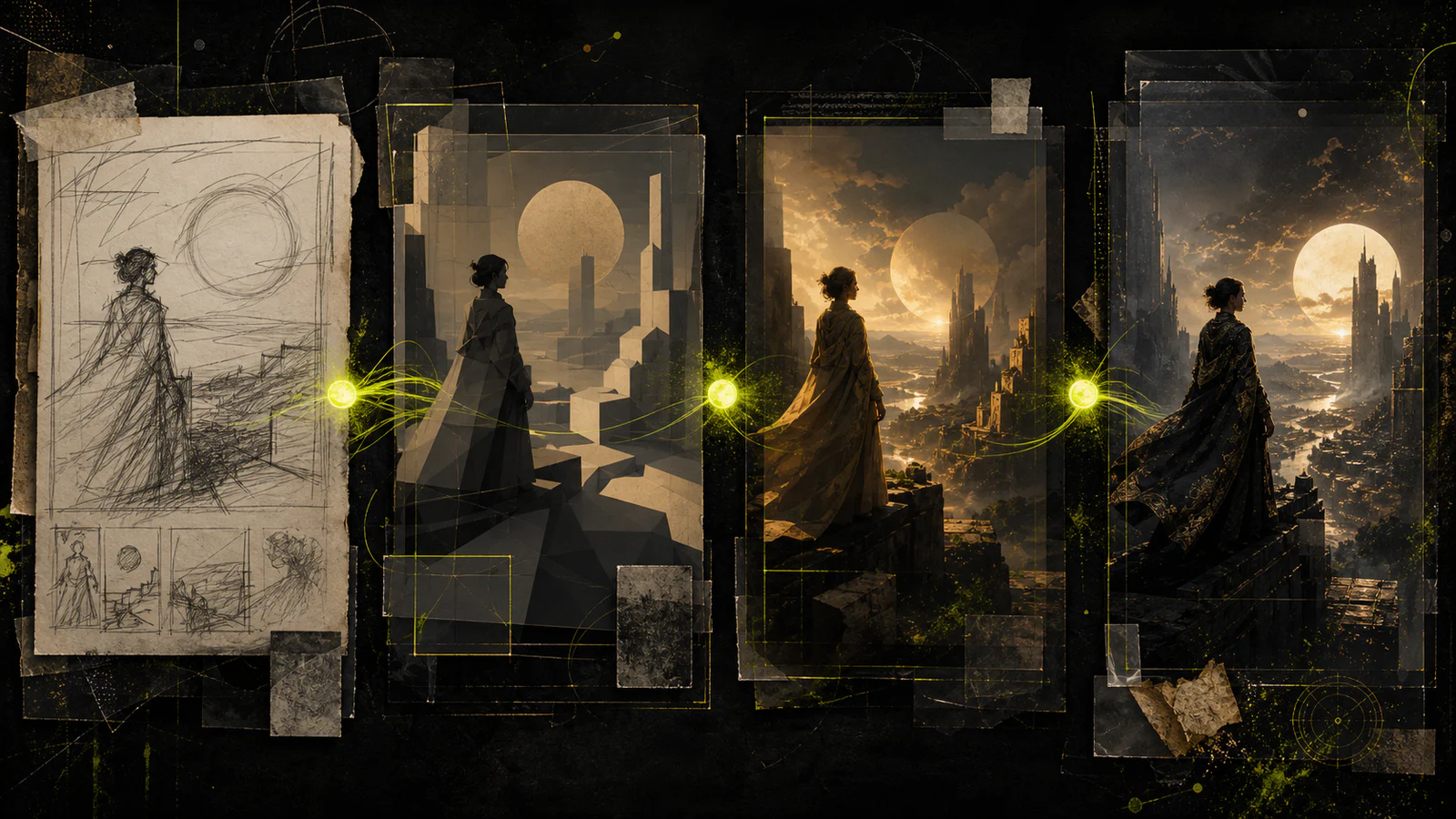
A four-step image workflow
Move from a clear brief to a reviewed key frame without changing every variable at once.
- 1
Define the visual brief
Write the subject, audience, intended placement, mood, and non-negotiable details in a few direct lines.
- 2
Choose text or reference guidance
Start from language for open exploration, or add a reference when continuity and visual anchors matter.
- 3
Set the frame
Specify viewpoint, composition, focal point, negative space, lighting direction, and aspect ratio.
- 4
Review and refine
Select the strongest result, compare it with the brief, and revise one meaningful variable for the next pass.
Hailuo 03 AI Image Generator FAQ
Practical answers for prompt, reference, composition, and iteration decisions.
Start with the subject and action, then add setting, composition, lighting, palette, material, and mood. Put the most important constraints first and remove phrases that do not change the visual decision.
Use a reference when you need continuity in shape language, character cues, palette, atmosphere, or composition. A text-only start is better when you want a wider range of interpretations.
Name the viewpoint, shot distance, focal subject, foreground and background relationship, negative space, and intended crop. These choices give the image a clearer hierarchy.
Match the ratio to the final placement. Wide frames suit cinematic scenes and headers, vertical frames support stories and posters, while square formats work well for modular social layouts.
Keep the brief and strongest visual choices stable, then change one variable such as lighting, camera position, palette, or environment. This makes each comparison easier to learn from.
Yes. Define the narrative beat, character position, environment, and camera intent for each frame, then use a shared palette and visual language to keep the sequence connected.